Audio Cable Types: XLR, TRS, TS, RCA and 3.5 mm
XLR, TRS, TS, RCA and 3.5 mm audio cables compared: what each carries, balanced vs unbalanced wiring, line levels, TRRS pin orders and which adapters work.

The cable and connector reference
A plain reference to the cables behind every network, screen and speaker: Ethernet and fiber, HDMI and DisplayPort, USB-C and Thunderbolt, serial and SCSI, audio, coax and power. What each one carries, how far, and what will not work.
Six sections. Each opens with the guide that covers the essentials, then goes standard by standard.
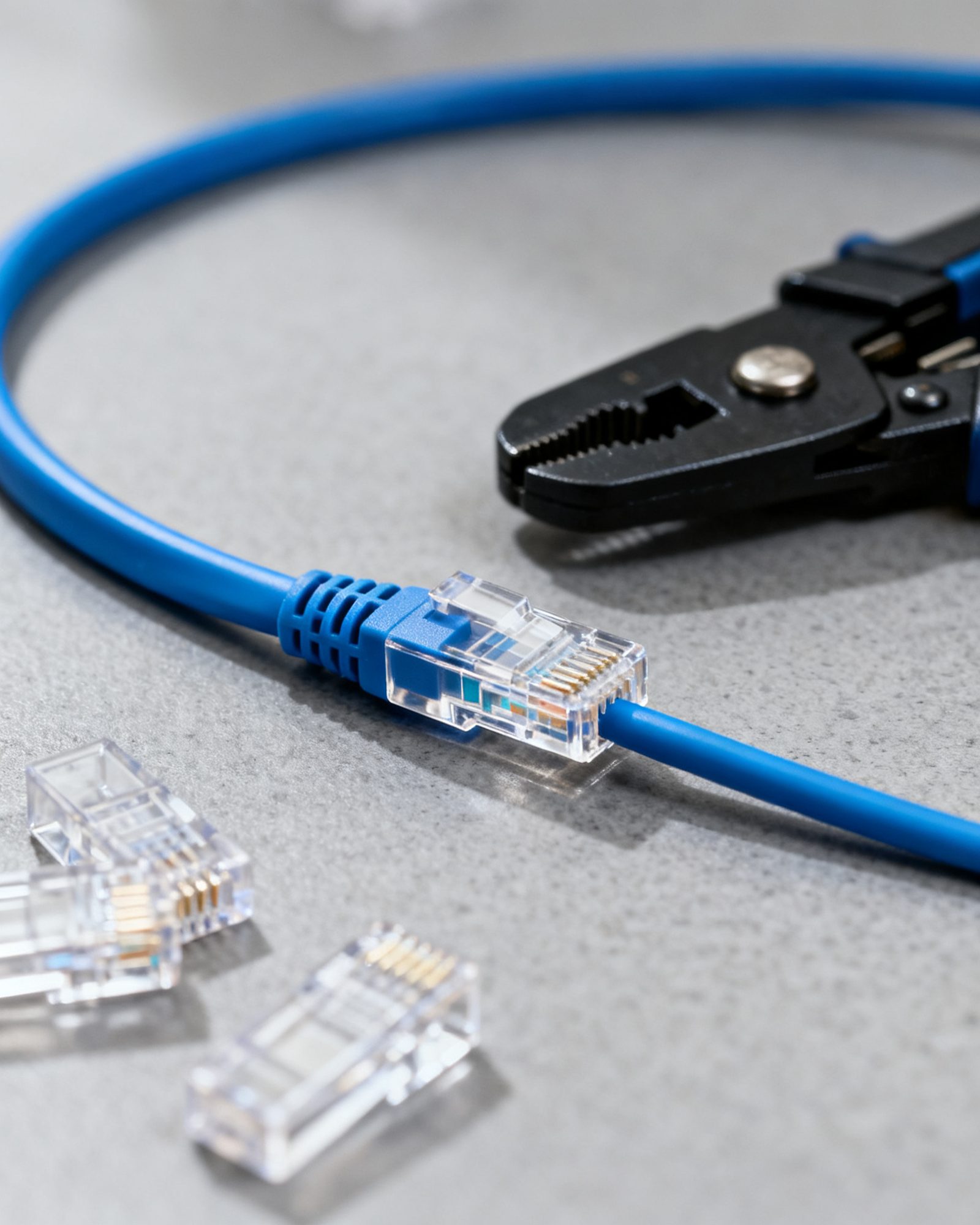
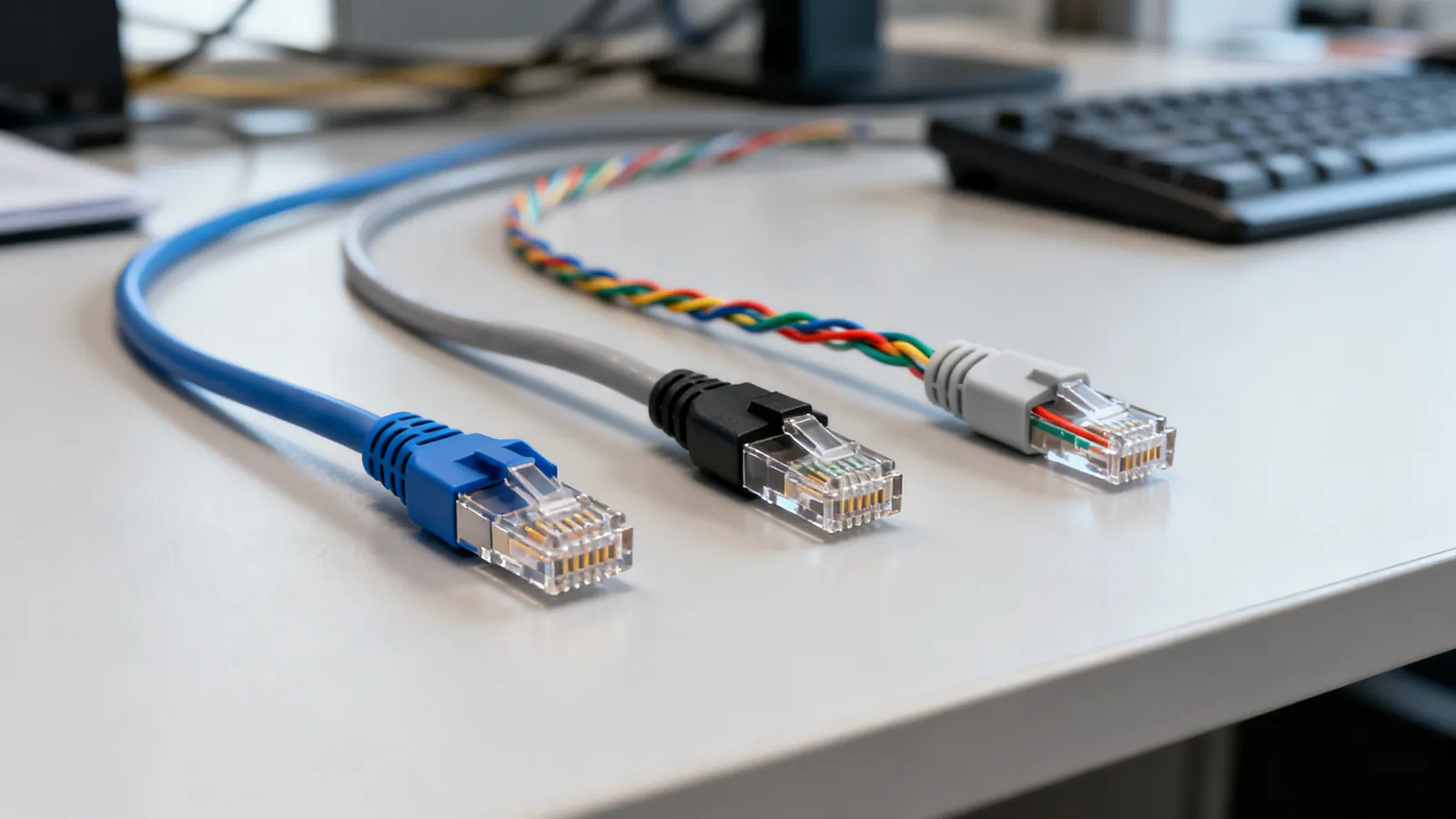
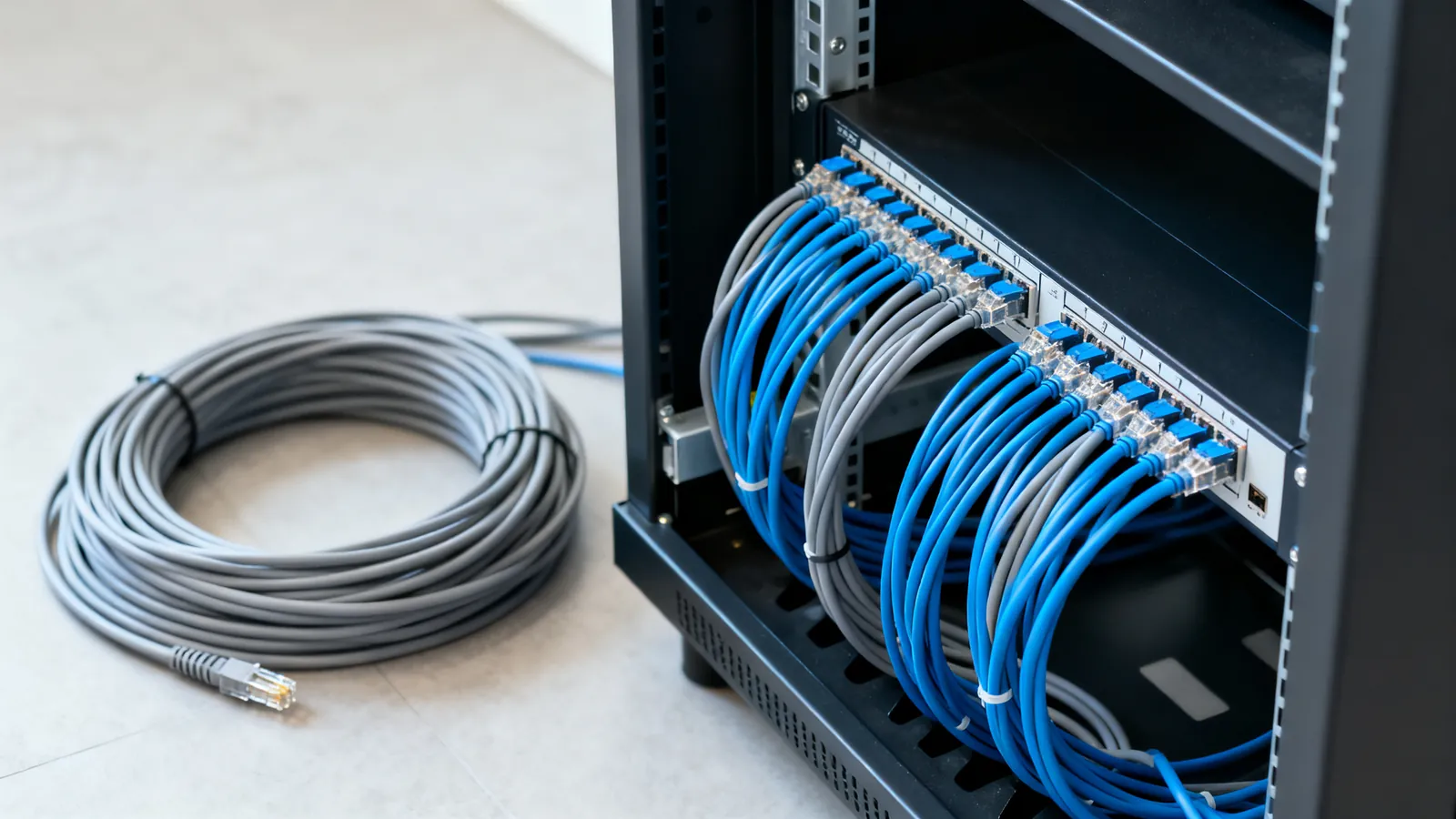
Cat5e to Cat8, distances, T568A and T568B, crimping, shielding, fire ratings, PoE, patch panels and planning a wired home or office.
14 guides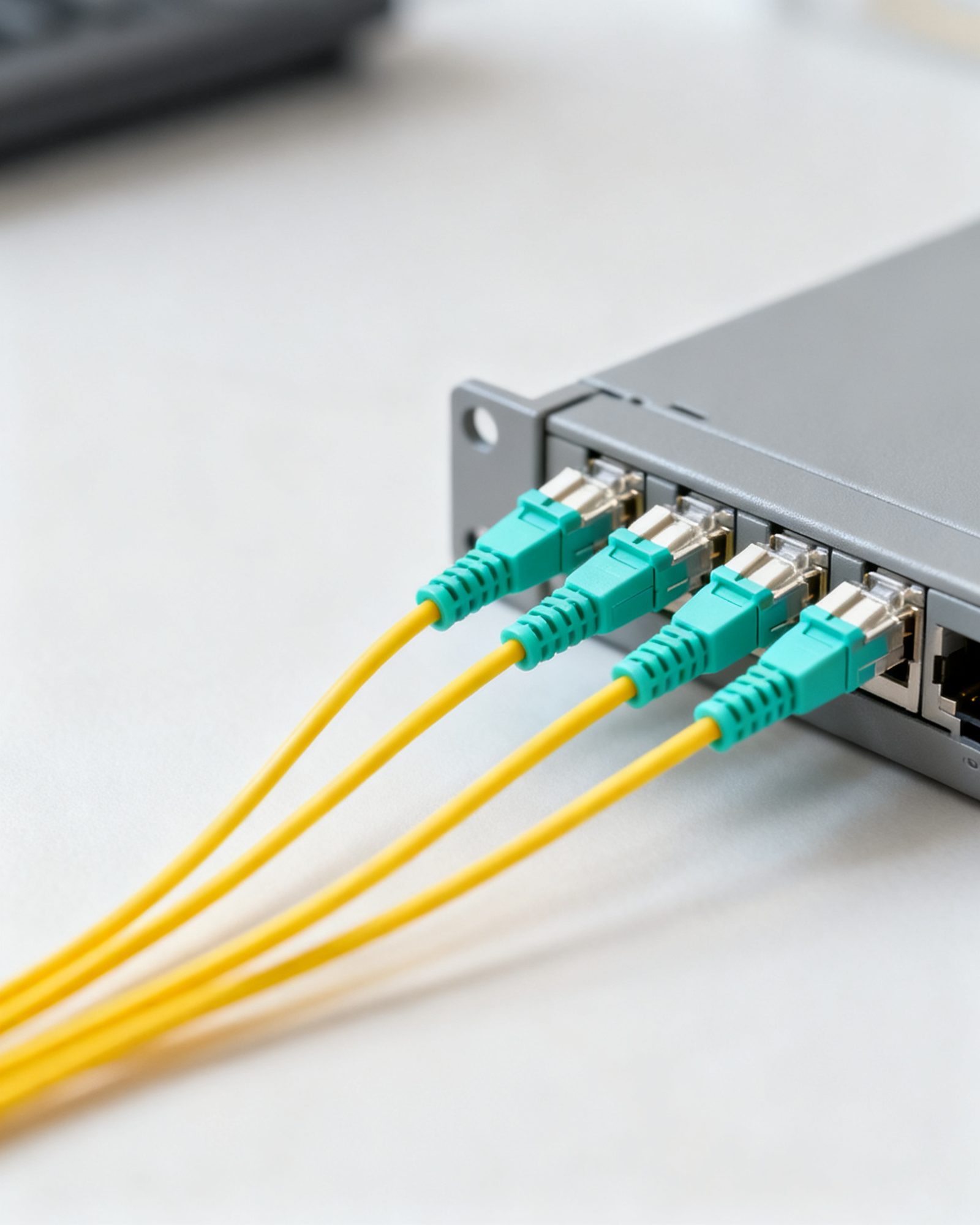
Singlemode and multimode, the OM grades and their reach, LC, SC, ST and MPO connectors, SFP modules, DAC cables, and when fiber beats copper.
5 guides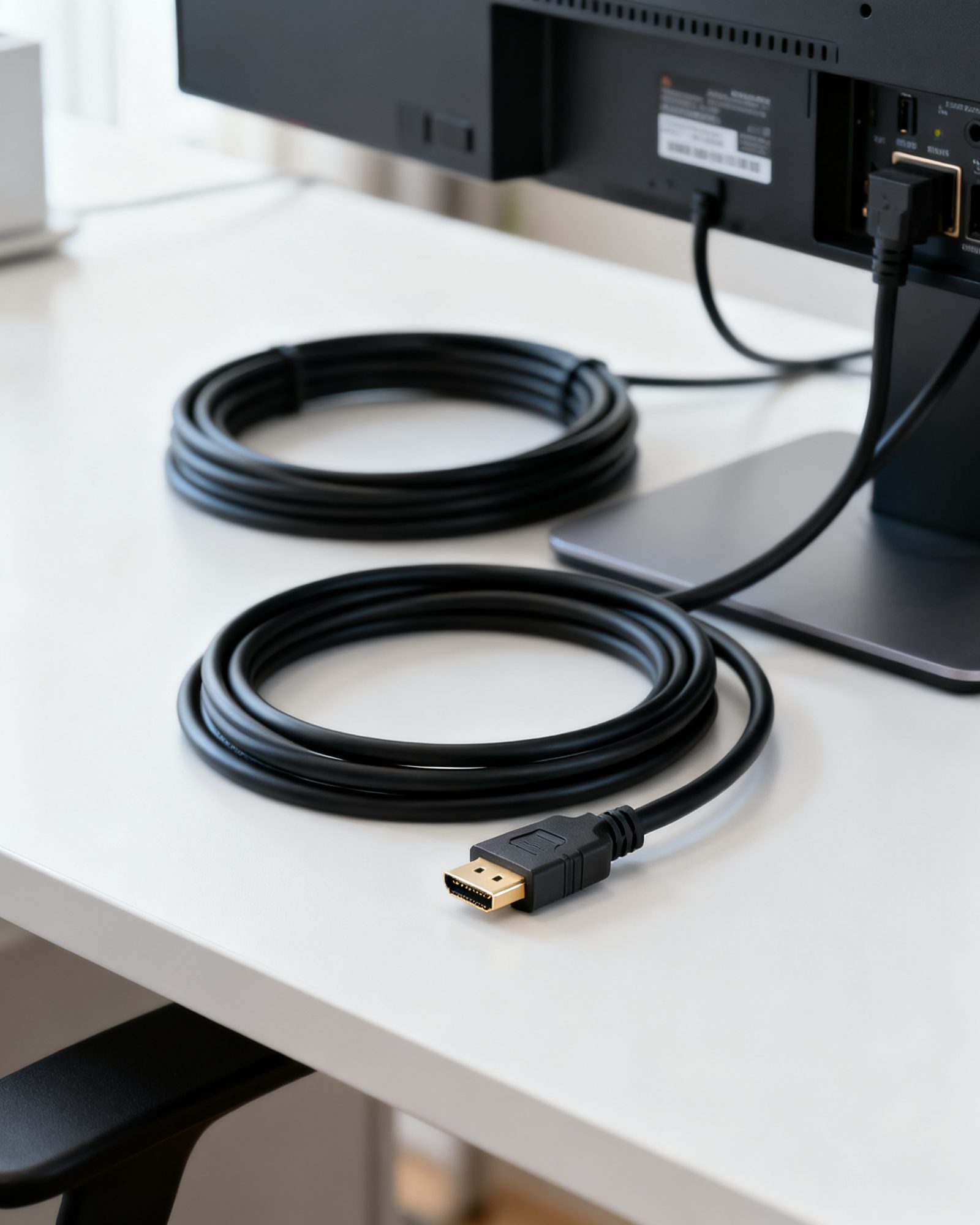
HDMI versions and cable ratings, DisplayPort, ARC and eARC, long runs and HDBaseT, VGA and DVI adapters, and KVM switches.
8 guides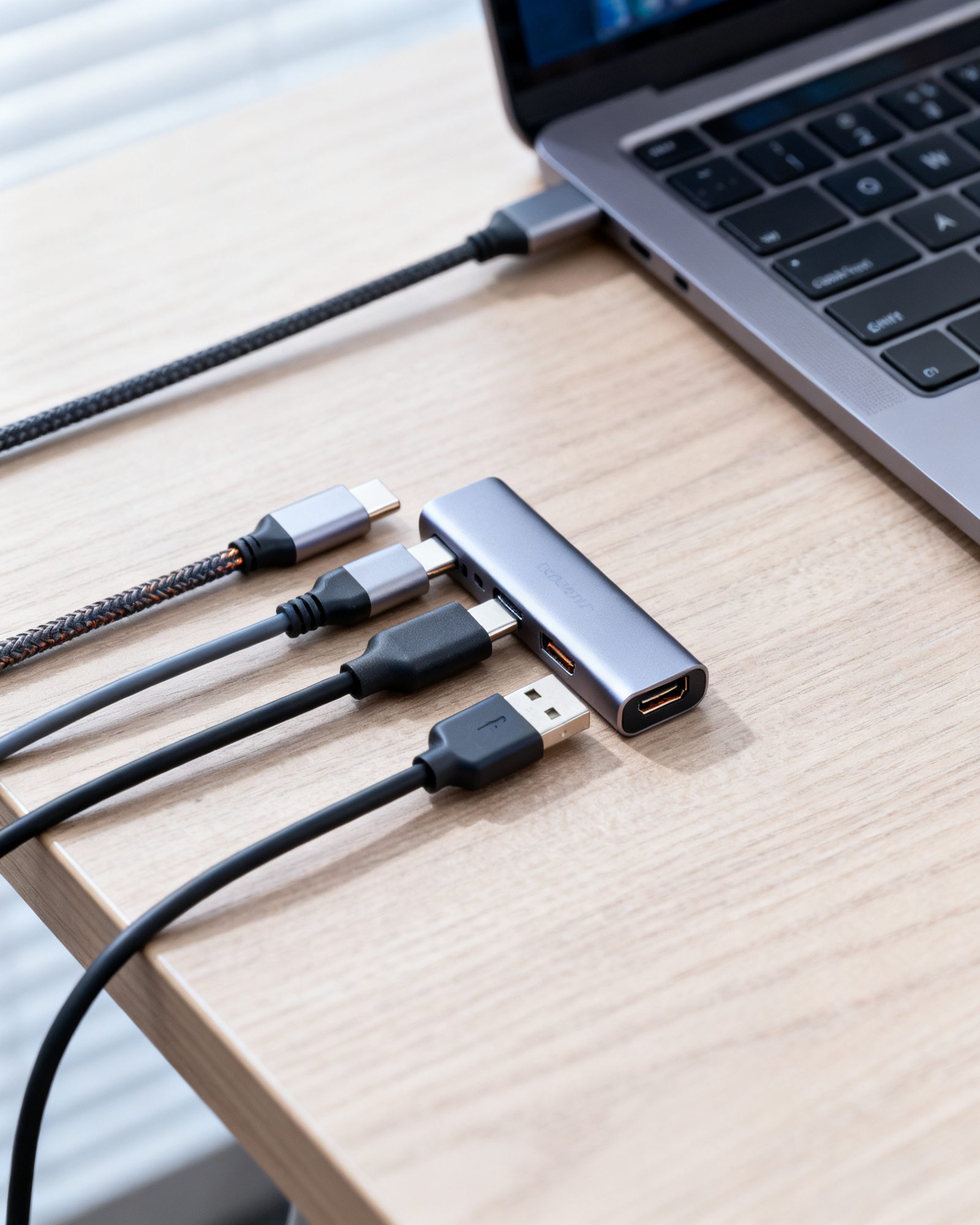
Why USB-C cables differ, every USB speed name decoded, Thunderbolt and USB4, charging wattage, cable lengths, hubs, docks and Lightning.
7 guides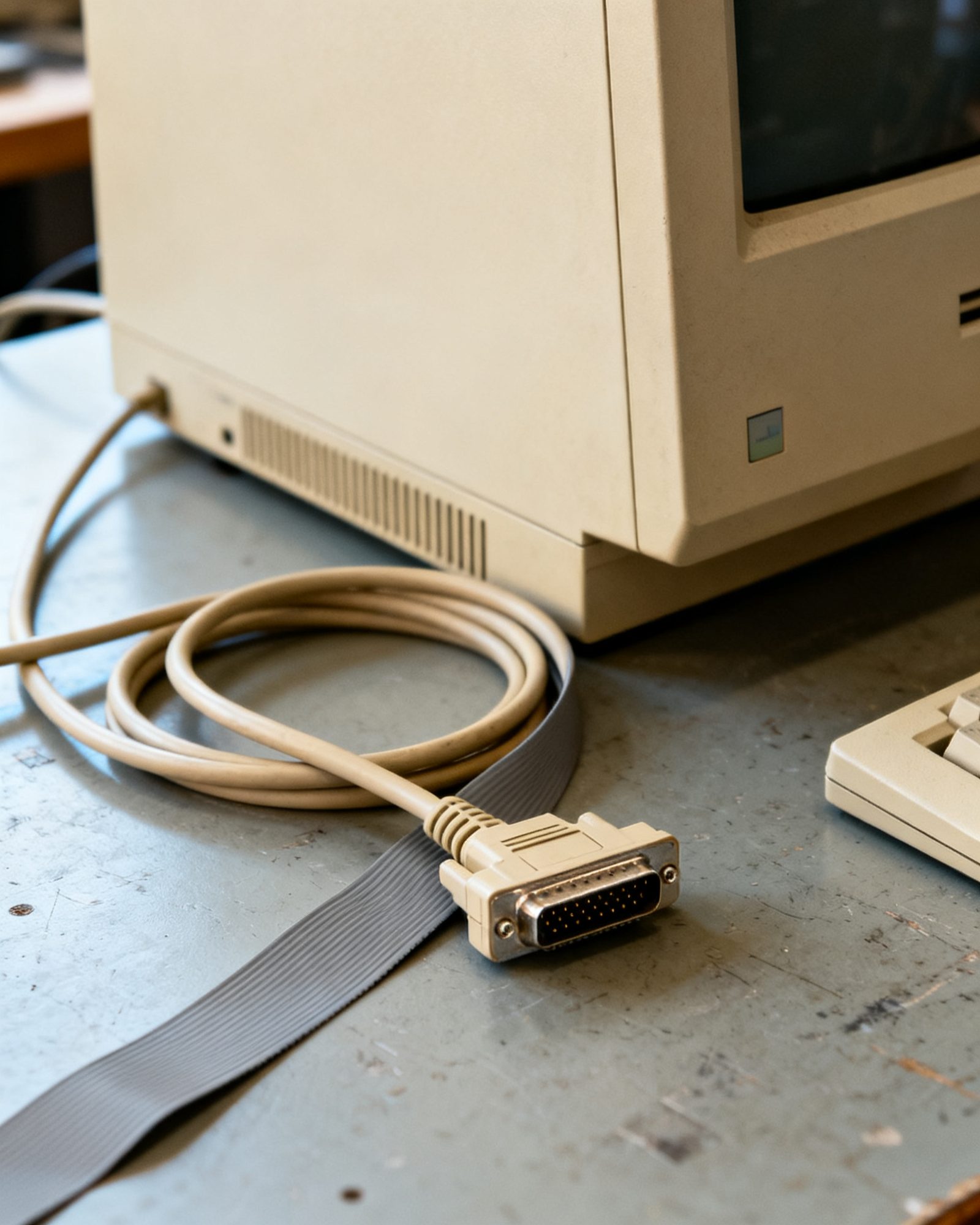
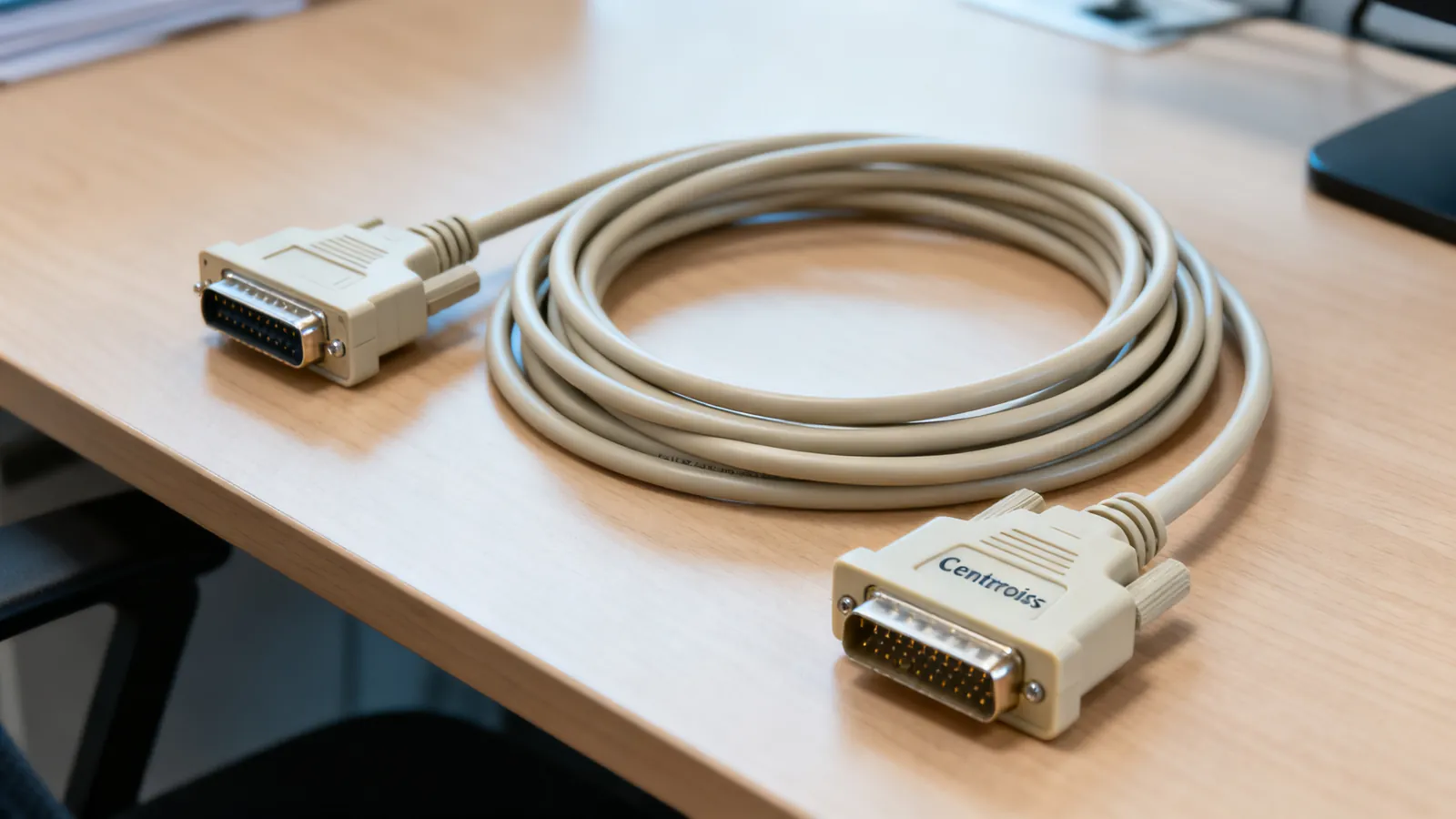
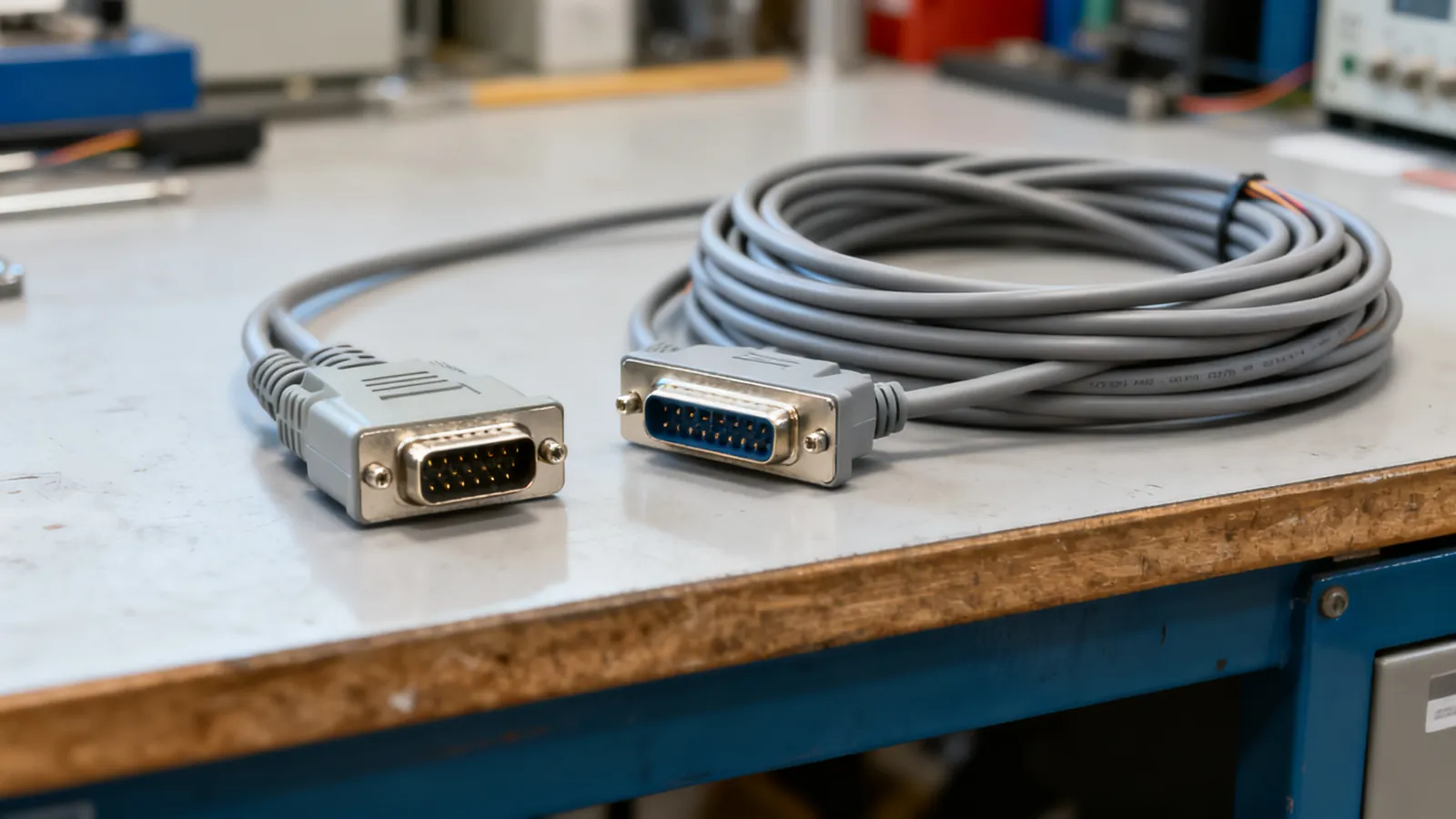
RS-232 pinouts, null modem cables, USB-to-serial adapters, RS-422 and RS-485, SCSI and SAS, parallel printer and telco cables.
8 guides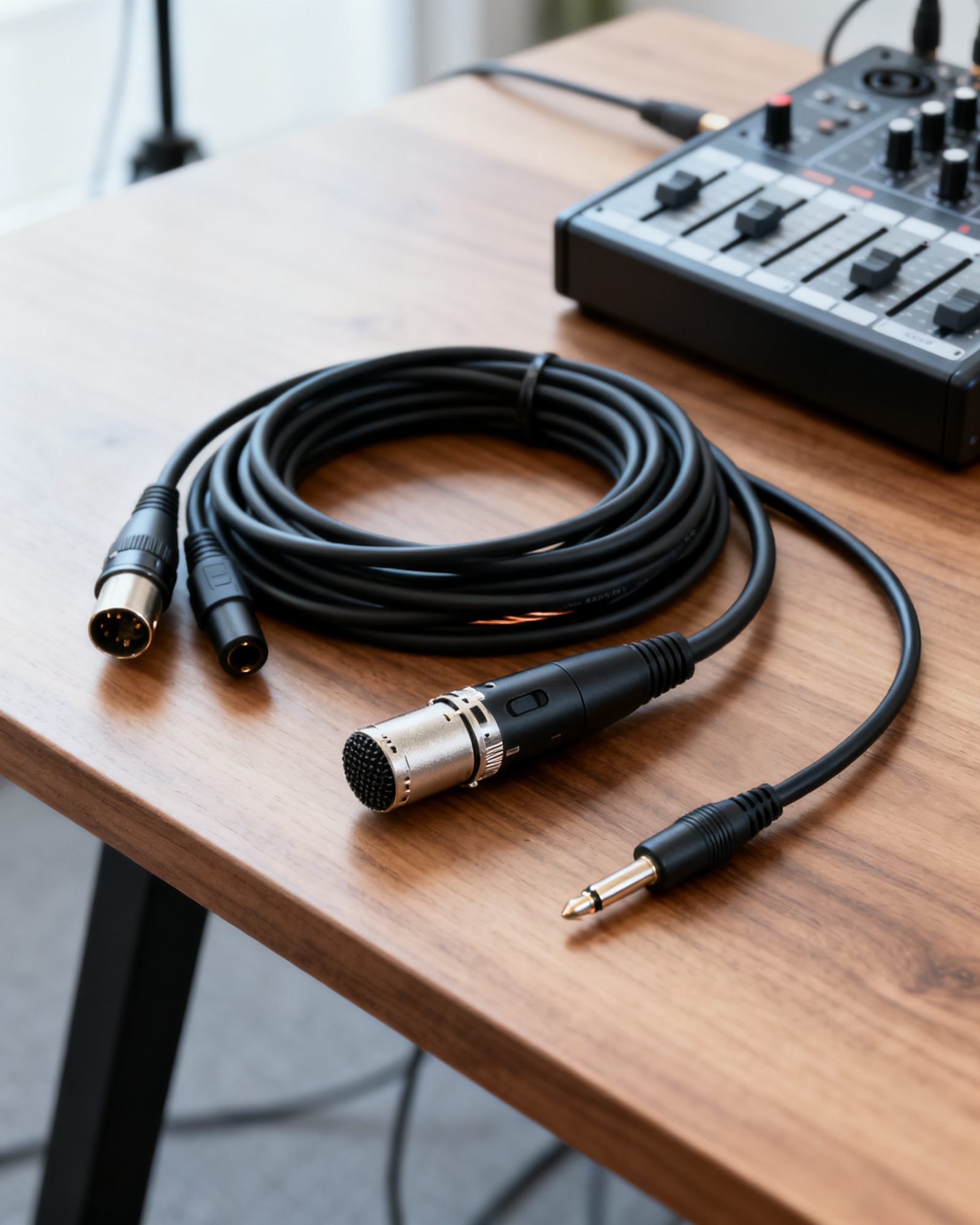
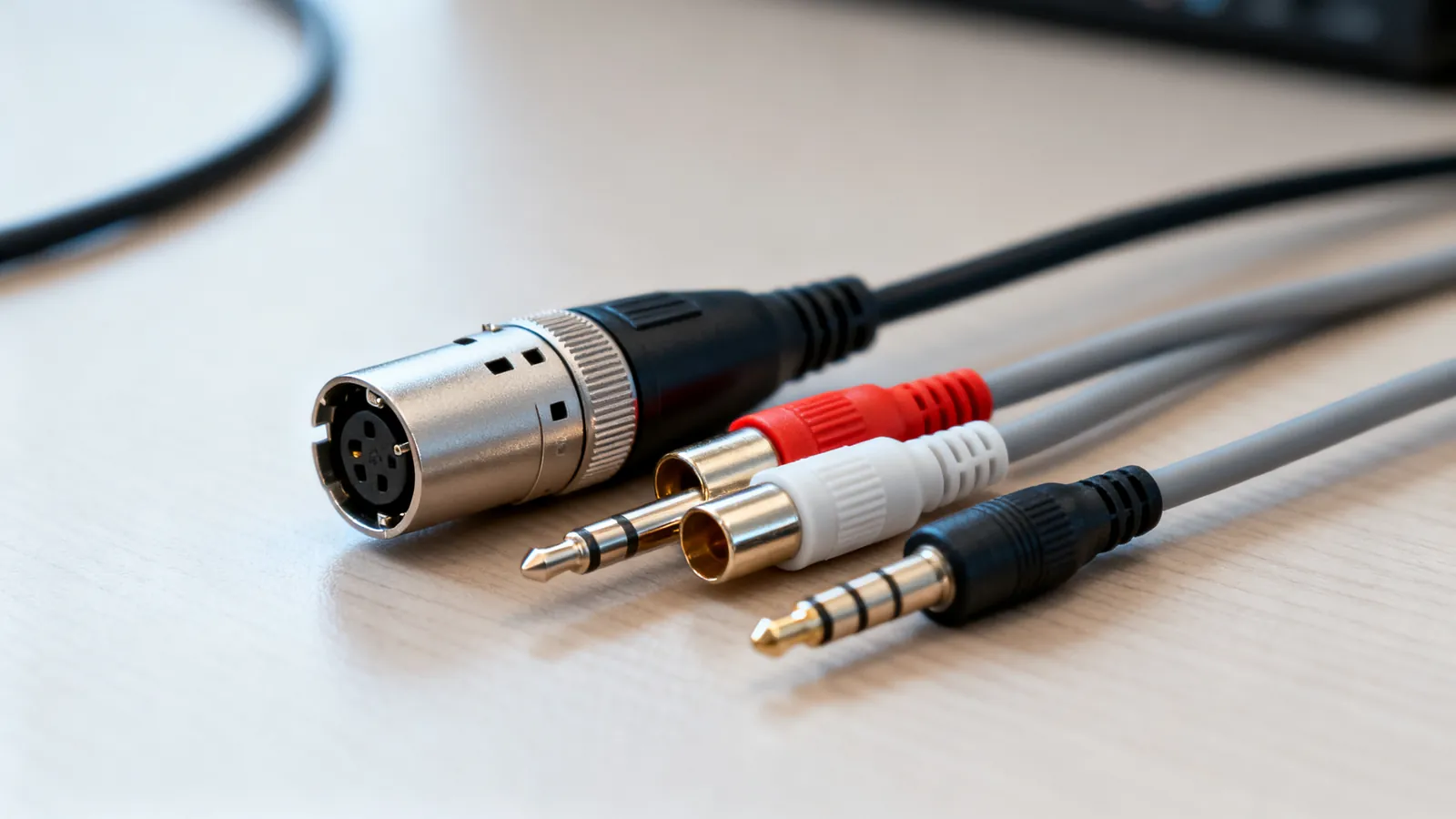
XLR, TRS and RCA, optical and coaxial digital audio, speaker wire gauge, RG6 and RG59 coax, BNC and SDI, analogue video and IEC power cords.
7 guidesXLR, TRS, TS, RCA and 3.5 mm audio cables compared: what each carries, balanced vs unbalanced wiring, line levels, TRRS pin orders and which adapters work.
Cat5e, Cat6 and Cat6a compared: bandwidth, 10 Gbps reach, shielding and when each category is the right choice for home or office cabling.
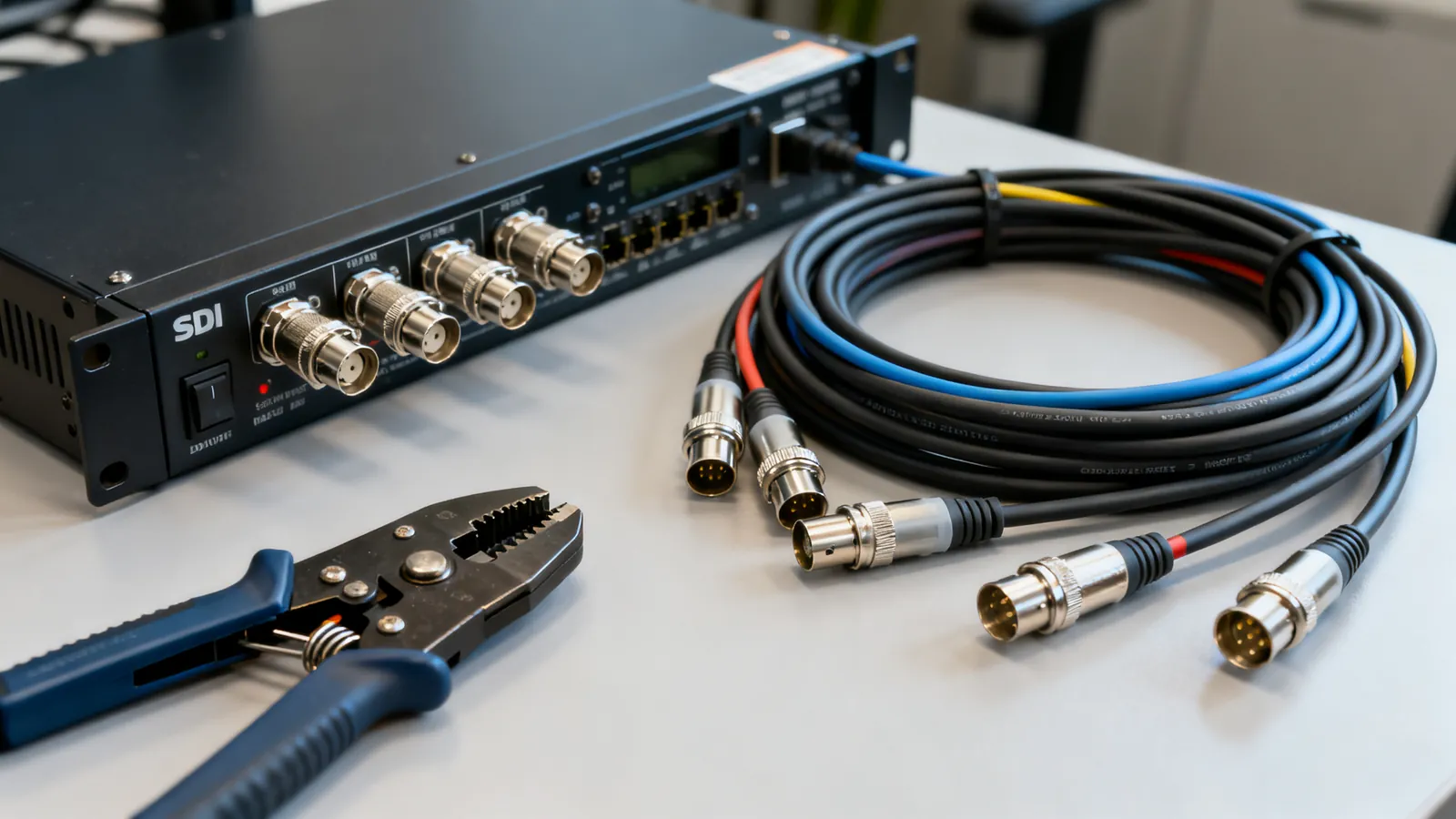
BNC connectors come in 50 and 75 ohm versions. Learn which to use for SDI video, CCTV and test gear, the SDI data rates, and how to convert BNC to RCA.
Cat7 is ISO-only with GG45 or TERA connectors; Cat8 is a 30 m data-centre cable. Learn what each standard says and what to buy for home or office.
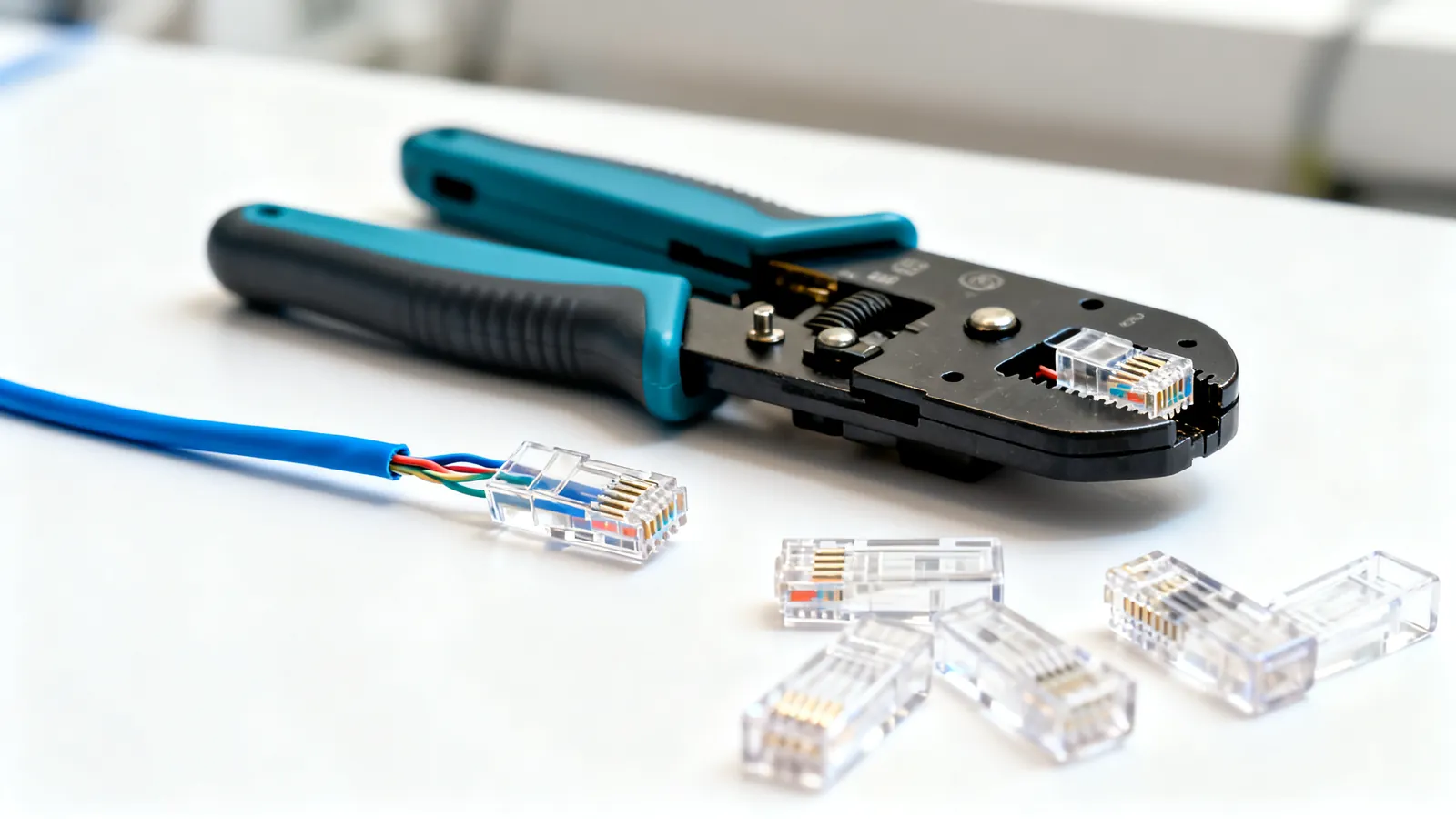
Step-by-step RJ45 crimping: the right plug for solid or stranded cable, T568A or T568B pinout, the 13 mm untwist limit, testing, and why a cable fails.
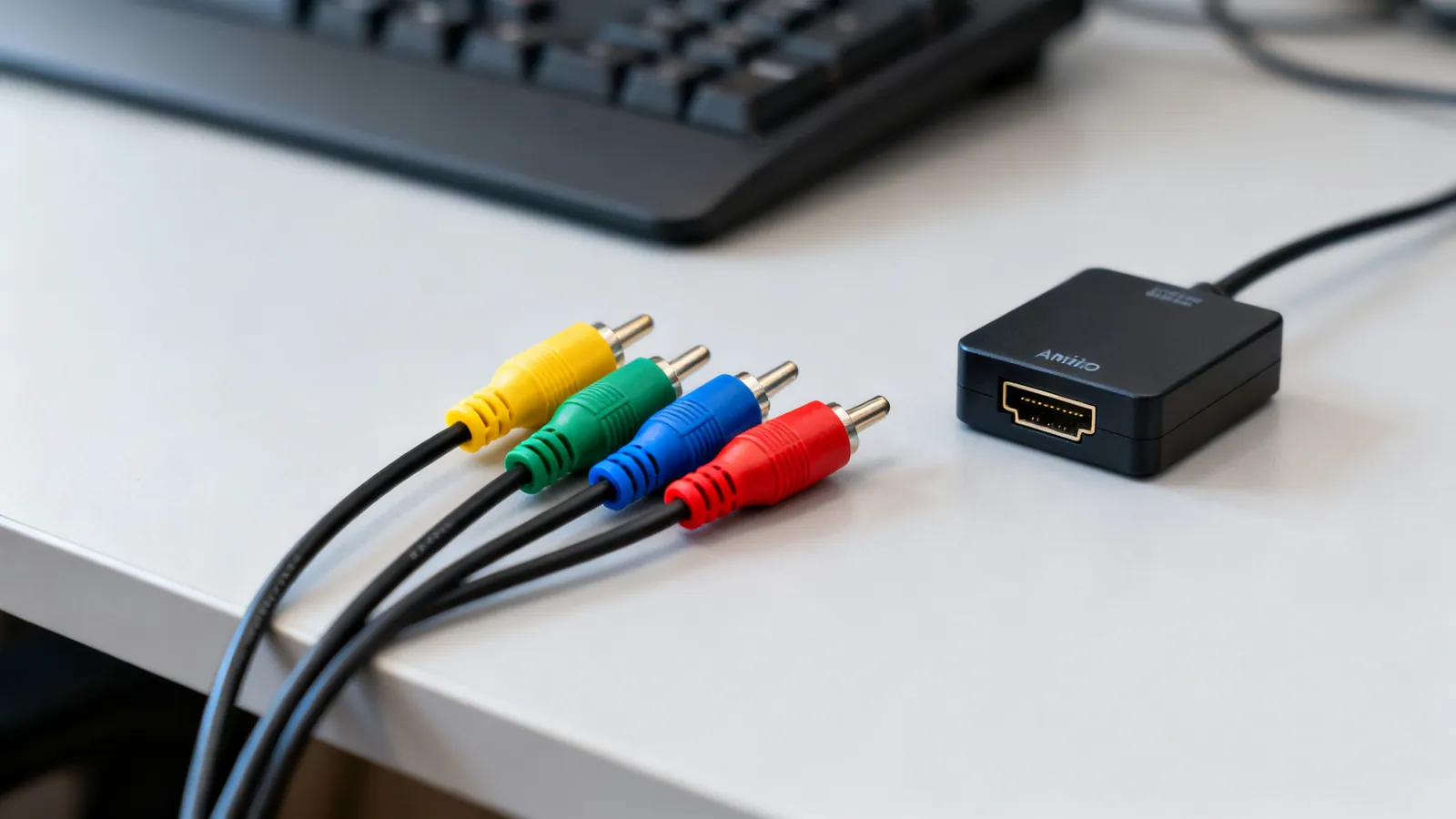
Composite and component video both use RCA plugs, but carry different signals. Compare resolution, connectors, S-Video and SCART, and adapters for old gear.
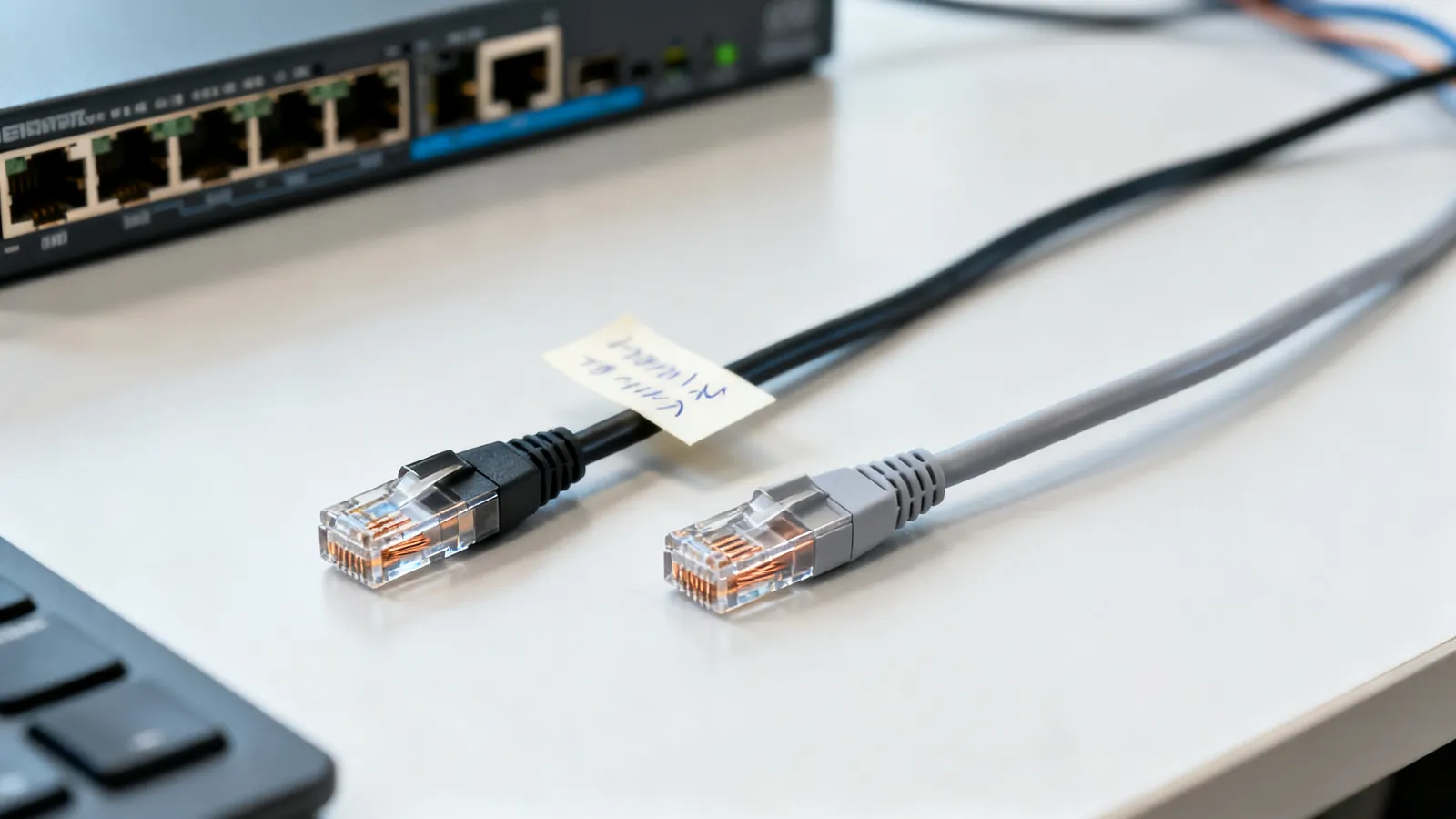
Crossover or straight-through? How T568A and T568B pinouts decide it, why Auto-MDI-X made crossovers rare, and when a rollover console cable is still needed.
The label on a cable is a promise. The standard says whether it can keep it.
Start with Ethernet categoriesCat5e to Cat8, distances, T568A and T568B, crimping, shielding, fire ratings, PoE, patch panels and planning a wired home or office.
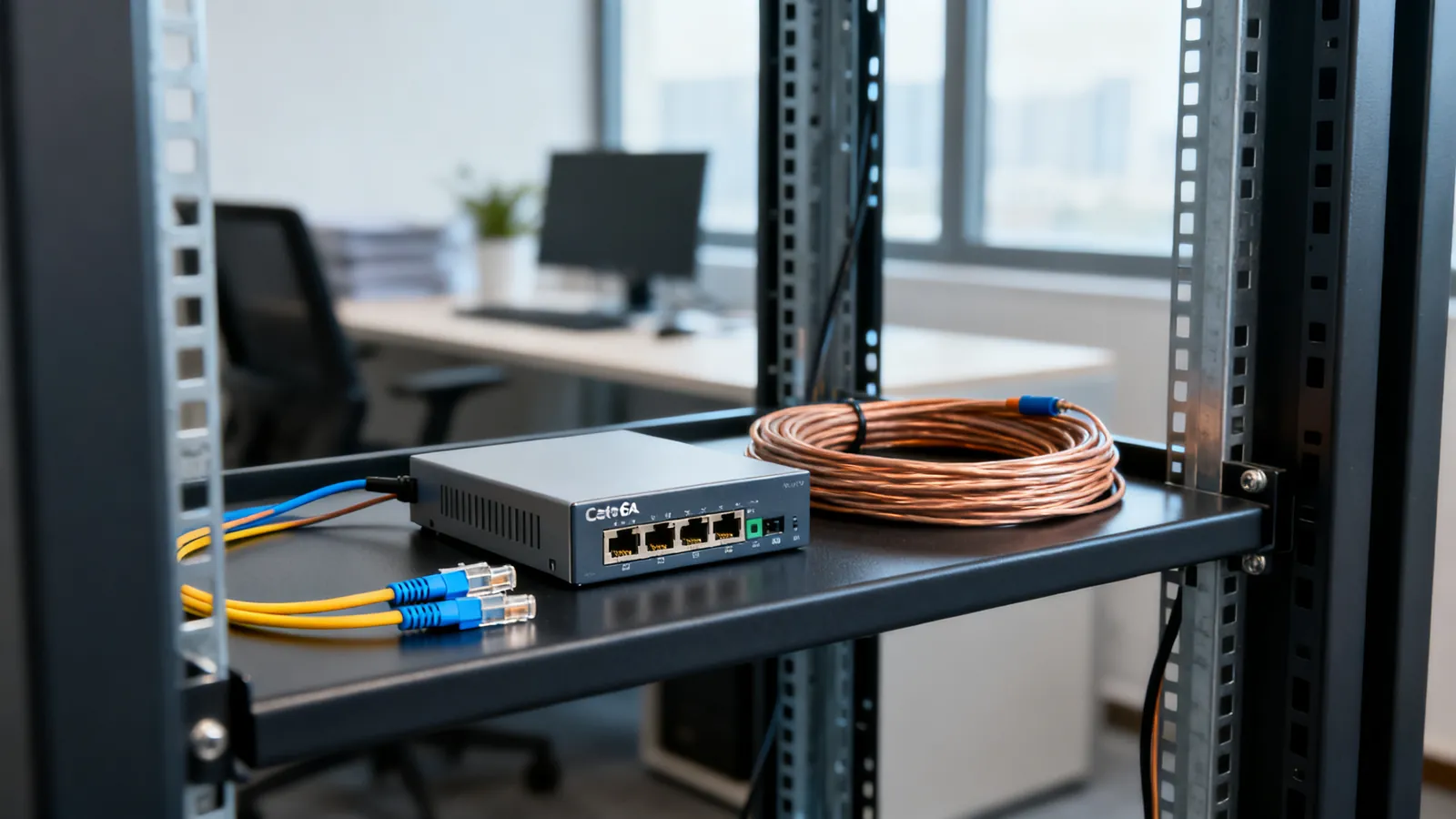
Cat5e, Cat6 and Cat6a compared: bandwidth, 10 Gbps reach, shielding and when each category is the right choice for home or office cabling.
Cat7 is ISO-only with GG45 or TERA connectors; Cat8 is a 30 m data-centre cable. Learn what each standard says and what to buy for home or office.
Step-by-step RJ45 crimping: the right plug for solid or stranded cable, T568A or T568B pinout, the 13 mm untwist limit, testing, and why a cable fails.
Singlemode and multimode, the OM grades and their reach, LC, SC, ST and MPO connectors, SFP modules, DAC cables, and when fiber beats copper.
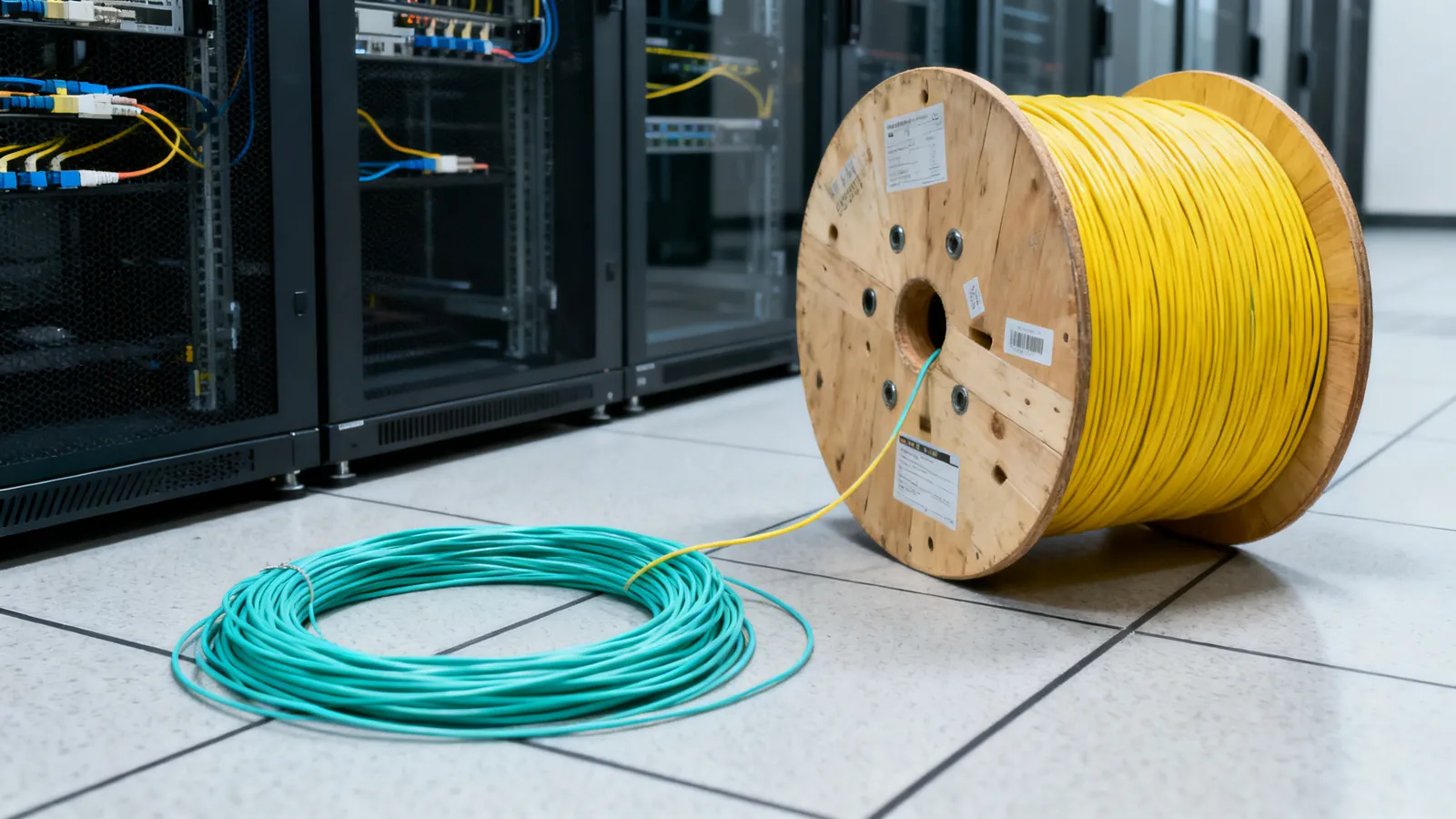
Singlemode and multimode fiber compared: OS2, OM1 to OM5, jacket colours, reach at 1G, 10G, 40G and 100G, and how to choose for a building or campus.
Fiber vs copper Ethernet compared: distance, interference, lightning between buildings, speed headroom, and the handling trade-offs against Cat6 and Cat6a.
Compare LC, SC, ST and MPO fiber connectors, and learn why UPC and APC polish must never be mated. Includes cleaning and selection advice.
HDMI versions and cable ratings, DisplayPort, ARC and eARC, long runs and HDBaseT, VGA and DVI adapters, and KVM switches.
DisplayPort 1.2, 1.4 and 2.1 compared: bandwidth, DSC, MST, DP40 and DP80 cable certification, and DisplayPort over USB-C.
ARC returns stereo and compressed 5.1 over HDMI 1.4; eARC adds uncompressed multichannel PCM and lossless formats like Dolby Atmos. Here is what each needs.
HDMI cables are certified by speed, not version. Compare Standard, High Speed, Premium High Speed, Ultra High Speed and Ultra96, and how to verify a label.
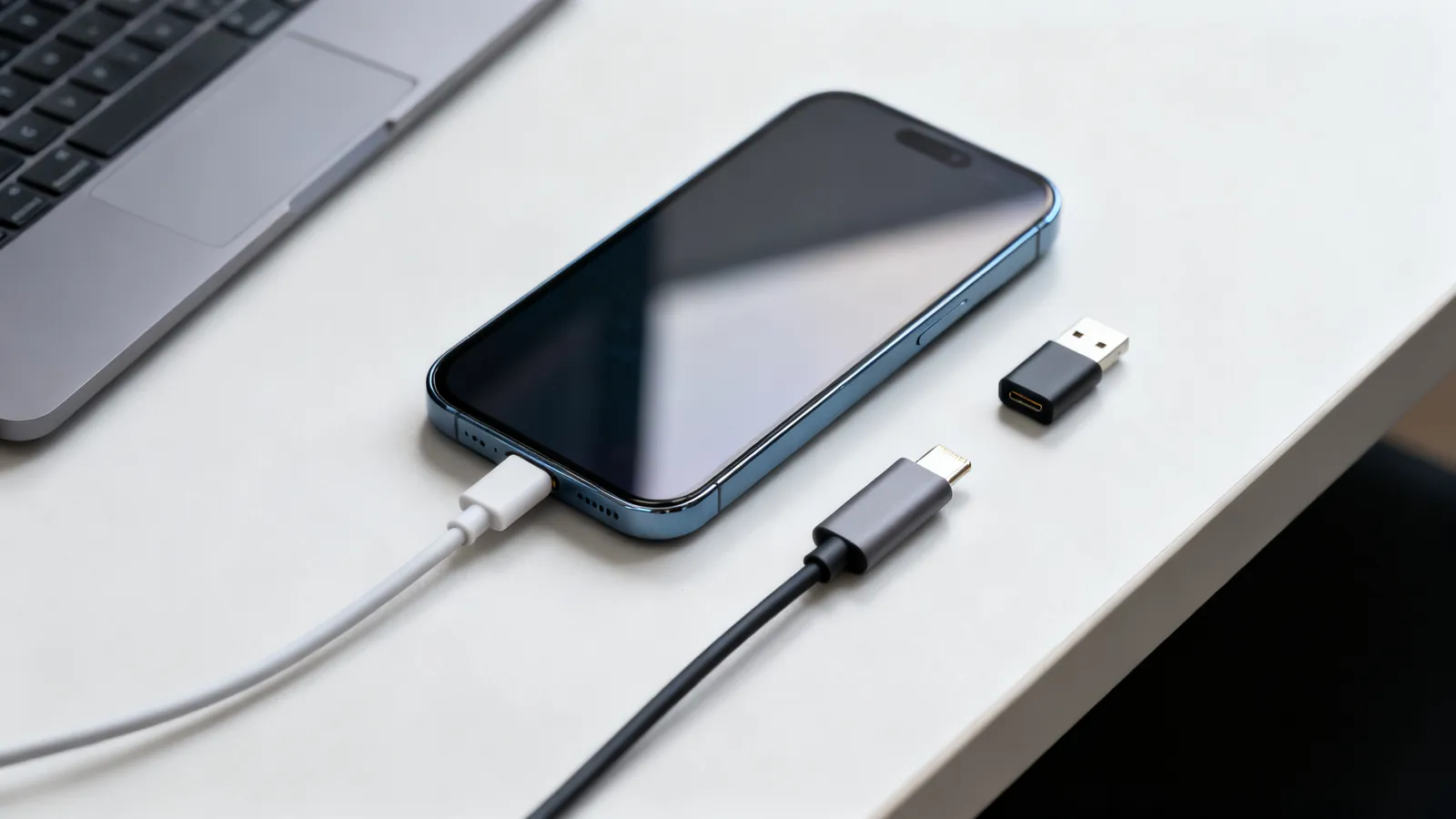
Why USB-C cables differ, every USB speed name decoded, Thunderbolt and USB4, charging wattage, cable lengths, hubs, docks and Lightning.
Lightning vs USB-C explained: why iPhone moved to USB-C, the EU common charger dates, iPhone 15 transfer speeds, and which adapters work with older gear.
Thunderbolt 4 vs USB4 explained: bandwidth, PCIe, displays, charging and cable lengths, plus how Thunderbolt 3 and 5 compare and which cable to buy.
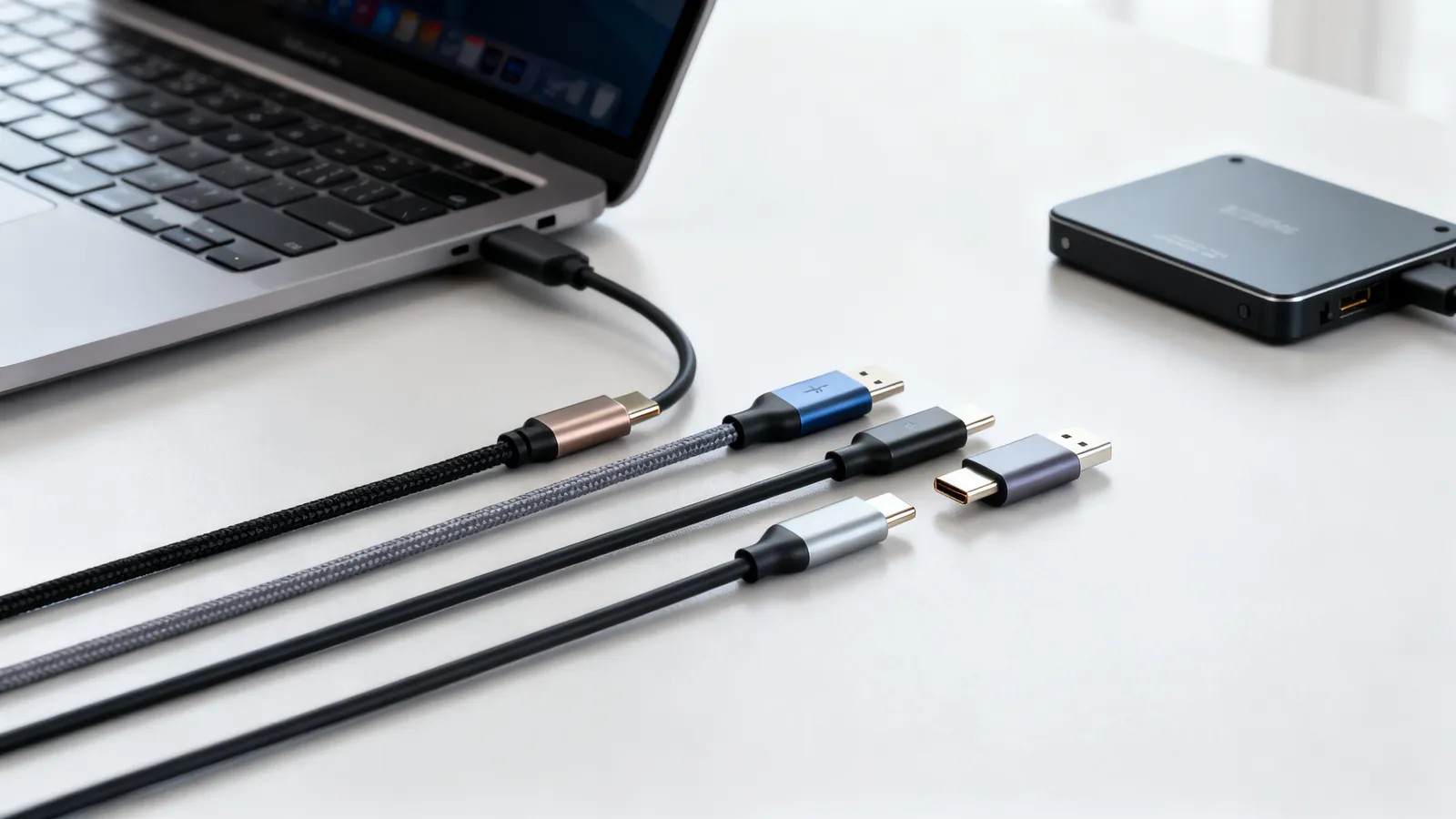
Not all USB-C cables are equal. Learn how to tell a charging cable from a data cable, what an e-marker does, and which cable your monitor needs.
RS-232 pinouts, null modem cables, USB-to-serial adapters, RS-422 and RS-485, SCSI and SAS, parallel printer and telco cables.
A null modem cable crosses TX and RX to join two computers directly. Covers DB9 and DB25 pinouts, adapters versus cables, gender changers and loopback testing.
IEEE 1284 parallel printer cables explained: DB25 and Centronics 36 connectors, cable length limits, modes, and when a USB-to-parallel adapter works.
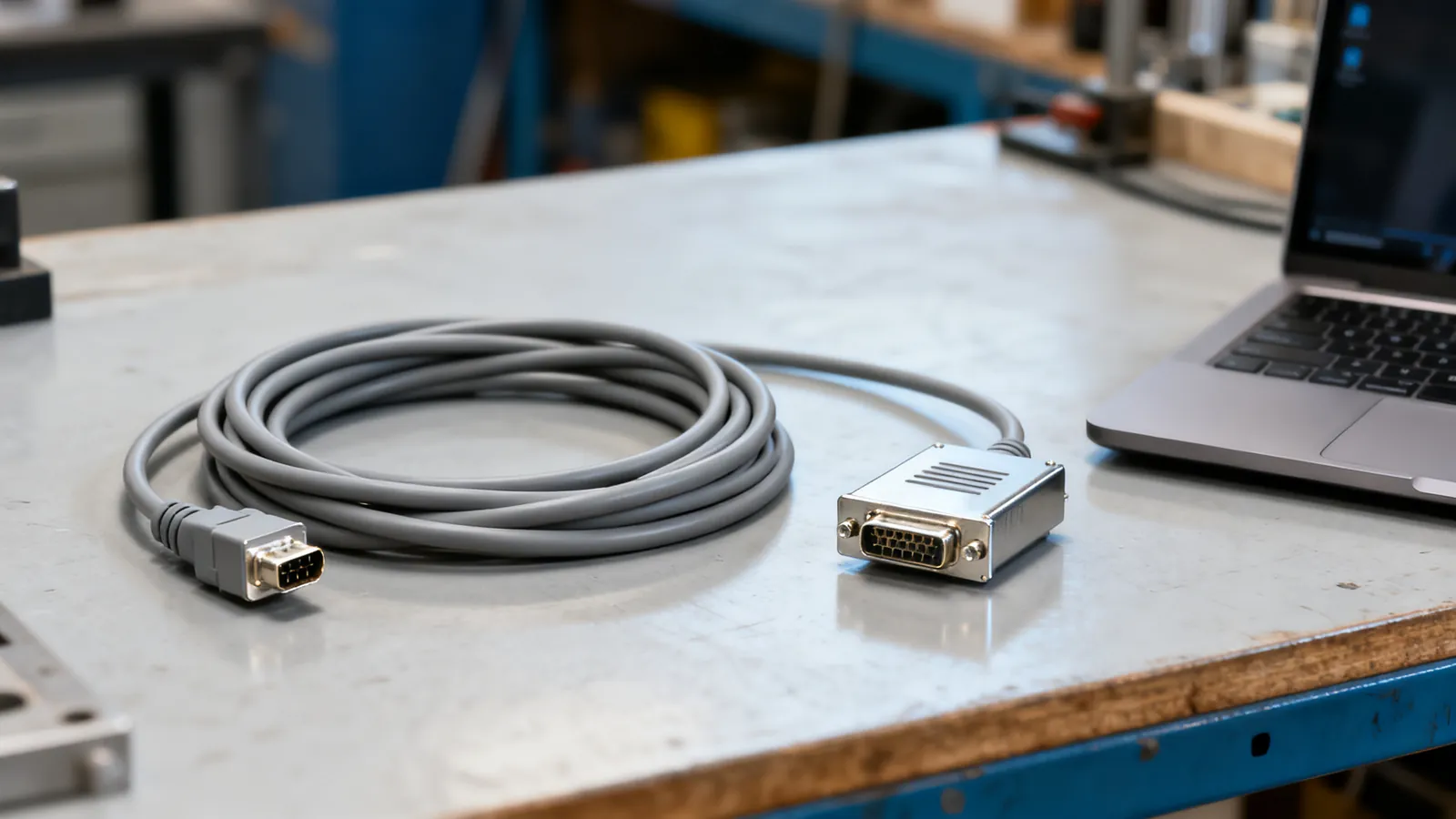
Complete RS-232 pinout reference for DB9 and DB25 connectors: DTE and DCE pin assignments, voltage levels, cable limits, and the TTL mistake that damages boards.
XLR, TRS and RCA, optical and coaxial digital audio, speaker wire gauge, RG6 and RG59 coax, BNC and SDI, analogue video and IEC power cords.
XLR, TRS, TS, RCA and 3.5 mm audio cables compared: what each carries, balanced vs unbalanced wiring, line levels, TRRS pin orders and which adapters work.
BNC connectors come in 50 and 75 ohm versions. Learn which to use for SDI video, CCTV and test gear, the SDI data rates, and how to convert BNC to RCA.
Composite and component video both use RCA plugs, but carry different signals. Compare resolution, connectors, S-Video and SCART, and adapters for old gear.