Thunderbolt 3, 4 and 5 vs USB4: Speeds and Cables
Thunderbolt 4 vs USB4 explained: bandwidth, PCIe, displays, charging and cable lengths, plus how Thunderbolt 3 and 5 compare and which cable to buy.
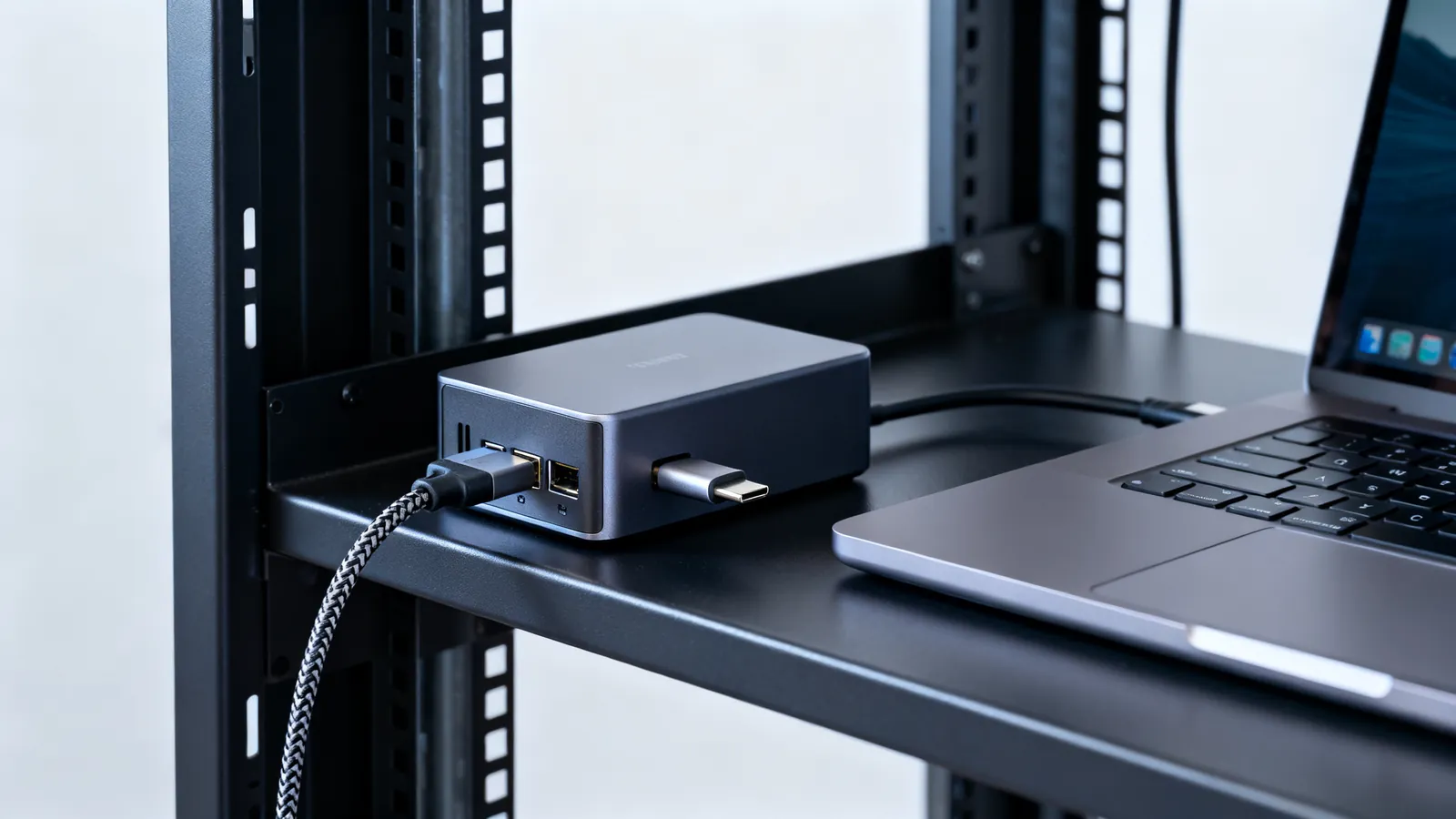
Thunderbolt 4 and USB4 are not competing standards. USB4 is built on the Thunderbolt 3 protocol, which Intel contributed to the USB-IF in 2019, so a Thunderbolt 4 port is a USB4 port with every optional feature made mandatory. Both run at 40 Gbps over USB-C, and both use the same physical connector. The practical difference is what the port must do, not what the wire can carry.
What each generation actually delivers
| Standard | Year | Bandwidth | PCIe | Displays | Charging |
|---|---|---|---|---|---|
| Thunderbolt 3 | 2015 | 40 Gbps over USB-C | supported | two 4K displays (typical) | up to 15 W for bus-powered devices |
| USB4 | 2019 | 20 Gbps or 40 Gbps | optional | depends on the implementation | depends on the implementation |
| USB4 Version 2.0 | 2022 | 80 Gbps, or 120 Gbps in one direction | optional | depends on the implementation | depends on the implementation |
| Thunderbolt 4 | 2020 | 40 Gbps | 32 Gbps | two 4K displays or one 8K | laptop charging up to 100 W on at least one port |
| Thunderbolt 5 | 2023 | 80 Gbps both ways, up to 120 Gbps in one direction for displays | 64 Gbps | Bandwidth Boost for high-refresh displays | up to 240 W |
Thunderbolt 3 introduced 40 Gbps over the USB-C connector in 2015 and allowed up to 15 W for bus-powered devices. Thunderbolt 4 kept the same 40 Gbps but raised the floor: PCIe at 32 Gbps, two 4K displays or one 8K, and laptop charging up to 100 W on at least one port. Thunderbolt 5 doubles the link to 80 Gbps both ways, with Bandwidth Boost giving up to 120 Gbps in one direction for displays, PCIe at 64 Gbps and charging up to 240 W.
USB4 is the looser specification. It defines 20 Gbps and 40 Gbps links, and USB4 Version 2.0 adds 80 Gbps, or 120 Gbps in one direction. Everything above the base data rate is optional: a USB4 port may or may not carry PCIe, may or may not drive two displays, and may or may not charge a laptop at full rate. A Thunderbolt 4 port has no such gaps.
Is USB4 the same as Thunderbolt
No, but they share a foundation. USB4 is built on the Thunderbolt 3 protocol, so Thunderbolt 3, 4 and 5 cables also work as USB-C cables for data and charging. The reverse is not automatic: a plain USB-C cable may be a USB 2.0 cable running at 480 Mbps, or carry 10, 20, 40 or 80 Gbps, and nothing about the plug tells you which. That is why USB-C cables are not all the same and why a cable that charges a phone may not drive a dock.
USB4 devices fall into two tiers in practice. A 20 Gbps USB4 port is a real USB4 port. A 40 Gbps port matches Thunderbolt 3 bandwidth. Only Thunderbolt 4 and 5 require the full feature set, which is why the two names are not interchangeable even though the connector is.
Cable lengths and what the spec allows
The USB Type-C specification sets maximum lengths by speed, and they fall quickly as bandwidth rises:
| Link speed | Maximum cable length in the specification |
|---|---|
| USB 2.0 (480 Mbps) | 4 m (13 ft) |
| USB 5Gbps | 2 m (6.6 ft) |
| USB 10Gbps | 1 m (3.3 ft) |
| Passive USB4 40Gbps | 0.8 m (2.6 ft) |
Thunderbolt 4 universal passive 40 Gbps cables run up to 2 m (6.6 ft), which is longer than the passive USB4 figure because Thunderbolt cables are built and tested to a tighter requirement. Beyond those lengths, active or optical cables take over. A Thunderbolt cable bought for a dock should be a certified 40 Gbps or 80 Gbps part, not a charge-only cable.
Power and charging over the same connector
USB Power Delivery Standard Power Range goes up to 100 W (20 V at 5 A) with fixed voltages of 5 V, 9 V, 15 V and 20 V. PD 3.1 (2021) Extended Power Range raises that to 240 W (48 V at 5 A) and adds 28 V, 36 V and 48 V. Every USB-C to USB-C cable must carry 3 A, which is 60 W at 20 V. Currents above 3 A need a 5 A cable with an e-marker chip: 100 W cables, and 240 W EPR cables.
That is the single most common cause of a laptop that charges slowly or not at all. The port may support 100 W, the charger may supply 100 W, and the cable in between may be a 3 A part limited to 60 W. Thunderbolt 5 raises the ceiling to 240 W, but only with a cable rated for it.
Displays, docks and PCIe
Thunderbolt 4 drives two 4K displays or one 8K, and carries PCIe at 32 Gbps, which is what lets a single cable run a dock with Ethernet, storage and video. Thunderbolt 5 lifts PCIe to 64 Gbps and adds Bandwidth Boost, giving up to 120 Gbps in one direction when a high-refresh display needs it.
USB4 ports may do the same, or may not. A USB4 port without PCIe tunnels only data and video. A USB4 port with DisplayPort Alt Mode carries DisplayPort over USB-C, and the display end of the chain follows the same rules as a native port, which is where DisplayPort 1.2, 1.4 and 2.1, and DP40/DP80 cables matter for refresh rate and resolution. A dock that advertises 4K at 60 Hz needs the host port, the cable and the dock to agree.
Which cable to buy
Match the cable to the job, not to the version number on the box.
- Charging a phone or a small device: any USB-C cable with the right current rating will do.
- Charging a laptop at 100 W or more: a 5 A cable with an e-marker, rated for 100 W or 240 W EPR.
- A Thunderbolt dock or external PCIe device: a certified Thunderbolt 4 or Thunderbolt 5 cable, at a length the standard allows.
- A USB4 device at 40 Gbps: a passive USB4 40 Gbps cable up to 0.8 m (2.6 ft), or a Thunderbolt cable for longer runs.
- A display over USB-C: a cable that carries DisplayPort Alt Mode, not a charge-only cable.
The naming on USB cables changed for exactly this reason. USB 3.0, 3.1, 3.2 and USB4: speeds and names decoded explains why the same cable can be sold under several labels, and why the speed is the only figure worth checking.
What goes wrong
A cable that fits is not a cable that works. The failures below account for most Thunderbolt and USB4 problems.
- A charge-only USB-C cable in a data role. The plug fits, the device powers up, and the dock or drive never appears. The cable has no high-speed pairs wired.
- A 3 A cable on a 100 W laptop. Charging crawls or the battery drains under load. The cable must be a 5 A e-marked part.
- A passive cable past its rated length. USB4 40 Gbps passive cables are specified to 0.8 m (2.6 ft). A longer passive cable may link at a lower speed or drop out under load.
- A USB4 port without PCIe. The dock’s Ethernet and storage do not appear, because the port does not tunnel PCIe. Thunderbolt 4 and 5 ports always do.
- Assuming a USB-C port is Thunderbolt. Many USB-C ports are USB 2.0 (480 Mbps) or USB 5Gbps only. The port marking, not the shape, tells you.
- Mating the wrong optical or active cable direction. Active copper and optical cables are directional; the source end goes to the computer.
- Thunderbolt 3 devices on a Thunderbolt 5 host. They work, at Thunderbolt 3 rates, over a cable that meets the older requirement.
Mains power is out of scope here. Where a dock or charger connects to mains, that work belongs to a licensed electrician.
Common questions
Is USB4 the same as Thunderbolt 4?
No. USB4 is built on the Thunderbolt 3 protocol that Intel contributed to the USB-IF in 2019, so the two share a foundation and the same USB-C connector. Thunderbolt 4 requires 40 Gbps, PCIe at 32 Gbps, two 4K displays or one 8K, and laptop charging up to 100 W on at least one port. A USB4 port may offer 20 Gbps and none of those extras.
What is the difference between Thunderbolt 3 and 4?
Both run at 40 Gbps over USB-C. Thunderbolt 3 allows up to 15 W for bus-powered devices and leaves several features optional. Thunderbolt 4 raises the minimum: PCIe at 32 Gbps, two 4K displays or one 8K, and charging up to 100 W on at least one port.
How fast is Thunderbolt 5?
Thunderbolt 5 runs at 80 Gbps in both directions, with Bandwidth Boost giving up to 120 Gbps in one direction for displays. PCIe runs at 64 Gbps and charging goes up to 240 W.
How long can a Thunderbolt cable be?
Thunderbolt 4 universal passive 40 Gbps cables run up to 2 m (6.6 ft). The USB Type-C specification allows passive USB4 40 Gbps cables up to 0.8 m (2.6 ft), USB 10Gbps up to 1 m (3.3 ft), USB 5Gbps up to 2 m (6.6 ft) and USB 2.0 up to 4 m (13 ft). Longer runs need active or optical cables.
Why does my laptop charge slowly over USB-C?
Every USB-C to USB-C cable must carry 3 A, which is 60 W at 20 V. Currents above 3 A need a 5 A cable with an e-marker chip, rated for 100 W or 240 W EPR. A 3 A cable between a 100 W charger and a laptop limits the charge rate.
Sources
Read next
USB 3.0, 3.1, 3.2 and USB4 Speeds and Names Decoded
USB 3.0, 3.1, 3.2 and USB4 naming decoded: exact speeds, cable lengths, power limits, and what a drive or dock really needs.
USB-C Cable Types: Data, Power and Video
Not all USB-C cables are equal. Learn how to tell a charging cable from a data cable, what an e-marker does, and which cable your monitor needs.
USB-C Charging: 60 W, 100 W and 240 W Cables
USB-C cables carry 60 W, 100 W or 240 W depending on the e-marker chip and USB Power Delivery. Learn which cable your phone or laptop needs.
HDMI Cable Types: Standard to Ultra High Speed
HDMI cables are certified by speed, not version. Compare Standard, High Speed, Premium High Speed, Ultra High Speed and Ultra96, and how to verify a label.
DisplayPort 1.2, 1.4 and 2.1: Versions and Cables
DisplayPort 1.2, 1.4 and 2.1 compared: bandwidth, DSC, MST, DP40 and DP80 cable certification, and DisplayPort over USB-C.