USB-C Charging: 60 W, 100 W and 240 W Cables
USB-C cables carry 60 W, 100 W or 240 W depending on the e-marker chip and USB Power Delivery. Learn which cable your phone or laptop needs.
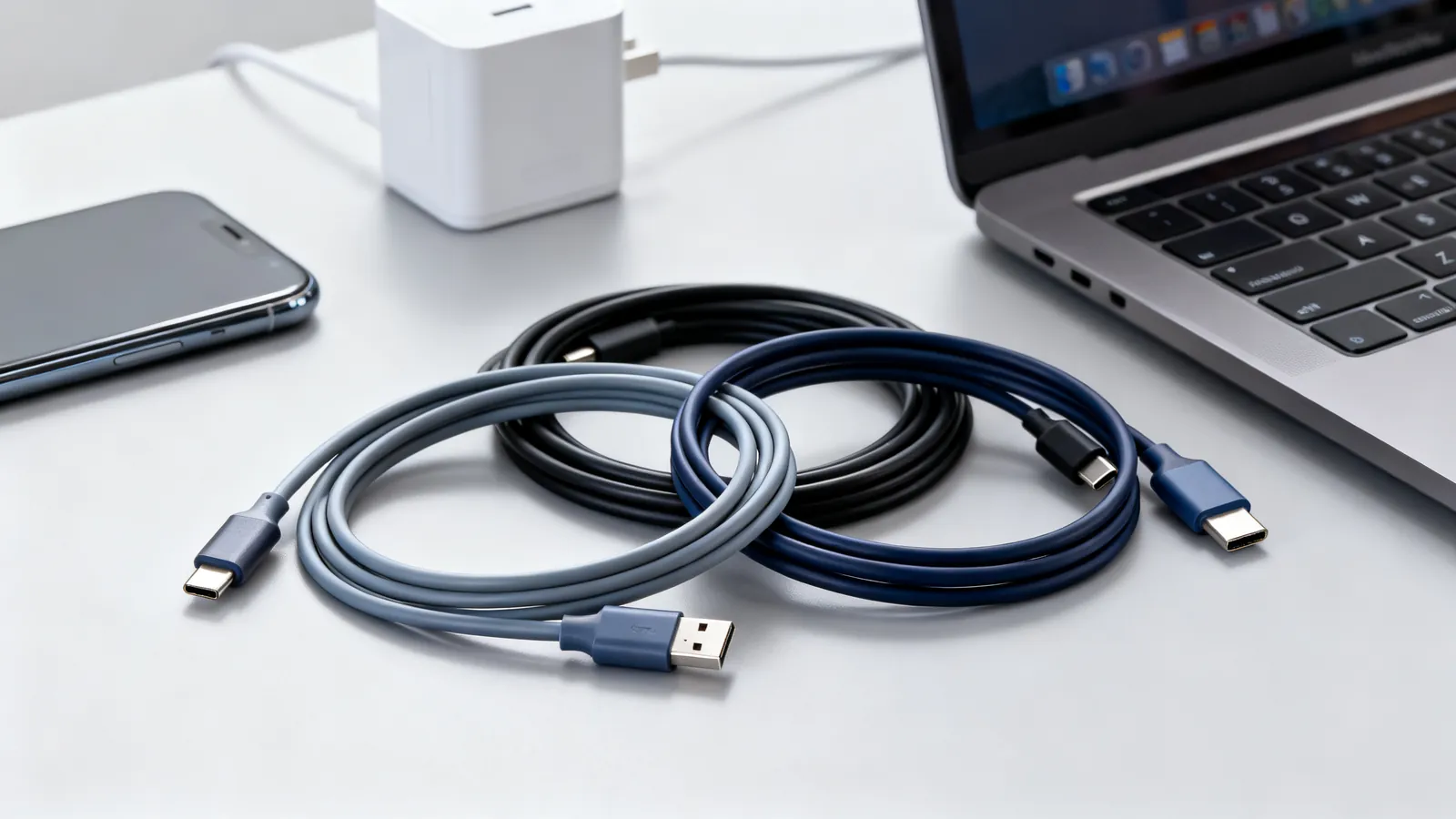
A USB-C cable’s wattage is set by two things: the USB Power Delivery (USB PD) negotiation between charger and device, and whether the cable itself has an e-marker chip rated for more than 3 A. Every USB-C to USB-C cable must carry 3 A, which is 60 W at 20 V. Above that, the cable needs a 5 A e-marker: 100 W cables for Standard Power Range, and 240 W EPR cables for Extended Power Range. A phone charges fine on any USB-C cable; a laptop may need a 5 A cable to reach its full rate.
How USB Power Delivery negotiates power
USB PD is a conversation. The charger advertises the voltages and currents it can supply; the device asks for a combination; the cable’s e-marker tells both ends what the cable can safely carry. Only then does power flow.
Standard Power Range (SPR) tops out at 100 W (20 V at 5 A), with fixed voltages of 5 V, 9 V, 15 V and 20 V. PD 3.1 (2021) added Extended Power Range (EPR) up to 240 W (48 V at 5 A), adding 28 V, 36 V and 48 V. A 240 W charger will not push 240 W into a device that only asks for 60 W; the device sets the ceiling.
The cable matters because the e-marker is what allows current above 3 A. Without an e-marker, the charger and device default to 3 A. That is why a thin USB-C cable that came with a phone will charge a laptop, but slowly.
Why every USB-C cable carries 60 W
The USB-C specification requires every USB-C to USB-C cable to carry 3 A. At 20 V, that is 60 W. This is the baseline: a cable with no e-marker chip, or an e-marker that only reports 3 A, will still deliver 60 W.
That 60 W is enough for a phone, a tablet, a small laptop or a dock. It is not enough for a large laptop that wants 100 W or a gaming laptop that wants more. For those, the cable must have a 5 A e-marker.
Not every USB-C cable is wired the same. Some are USB 2.0 cables (480 Mbps) with only the power and basic data pins; others are full USB4 cables. The connector is identical. See why USB-C cables are not all the same for the wiring differences.
The e-marker: 100 W and 240 W cables
An e-marker is a small chip in the cable’s connector that reports the cable’s current rating and data speed to the devices at each end. Two ratings matter for power:
- 100 W cables: 5 A e-marker, rated for 20 V at 5 A. These cover USB PD Standard Power Range.
- 240 W EPR cables: 5 A e-marker, rated for 48 V at 5 A. These cover USB PD Extended Power Range.
A 240 W cable is not automatically better for a phone. It is built for higher voltage and may be thicker or stiffer. It will still work for lower-power devices, because the negotiation falls back to what the device requests.
| Cable type | Current | Max power | Typical use |
|---|---|---|---|
| USB-C to USB-C, no e-marker | 3 A | 60 W at 20 V | Phones, tablets, small laptops |
| USB-C to USB-C, 5 A e-marker | 5 A | 100 W at 20 V | Laptops, docks, monitors |
| USB-C to USB-C, 5 A e-marker, EPR | 5 A | 240 W at 48 V | Gaming laptops, workstations |
Choosing a cable for a phone, a laptop and a gaming laptop
Phone or tablet. Any USB-C to USB-C cable will do. The device will not draw more than 60 W, and most draw far less. If the phone uses Lightning, the situation is different: see Lightning to USB-C: the switch, cables and adapters.
Laptop. Check the charger’s wattage and the laptop’s input. If the laptop ships with a 100 W charger, use a 100 W (5 A e-marker) cable. A 60 W cable will charge it, but slower, and may not keep up under heavy load.
Gaming laptop or mobile workstation. These may use USB PD Extended Power Range, up to 240 W. You need a 240 W EPR cable and a charger that supports EPR. A 100 W cable will negotiate down to 100 W or less.
Data speed is separate from power. A 240 W cable may still be a USB 2.0 cable. If you need both power and speed, check the data rating too. USB 3.0, 3.1, 3.2 and USB4: speeds and names decoded explains the labels.
What goes wrong: limits and what will not work
- Using a 60 W cable with a 100 W laptop. The laptop charges slowly or not at all under load. The cable is not faulty; it is doing what its e-marker allows.
- Assuming a 240 W cable charges everything at 240 W. The device and charger must both support EPR. A phone will still take only a few watts.
- Buying a cable by connector shape only. USB-C is a connector, not a speed or a power rating. A USB-C cable may be a USB 2.0 cable (480 Mbps) or carry 10, 20, 40 or 80 Gbps. The wattage is separate.
- Using a charge-only cable for data. Some USB-C cables have no high-speed data pairs. They charge fine but will not run a display or transfer files quickly.
- Expecting a passive USB4 40Gbps cable to be long. Passive USB4 40Gbps cables are specified up to 0.8 m (2.6 ft). Longer runs need active cables.
- Mixing e-marked and non-e-marked cables in a chain. A dock or hub may pass the e-marker information through, but a poor cable in the chain can limit the whole link.
Cable length and power
The USB Type-C specification gives length limits by speed, not by power: USB 2.0 up to 4 m (13 ft); USB 5Gbps up to 2 m (6.6 ft); USB 10Gbps up to 1 m (3.3 ft); passive USB4 40Gbps up to 0.8 m (2.6 ft). For charging only, longer USB 2.0 cables are common and work, but they may have more resistance and drop voltage under load. A 5 A cable at 100 W or 240 W should be kept to the length it was certified for.
Thunderbolt and USB4 cables for charging
Thunderbolt 4 and 5 cables also work as USB-C cables for data and charging. Thunderbolt 4 supports laptop charging up to 100 W on at least one port; Thunderbolt 5 supports charging up to 240 W. If you already have a Thunderbolt cable, it will carry power, but check its wattage rating if you need 240 W.
USB4 is built on the Thunderbolt 3 protocol, which Intel contributed to the USB-IF in 2019. USB4 cables are USB-C cables and follow the same power rules.
Quick check before you buy
- What does the device ask for? Check the charger or the device’s input rating.
- Does the cable have a 5 A e-marker? If not, it is a 60 W cable.
- Do you need EPR (above 100 W)? Then look for a 240 W EPR cable.
- Do you need data speed too? Check the USB speed label, not just the wattage.
- Is the cable the right length for its speed? Longer passive cables may not hit full speed.
A 60 W cable is not obsolete. It is the correct cable for a phone, a tablet or a small laptop. The mistake is assuming all USB-C cables are the same. They are not, and the e-marker is how you tell.
Common questions
How many watts does a USB-C cable carry?
A standard USB-C to USB-C cable carries 3 A, which is 60 W at 20 V. Cables with a 5 A e-marker carry 100 W at 20 V. Cables with a 5 A e-marker and EPR support carry 240 W at 48 V.
Do I need a 240W USB-C cable for my laptop?
Only if your laptop and charger both support USB PD Extended Power Range and the laptop asks for more than 100 W. Most laptops use 100 W or less and work with a 100 W cable. A 240 W cable will not force more power into a device that does not request it.
What is a 5A USB-C cable?
A 5A USB-C cable has an e-marker chip that tells the charger and device it can safely carry 5 A. That allows 100 W at 20 V or 240 W at 48 V. Without the e-marker, the link defaults to 3 A and 60 W.
Can I use a 100W cable with a 240W charger?
Yes, but the cable will limit the link to 100 W. The charger and device will negotiate down to what the cable's e-marker allows. To reach 240 W, you need a 240 W EPR cable.
Does a USB-C cable's wattage affect data speed?
No. Power and data are separate ratings. A 240 W cable may still be a USB 2.0 cable (480 Mbps). Check the USB speed label if you need fast data as well as high power.
Sources
Read next
USB-C Cable Types: Data, Power and Video
Not all USB-C cables are equal. Learn how to tell a charging cable from a data cable, what an e-marker does, and which cable your monitor needs.
Lightning to USB-C: Cables, Adapters and Speeds
Lightning vs USB-C explained: why iPhone moved to USB-C, the EU common charger dates, iPhone 15 transfer speeds, and which adapters work with older gear.
Maximum USB Cable Length: Limits by Version
USB cable length limits by version: USB 2.0 to 5 m, USB 3.x to 3 m, USB-C 40Gbps to 0.8 m. Hubs, active cables and optical extensions explained.
KVM Switch Cables, EDID and USB: A Reference
How a KVM switch works: matching video ports and bandwidth to your monitor, EDID emulation, USB keyboard emulation, and the cables between.
DisplayPort 1.2, 1.4 and 2.1: Versions and Cables
DisplayPort 1.2, 1.4 and 2.1 compared: bandwidth, DSC, MST, DP40 and DP80 cable certification, and DisplayPort over USB-C.