Lightning to USB-C: Cables, Adapters and Speeds
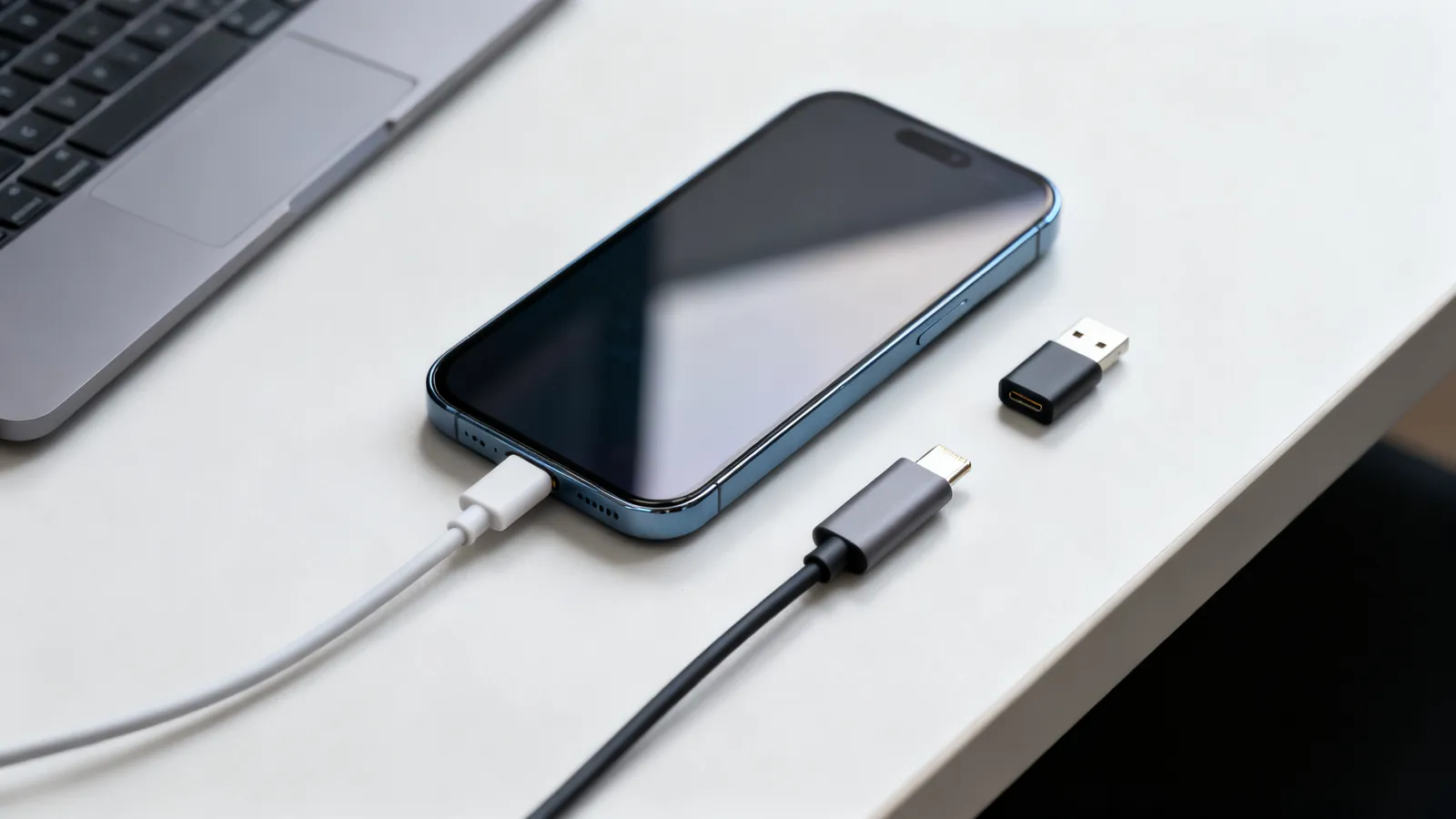
Lightning vs USB-C explained: why iPhone moved to USB-C, the EU common charger dates, iPhone 15 transfer speeds, and which adapters work with older gear.
Why USB-C cables differ, every USB speed name decoded, Thunderbolt and USB4, charging wattage, cable lengths, hubs, docks and Lightning.
Lightning vs USB-C explained: why iPhone moved to USB-C, the EU common charger dates, iPhone 15 transfer speeds, and which adapters work with older gear.
Thunderbolt 4 vs USB4 explained: bandwidth, PCIe, displays, charging and cable lengths, plus how Thunderbolt 3 and 5 compare and which cable to buy.
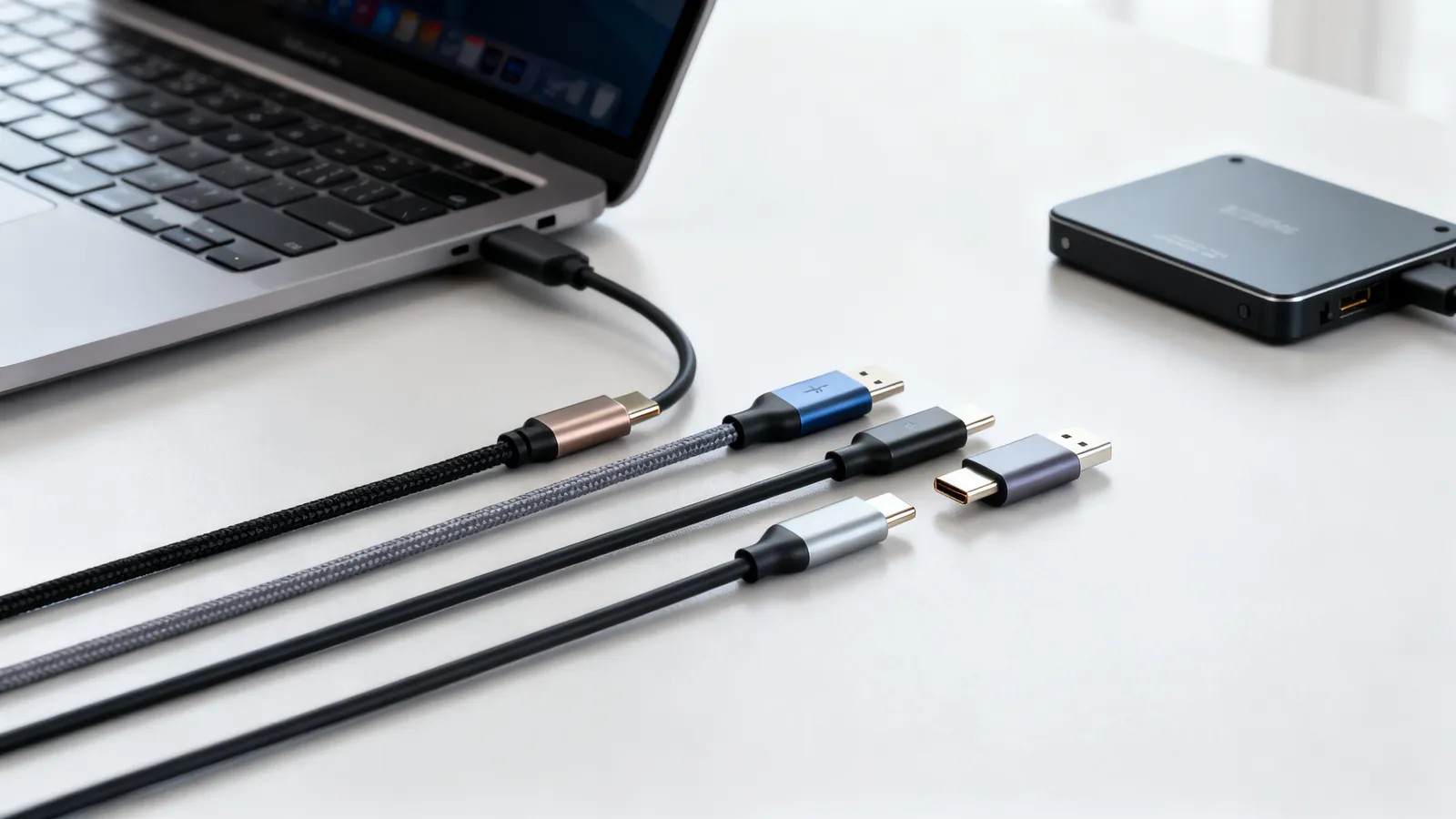
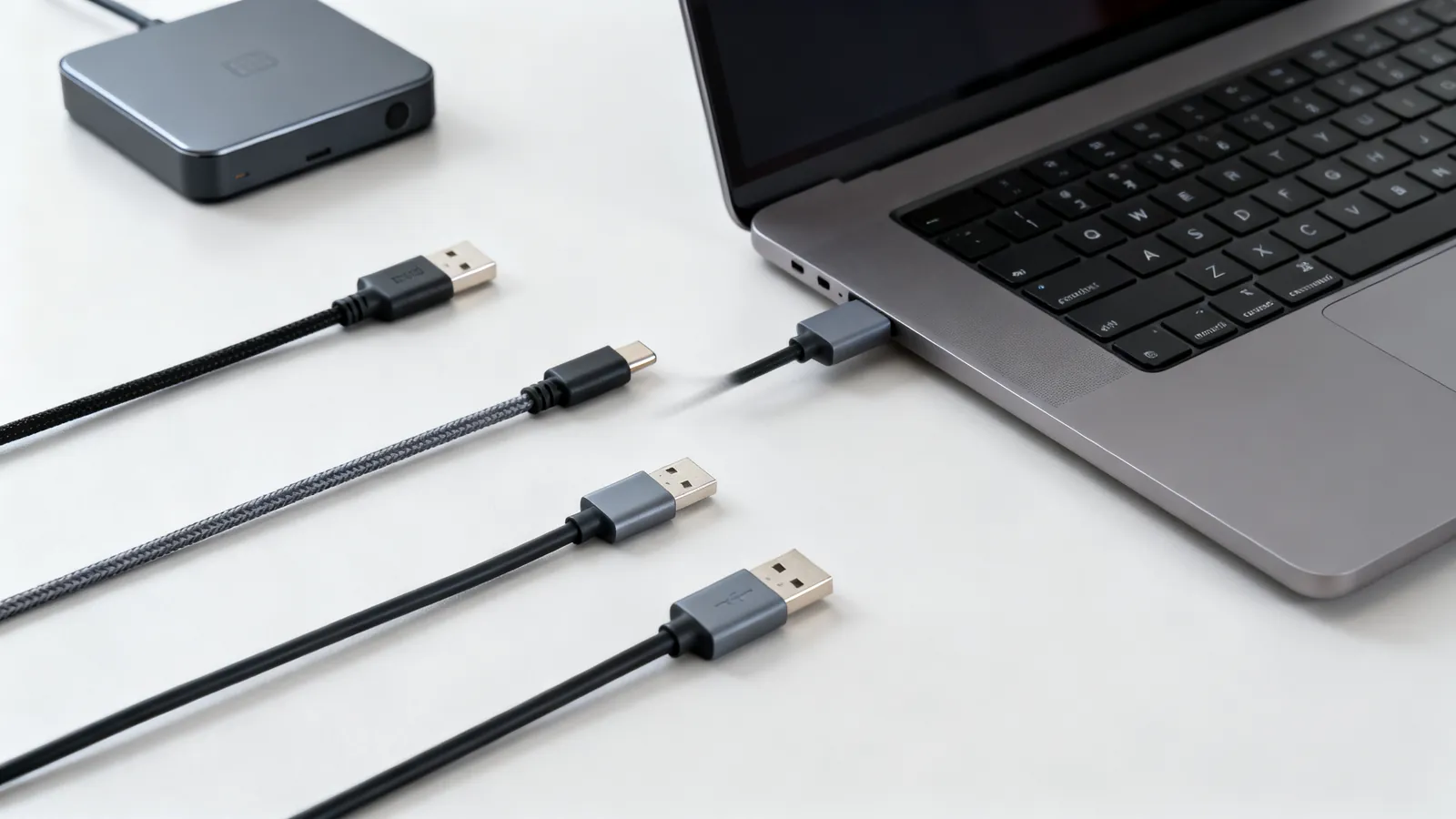
Not all USB-C cables are equal. Learn how to tell a charging cable from a data cable, what an e-marker does, and which cable your monitor needs.
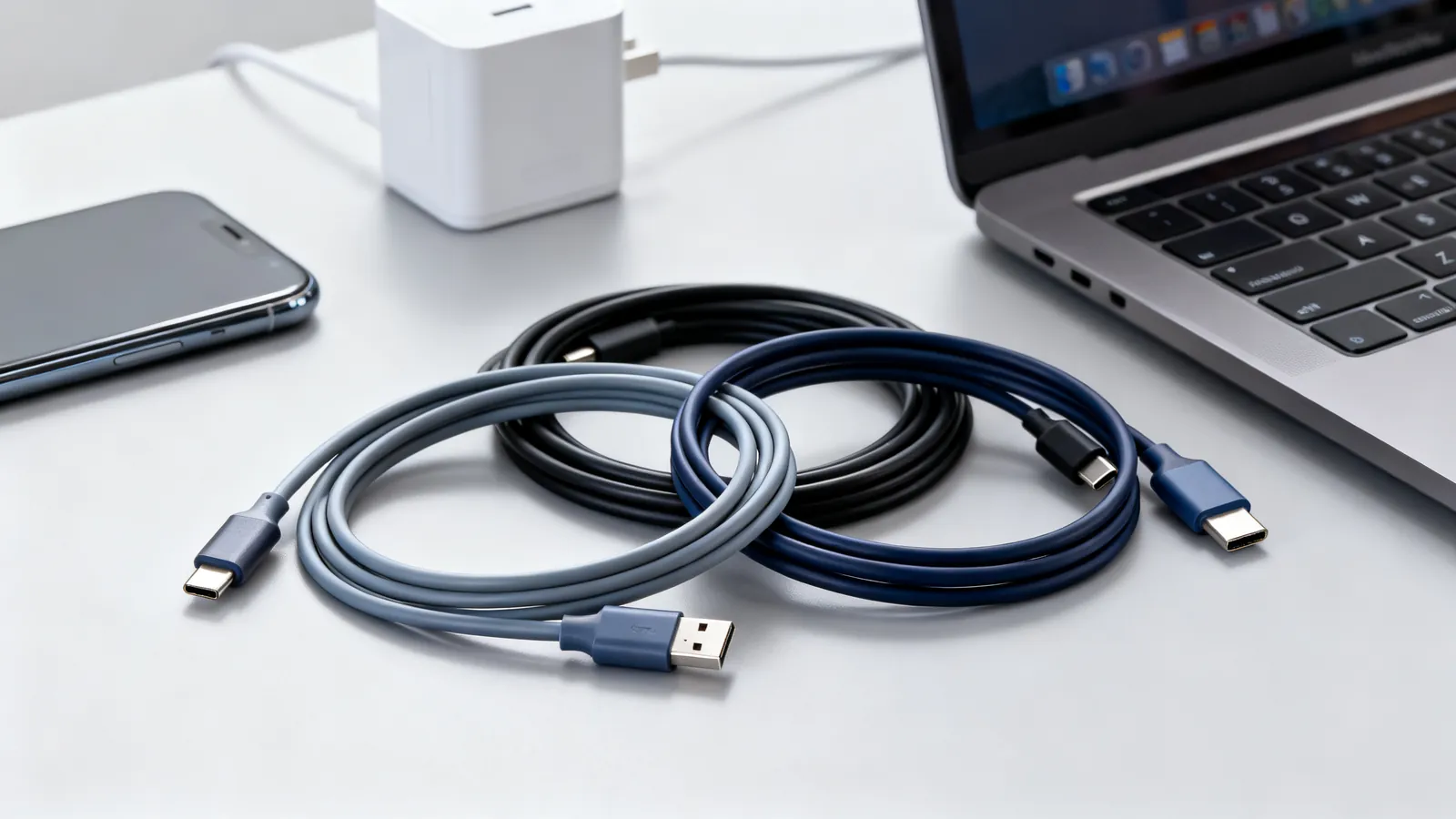
USB-C cables carry 60 W, 100 W or 240 W depending on the e-marker chip and USB Power Delivery. Learn which cable your phone or laptop needs.
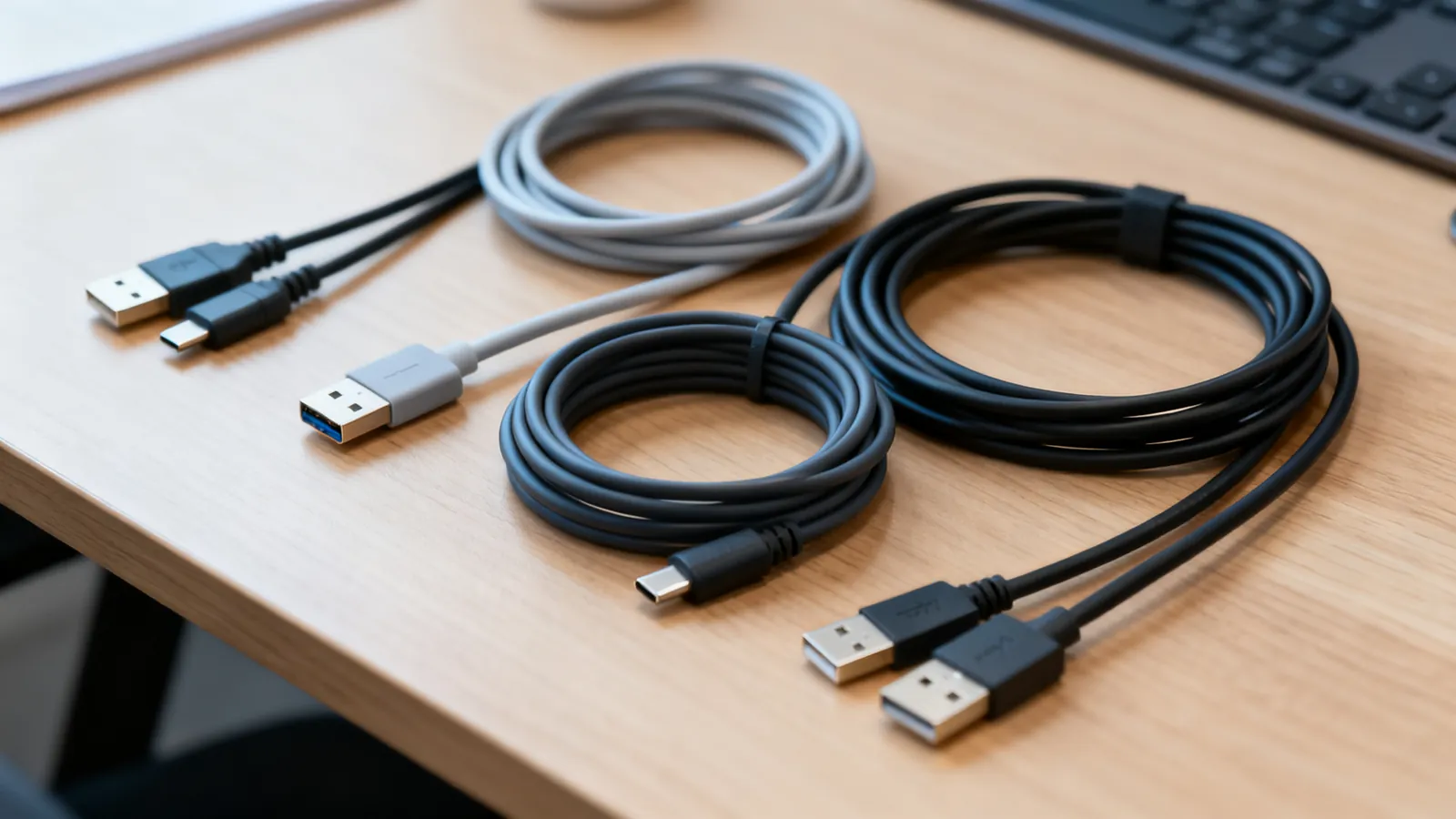
USB cable length limits by version: USB 2.0 to 5 m, USB 3.x to 3 m, USB-C 40Gbps to 0.8 m. Hubs, active cables and optical extensions explained.
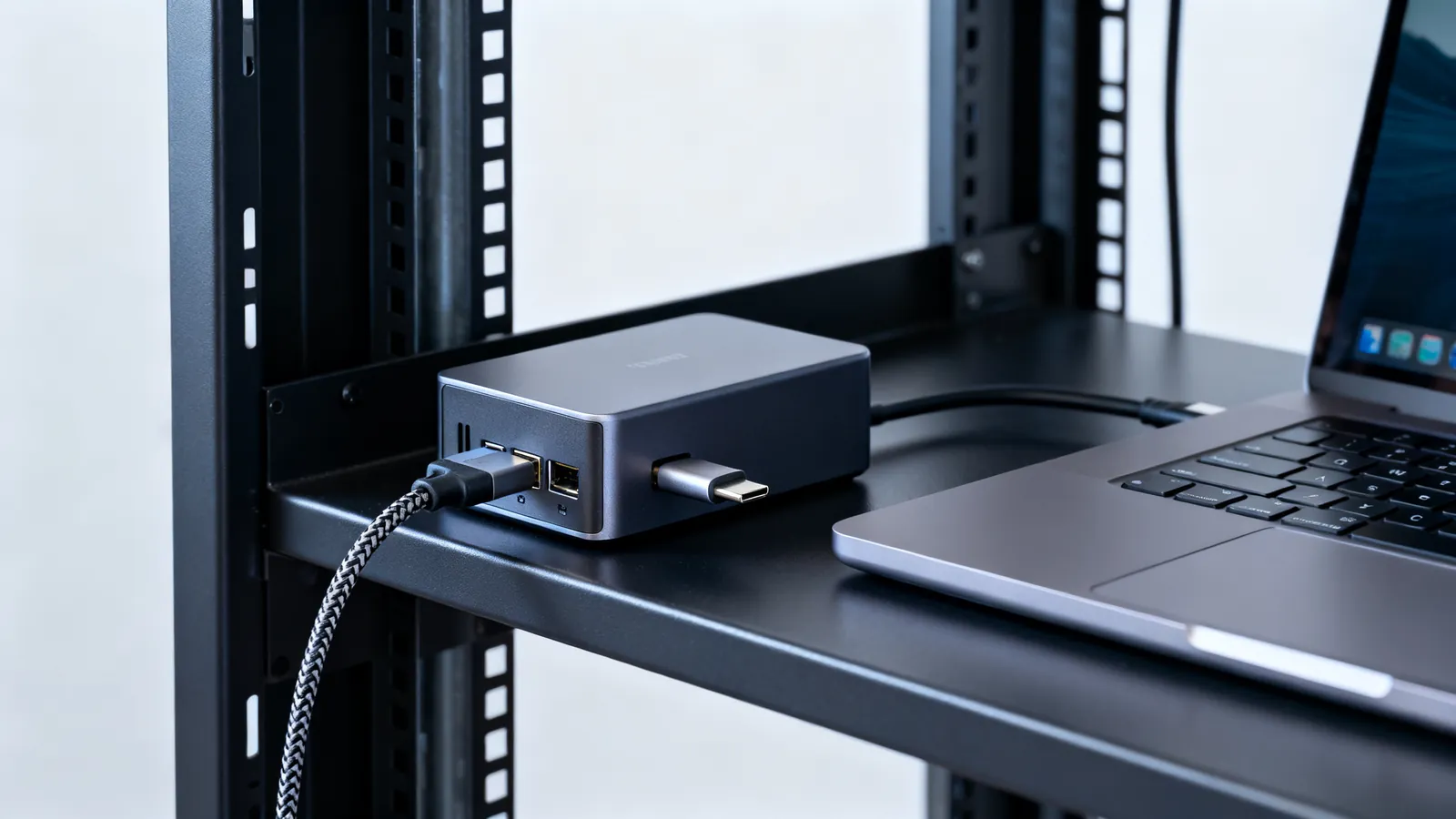
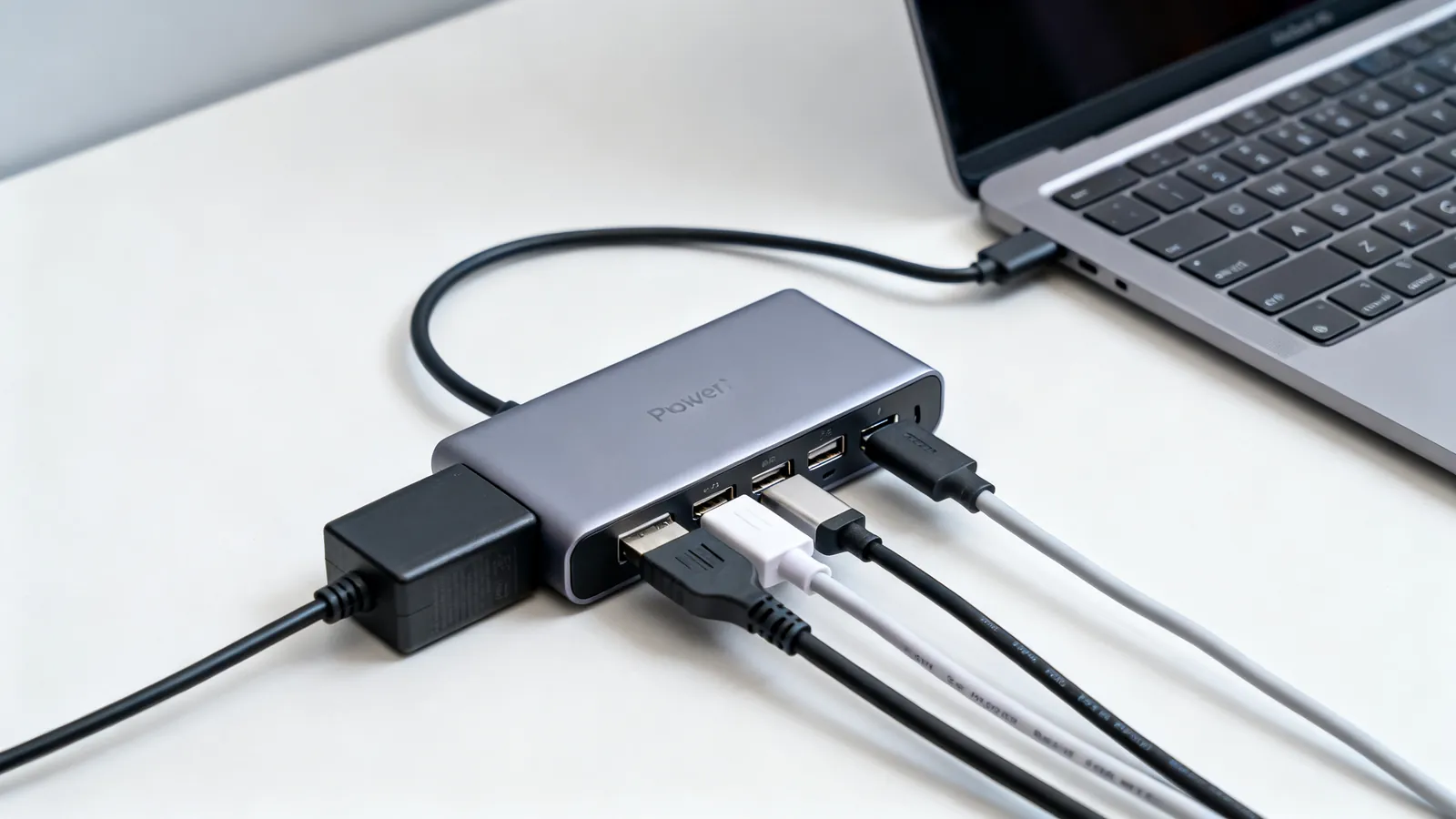
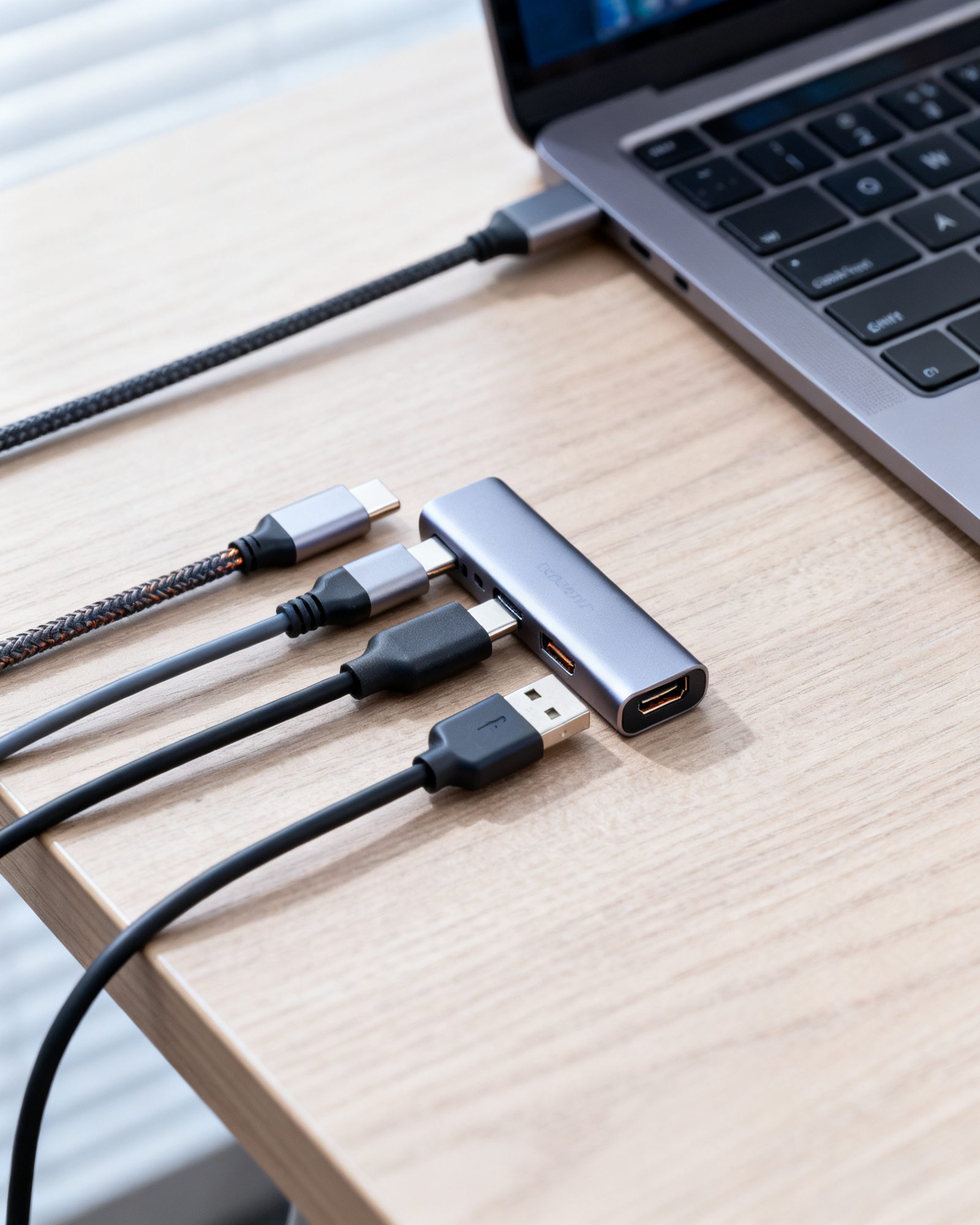
How bus-powered and powered USB hubs differ, what a USB-C or Thunderbolt dock adds, why devices drop out, and the power and speed limits behind it.
USB 3.0, 3.1, 3.2 and USB4 naming decoded: exact speeds, cable lengths, power limits, and what a drive or dock really needs.