HDMI Cable Types: Standard to Ultra High Speed
HDMI cables are certified by speed, not version. Compare Standard, High Speed, Premium High Speed, Ultra High Speed and Ultra96, and how to verify a label.
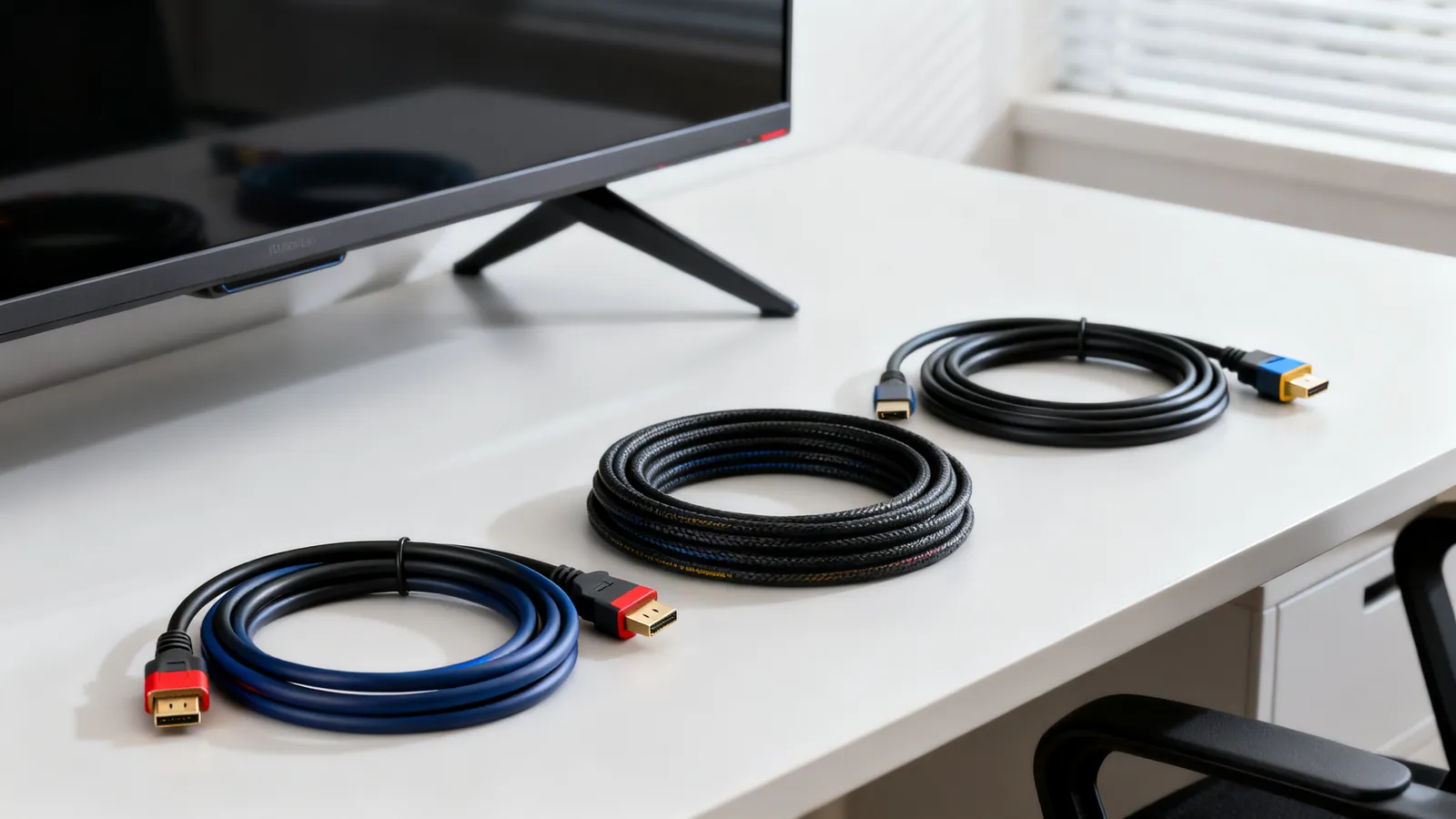
HDMI cables are certified by speed, not by version number. A cable sold as “HDMI 2.1” is mislabelled: the version describes what a port or chipset can do, while the cable is tested against a bandwidth tier. There are five tiers in use - Standard, High Speed, Premium High Speed, Ultra High Speed and Ultra96 - and the tier, not the version on the packaging, tells you what the cable will carry.
The five cable tiers
| Cable tier | Bandwidth | Carries |
|---|---|---|
| Standard | - | 720p and 1080i |
| High Speed | 10.2 Gbps | 1080p, 4K at 30 Hz |
| Premium High Speed | 18 Gbps | 4K at 60 Hz, HDR |
| Ultra High Speed | 48 Gbps | 4K at 120 Hz, 8K at 60 Hz |
| Ultra96 | 96 Gbps | Above Ultra High Speed, for HDMI 2.2 |
Standard HDMI cable is the original tier and is aimed at 720p and 1080i. High Speed carries 10.2 Gbps, enough for 1080p and 4K at 30 Hz. Premium High Speed carries 18 Gbps, enough for 4K at 60 Hz with HDR. Ultra High Speed carries 48 Gbps, enough for 4K at 120 Hz and 8K at 60 Hz. Ultra96 carries 96 Gbps and is the tier HDMI 2.2 needs.
Each tier is a floor, not a ceiling. An Ultra High Speed cable will carry a 1080p signal, and a High Speed cable will carry 720p. The tier only tells you the maximum the cable is tested to pass.
What the HDMI versions actually changed
HDMI 1.4 arrived in 2009 at 10.2 Gbps and brought 4K at 30 Hz, ARC and the HDMI Ethernet Channel. HDMI 2.0 arrived in 2013 at 18 Gbps with 4K at 60 Hz; HDR was added in 2.0a. HDMI 2.1 arrived in 2017 at 48 Gbps with 4K at 120 Hz, 8K at 60 Hz, eARC, VRR and ALLM. HDMI 2.2 was announced in 2025 at 96 Gbps and needs the new Ultra96 cables. The full history, including what each version added and which features need which cable, is covered in HDMI 1.4, 2.0, 2.1 and 2.2: versions explained.
The practical point is that a version number on a source or display tells you what the port can negotiate. It says nothing about the cable in between. A port that supports HDMI 2.1 features will only deliver them if the cable is rated to carry the bandwidth those features need.
Do HDMI cables matter?
Yes, but only at the edges. For a 1080p signal at 60 Hz, almost any High Speed cable will work, and a Standard cable often will too. The differences appear when bandwidth rises: 4K at 60 Hz with HDR needs Premium High Speed, and 4K at 120 Hz or 8K at 60 Hz needs Ultra High Speed. A High Speed cable that works perfectly at 1080p may show sparkles, dropouts or a blank screen at 4K at 60 Hz.
Cable quality also matters more as length increases. A short cable of any tier is more likely to pass a signal than a long one of the same tier, because signal loss rises with length. This is why the certification tiers are tested at specific lengths and why passive copper cables become unreliable as length and speed rise together.
How to check a genuine label
Premium High Speed and Ultra High Speed cables carry a certification label with a QR code. The official HDMI Cable Certification app verifies the label against the cable’s certification record. If the label is missing, or the QR code does not resolve, the cable has not been certified to that tier.
A cable labelled “HDMI 2.1” without a certification label is not evidence of anything. The version number is not a cable certification, and packaging that leads with it is not following the labelling scheme. Look for the tier name and the QR code label instead.
Connector types
HDMI uses four connector types. Type A is the standard full-size connector found on TVs, monitors, computers and game consoles. Type C is the mini connector, used on some cameras and small devices. Type D is the micro connector, used on compact equipment. Type E is the automotive connector, with a locking shell for vibration. Type A is the one most readers will meet; the others appear on specific equipment and need the matching cable or an adapter.
When length forces an active or fiber cable
Passive HDMI copper cables get less reliable as length and speed rise. A passive copper cable that carries 1080p over a long run may not carry 4K at 60 Hz over the same distance, because the higher bandwidth is attenuated more. The practical limit for a passive copper cable depends on the tier and the source, but the pattern is consistent: more bandwidth and more length together reduce reliability.
Active copper cables contain a signal chip that equalises and boosts the signal, and fiber HDMI (AOC) cables convert the signal to light and back. Both go further than passive copper. Both are directional: the “source” end must go to the player, computer or other output device, and the “display” end to the TV or projector. Reversing them means no picture.
For runs beyond what a single active or fiber cable will do, HDBaseT sends uncompressed video, audio, Ethernet, control and power over a single category cable up to 100 m (328 ft). Many low-cost HDMI-over-Ethernet extenders are not HDBaseT and reach less. The options for longer runs, including where each one stops being reliable, are compared in Long HDMI runs: active cables, fiber HDMI and HDBaseT.
ARC and eARC need the right cable
ARC returns audio from the TV to a soundbar or receiver. It arrived with HDMI 1.4 and carries stereo PCM and compressed 5.1 formats such as Dolby Digital and DTS. eARC arrived with HDMI 2.1 and carries uncompressed multichannel PCM up to 8 channels, plus lossless formats such as Dolby TrueHD, DTS-HD Master Audio and Dolby Atmos within them, at up to 37 Mbps.
eARC uses the HDMI Ethernet Channel wires, so it needs a High Speed cable with Ethernet or an Ultra High Speed cable. A High Speed cable without Ethernet will carry ARC but not eARC. If a soundbar or receiver supports eARC and the TV does too, but the audio falls back to compressed 5.1, the cable is the first thing to check.
What goes wrong
A cable labelled “HDMI 2.1” is the most common problem. The version number describes a port or chipset, not a cable, and a cable sold under that label may be a High Speed cable that will not carry 4K at 120 Hz. Without a certification label and QR code, there is no way to know what tier it was tested to.
A High Speed cable used for a Premium High Speed job is the second common problem. 4K at 60 Hz with HDR needs 18 Gbps, and a 10.2 Gbps cable may show sparkles, dropouts or a blank screen. The cable works at 1080p and fails at 4K, which makes the fault look like the display or the source rather than the cable.
A passive copper cable used beyond its reliable length is the third. The picture may work at one resolution and fail at another, or work on one source and fail on another, because the margin is gone. Active and fiber cables are directional, and a cable installed the wrong way round will not pass a signal at all.
An APC fiber connector mated with a UPC one is a fiber problem, not an HDMI one, but the same principle applies: connectors that do not meet correctly fail or damage each other. HDMI connectors are keyed and only fit one way, so the equivalent mistake is forcing a Type A plug into a Type C or Type D socket, which does not fit and should not be attempted.
A cable that passes a simple continuity test can still fail at high bandwidth. Continuity testers find opens, shorts and crossed wires, but they do not measure whether a cable meets a bandwidth tier. Only a certification test against the tier limits proves that. For HDMI, the certification label and QR code are the practical equivalent: they show the cable was tested to the tier it claims.
Choosing the right tier
Match the tier to the highest bandwidth the system will carry. For 1080p, High Speed is enough. For 4K at 60 Hz with HDR, use Premium High Speed. For 4K at 120 Hz or 8K at 60 Hz, use Ultra High Speed. For HDMI 2.2 equipment, use Ultra96.
Buy the tier above what you need if the run is long or the installation is permanent, because margin helps and re-cabling a wall is expensive. For short patch runs between a source and a display on the same shelf, a certified cable of the right tier is enough, and a higher tier adds nothing except cost.
Check the label. Premium High Speed and Ultra High Speed cables carry a certification label with a QR code, and the official HDMI Cable Certification app verifies it. A cable without that label has not been certified to the tier it claims, whatever the packaging says.
Common questions
Do HDMI cables matter for picture quality?
For 1080p, almost any High Speed cable works. The differences appear at higher bandwidth: 4K at 60 Hz with HDR needs Premium High Speed (18 Gbps), and 4K at 120 Hz or 8K at 60 Hz needs Ultra High Speed (48 Gbps). A cable that works at 1080p may show sparkles or dropouts at 4K at 60 Hz.
What is an Ultra High Speed HDMI cable?
Ultra High Speed is the HDMI cable tier rated to 48 Gbps. It carries 4K at 120 Hz and 8K at 60 Hz. It is the tier HDMI 2.1 features need. Genuine Ultra High Speed cables carry a certification label with a QR code.
Is an HDMI 2.1 cable the same as Ultra High Speed?
No. HDMI 2.1 is a version of the HDMI specification, not a cable tier. A cable labelled "HDMI 2.1" may be a High Speed cable that will not carry 4K at 120 Hz. The cable tier is Ultra High Speed, and it is verified by the certification label and QR code.
What is a Premium High Speed HDMI cable?
Premium High Speed is the HDMI cable tier rated to 18 Gbps. It carries 4K at 60 Hz with HDR. It is the tier to use when a High Speed cable (10.2 Gbps) is not enough but Ultra High Speed is more than the system needs.
How do I know if my HDMI cable is genuine?
Premium High Speed and Ultra High Speed cables carry a certification label with a QR code. The official HDMI Cable Certification app verifies the label against the cable's certification record. If the label is missing or the QR code does not resolve, the cable has not been certified to that tier.
Sources
Read next
HDMI 1.4, 2.0, 2.1 and 2.2: Versions and Cable Speeds
HDMI 1.4, 2.0, 2.1 and 2.2 compared: bandwidth, resolutions, refresh rates, eARC and VRR. Learn why cables are rated by speed, not version.
HDMI vs DisplayPort: Which Cable for Which Screen
HDMI and DisplayPort compared: bandwidth, refresh rates, daisy-chaining and adapters. Pick the right cable for a TV, a gaming monitor or a laptop.
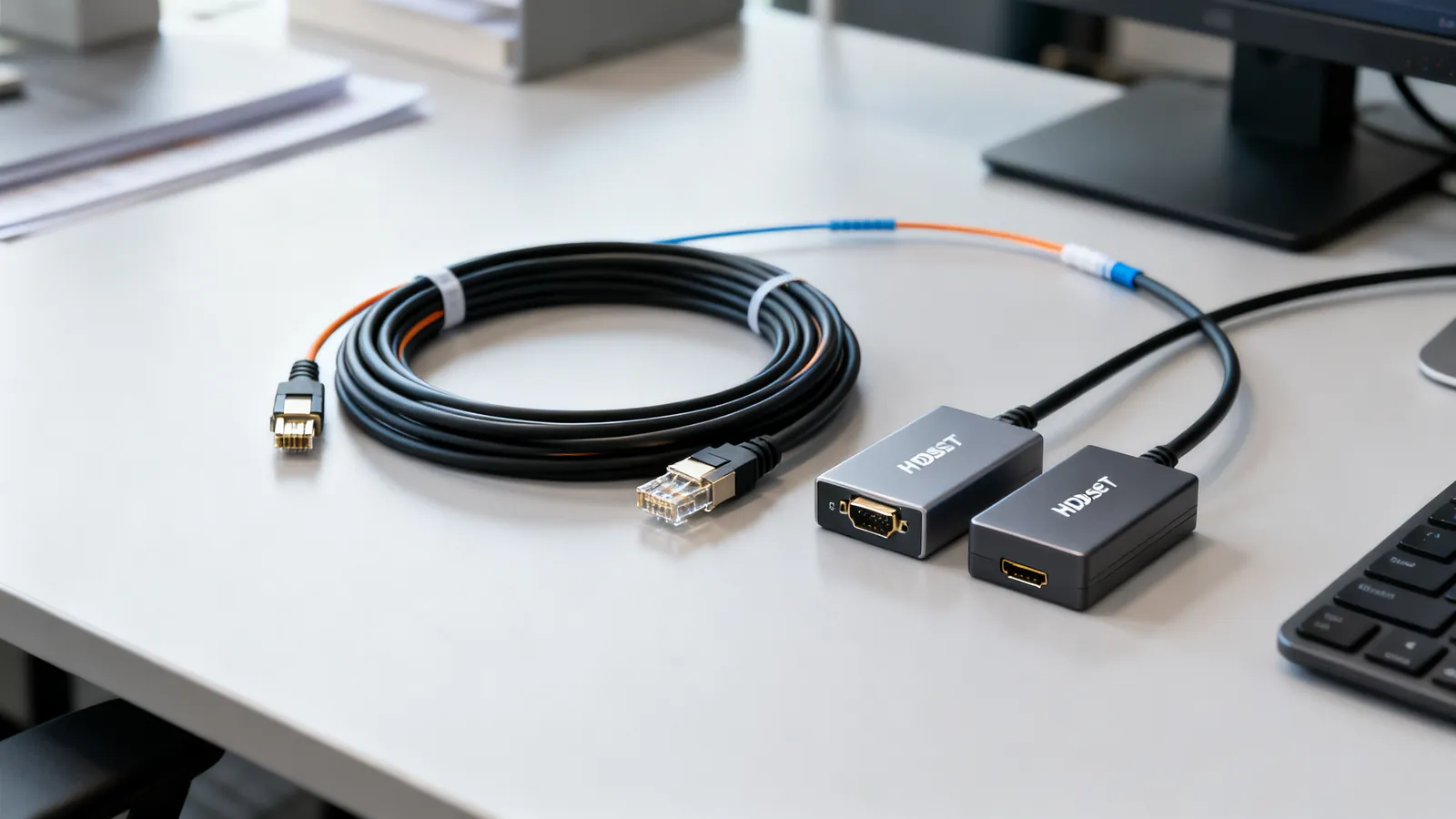
Long HDMI Runs: Active, Fiber and HDBaseT
Why long passive HDMI cables fail, how active copper and fiber HDMI cables work, and when HDBaseT over category cable is the right answer for a long run.
USB-C Cable Types: Data, Power and Video
Not all USB-C cables are equal. Learn how to tell a charging cable from a data cable, what an e-marker does, and which cable your monitor needs.
Thunderbolt 3, 4 and 5 vs USB4: Speeds and Cables
Thunderbolt 4 vs USB4 explained: bandwidth, PCIe, displays, charging and cable lengths, plus how Thunderbolt 3 and 5 compare and which cable to buy.