Ethernet Cable Categories: Cat5e to Cat8
Ethernet cable categories compared: Cat5e, Cat6, Cat6a, Cat7 and Cat8 rated frequency, speed and distance, plus which to buy for home, office and 10 Gbps.
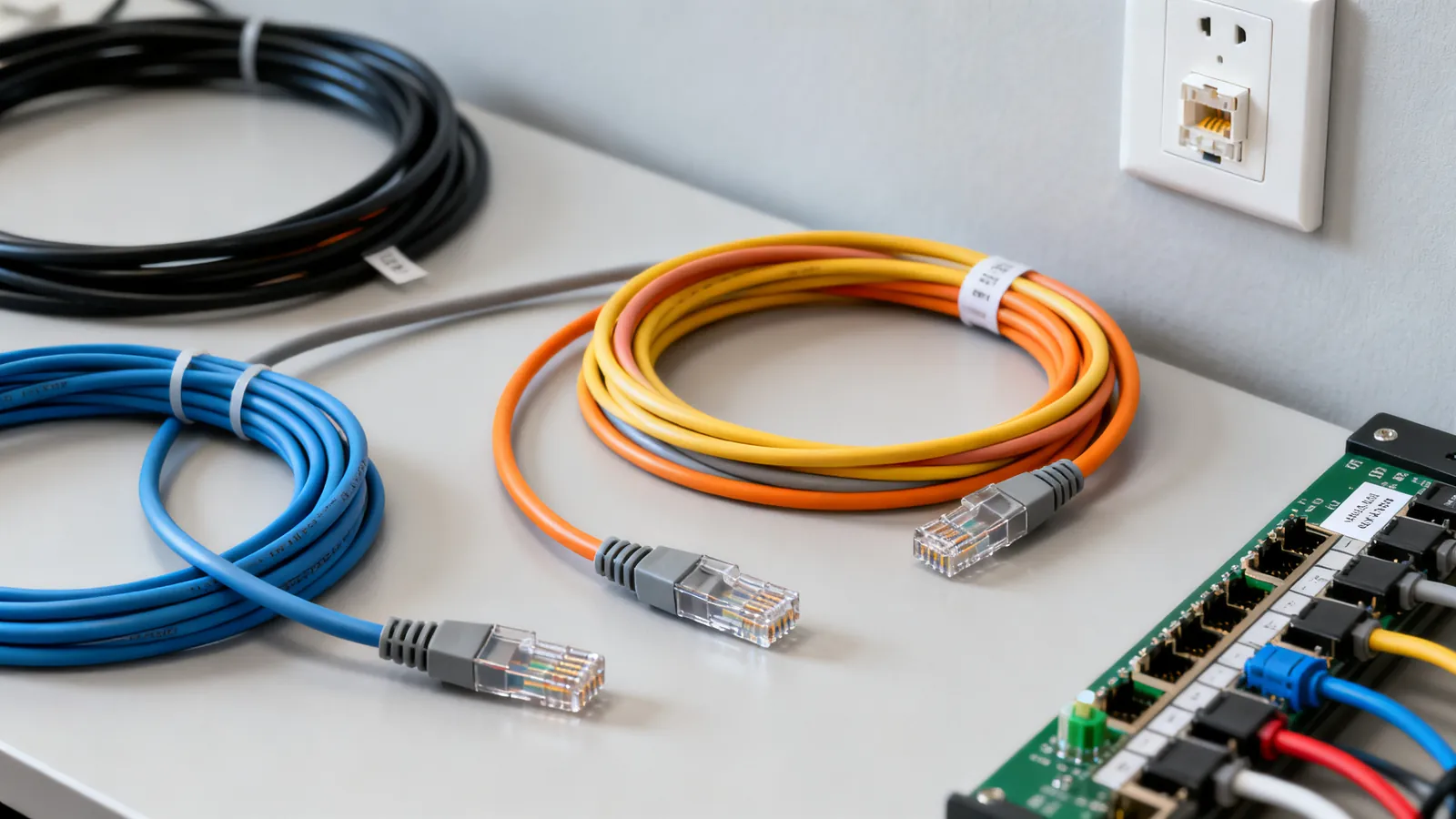
Ethernet cable categories are defined by a rated frequency and a set of electrical limits, and those limits decide what speed a cable can carry and how far. Cat5e is rated to 100 MHz and carries 1 Gbps to 100 m (328 ft). Cat6 is rated to 250 MHz and carries 10 Gbps to 55 m (180 ft). Cat6a is rated to 500 MHz and carries 10 Gbps to the full 100 m. Cat7 and Cat7A are ISO/IEC classes, not TIA categories, and Cat8 is a data-centre cable rated to 2000 MHz for a channel of up to 30 m (98 ft). The label on the jacket matters less than the category, the connector and the installation.
Every category side by side
| Category | Rated frequency | Speed and reach | Notes |
|---|---|---|---|
| Cat3 | 16 MHz | 10BASE-T (10 Mbps) | Voice and legacy data; obsolete |
| Cat5 | 100 MHz | 100BASE-TX (100 Mbps) | Superseded by Cat5e |
| Cat5e | 100 MHz | 1 Gbps to 100 m (328 ft); 2.5 Gbps to 100 m under IEEE 802.3bz | The common baseline |
| Cat6 | 250 MHz | 1 Gbps to 100 m; 10 Gbps to 55 m (180 ft), as little as 37 m (121 ft) bundled | Alien crosstalk shortens 10GBASE-T |
| Cat6a | 500 MHz | 10 Gbps to 100 m (328 ft) | The safe choice for 10GBASE-T |
| Cat7 | 600 MHz | ISO/IEC Class F; S/FTP, each pair shielded | Not a TIA category; GG45 and TERA are its connectors |
| Cat7A | 1000 MHz | ISO/IEC Class FA | ISO only |
| Cat8 | 2000 MHz | 25GBASE-T and 40GBASE-T to 30 m (98 ft) with two connectors | TIA-568.2-D; switch-to-server links |
5GBASE-T (5 Gbps) is specified over Cat6 to 100 m and runs on many Cat5e installations. The 100 m channel is the same for every speed from 10 Mbps to 10 Gbps on the matching category: up to 90 m (295 ft) of permanent link in the wall plus up to 10 m (33 ft) of patch and equipment cords. That limit is set by signal loss and timing, not by the marketing on the box.
Which category for a home, an office and a 10 Gbps link
For a home, Cat5e or Cat6 is enough for 1 Gbps and for 2.5GBASE-T. Cat6 costs little more and gives headroom for 10GBASE-T over shorter runs, which suits a single long run to a desk or a media cabinet. For an office, Cat6a is the practical choice wherever 10GBASE-T may be needed at the full 100 m, because Cat6 only reaches 10 Gbps at 55 m (180 ft) and less when many cables run bundled together. For a 10 Gbps link that must hold at the full channel length, Cat6a is the category to install. Cat8 is meant for switch-to-server links inside data centres, not for wall cabling in an office.
A comparison of the three categories most people weigh up is in Cat5e vs Cat6 vs Cat6a: which one to buy.
Conductors and patch cords
Horizontal cable in the wall is solid copper, punched into jacks and panels. Patch cords that flex are stranded copper. Cat5e is commonly 24 AWG, Cat6 23 or 24 AWG, Cat6a 23 AWG, patch cords 24 to 26 AWG, and slim patch cords 28 AWG, which TIA-568.2-D permits for patch cords. Copper-clad aluminium does not meet TIA category standards: higher resistance, brittle when flexed, more heat under PoE. The difference between the two constructions is set out in solid vs stranded Ethernet cable.
The 100 m rule
Every category keeps the same channel length, and the reasons are the same at 10 Mbps and at 10 Gbps. The full breakdown is in maximum Ethernet cable length: the 100 metre rule.
Why the Cat7 label misleads
Cat7 is an ISO/IEC Class F cable rated to 600 MHz with every pair individually shielded (S/FTP). It is not a TIA category, and the standard’s own connectors are GG45 and TERA. A patch cord sold as “Cat7” with RJ45 plugs is not a standard Cat7 channel; it performs as the RJ45 connection allows, which is the same limit a Cat6a cord meets. The shield only helps when the whole system is shielded: shielded jacks, plugs and patch panels, grounded through the equipment. A shield that is broken or not grounded gives no benefit and can pick up noise. Cat7A, Class FA, is rated to 1000 MHz and is also ISO only. Cat8 is a TIA category, TIA-568.2-D, rated to 2000 MHz, and carries 25GBASE-T and 40GBASE-T on a channel of up to 30 m (98 ft) with two connectors. Cat8.1 uses RJ45; Cat8.2 uses non-RJ45 connectors. The full picture is in Cat7 and Cat8 cables: what they are and who needs them.
Wiring, shielding and where the cable goes
T568A pin order is 1 white/green, 2 green, 3 white/orange, 4 blue, 5 white/blue, 6 orange, 7 white/brown, 8 brown. T568B is 1 white/orange, 2 orange, 3 white/green, 4 blue, 5 white/blue, 6 green, 7 white/brown, 8 brown. The two differ only by swapping the orange and green pairs, and both work identically. Use one scheme at both ends of every cable in a building. TIA-568 names T568A as the preferred scheme, and it is required on US federal government work; T568B is widely used in US commercial installations. 10BASE-T and 100BASE-TX use pins 1, 2, 3 and 6; 1000BASE-T and faster use all four pairs.
A crossover cable is T568A at one end and T568B at the other. Auto-MDI-X detects and swaps the pairs electronically, and almost every Gigabit and faster port has it, so crossover cables are rarely needed. A rollover (console) cable reverses all eight pins end to end and suits Cisco-style console ports with an RJ45-to-DB9 adapter; many newer devices have a USB console port instead. The “RJ45” in Ethernet is properly an 8P8C modular connector, eight positions and eight contacts.
ISO naming for shielding runs from U/UTP (unshielded) through F/UTP (foil around all pairs) and U/FTP (foil around each pair) to S/FTP (braid overall plus foil on each pair). US fire ratings under the NEC are CMP for plenum air-handling spaces, CMR for riser runs between floors, CM or CMG for general purpose, and CMX for limited residential use. A higher rating can replace a lower one. In the EU, cable fire performance is classed under the Construction Products Regulation with Euroclasses such as Eca, Dca, Cca and B2ca, and LSZH jackets are common. Outdoor cable needs a UV-resistant jacket; direct-burial cable is gel-filled or flooded. Indoor cable is rated for neither. Label both ends of every cable, per ANSI/TIA-606.
What goes wrong
- Untwisting too much at a termination. TIA-568 allows no more than 13 mm (0.5 in) of pair untwist for Cat5e and higher. More than that raises crosstalk and can fail a certification test.
- Split pairs. A wire swapped between two pairs passes a simple continuity check and still fails at speed. Only a tester that measures crosstalk finds it.
- Copper-clad aluminium. CCA does not meet TIA category standards and should never carry PoE.
- The wrong plug for the conductor. Plugs for solid and for stranded conductors use different contacts; shielded cable needs shielded plugs. TIA recommends factory-made patch cords.
- Bend radius and pulling tension. Installed bend radius for 4-pair UTP is at least 4 times the cable’s outside diameter, and maximum pulling tension is 25 lbf (110 N).
- Running too close to mains. The NEC asks for at least 50 mm (2 in) between communications cable and mains power conductors unless a barrier separates them, and power cables should cross at a right angle. Work inside walls next to mains wiring is a job for a licensed electrician.
- PoE heat. 802.3af delivers 15.4 W at the port and 12.95 W at the device; 802.3at delivers 30 W and 25.5 W; 802.3bt Type 3 delivers 60 W and 51 W, Type 4 90 W and 71.3 W. Higher power heats bundled cable, and 23 AWG Cat6 or Cat6a copper runs cooler than thinner cable. PoE keeps the 100 m limit.
- Assuming a cable label proves a link. A certification tester measures the link against the TIA category limits - insertion loss, NEXT and return loss - and is the only way to show a link meets Cat6 or Cat6a. A continuity tester only finds opens, shorts, crossed wires and reversed pairs.
Choosing in practice
Match the category to the speed and the distance, then treat the connector and the installation as part of the channel. For 1 Gbps and 2.5GBASE-T, Cat5e or Cat6 to 100 m is fine. For 10GBASE-T at the full 100 m, install Cat6a. For a short 10GBASE-T run, Cat6 at 55 m or less will do, but less again when many cables are bundled. Leave Cat7 and Cat8 for the cases their standards actually describe, and remember that a shielded cable only performs as a shielded system when every part of the channel is shielded and grounded.
Common questions
Which Ethernet cable do I need for 10 Gbps?
Cat6a carries 10GBASE-T to the full 100 m (328 ft) channel. Cat6 carries 10 Gbps to 55 m (180 ft), and as little as 37 m (121 ft) where many cables run bundled together, so it suits short runs only. For a 10 Gbps link that must hold at the full channel length, install Cat6a.
Is Cat7 better than Cat6a?
Cat7 is an ISO/IEC Class F cable rated to 600 MHz with each pair individually shielded, and it is not a TIA category. Its standard connectors are GG45 and TERA, so a "Cat7" patch cord with RJ45 plugs is not a standard Cat7 channel and performs as the RJ45 connection allows. Cat6a is a TIA category rated to 500 MHz and carries 10 Gbps to 100 m.
What is the maximum length of an Ethernet cable?
The channel is 100 m (328 ft) in total: up to 90 m (295 ft) of permanent link in the wall plus up to 10 m (33 ft) of patch and equipment cords. That limit applies to every speed from 10 Mbps to 10 Gbps on the matching category, and it is set by signal loss and timing.
Can I use Cat5e for 2.5G or 5G Ethernet?
Cat5e carries 2.5GBASE-T (2.5 Gbps) to 100 m under IEEE 802.3bz. 5GBASE-T (5 Gbps) is specified over Cat6 to 100 m and runs on many Cat5e installations, but Cat6 is the rated choice.
Does Cat8 work in a home or office?
Cat8 is rated to 2000 MHz and carries 25GBASE-T and 40GBASE-T on a channel of up to 30 m (98 ft) with two connectors. It is meant for switch-to-server links inside data centres, not for wall cabling in a home or office.
Read next
Cat5e vs Cat6 vs Cat6a: Which Ethernet Cable to Buy
Cat5e, Cat6 and Cat6a compared: bandwidth, 10 Gbps reach, shielding and when each category is the right choice for home or office cabling.
Cat7 and Cat8 Cables: What They Are and Who Needs Them
Cat7 is ISO-only with GG45 or TERA connectors; Cat8 is a 30 m data-centre cable. Learn what each standard says and what to buy for home or office.
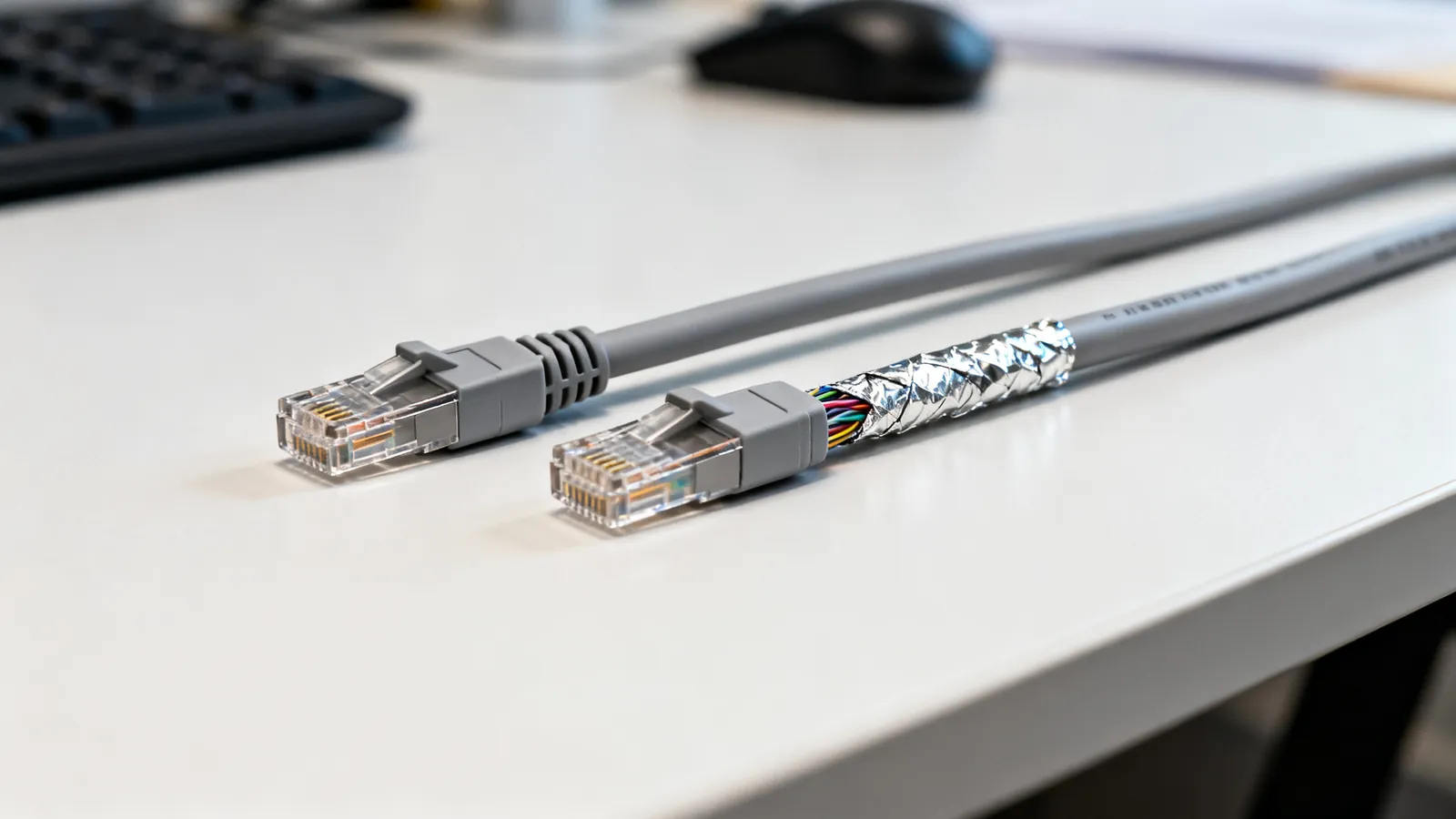
Shielded vs Unshielded Ethernet: UTP, FTP, STP
UTP, FTP, S/FTP and STP decoded: what shielding does, when it helps, and why a shield that is not grounded end to end gives no benefit.
Fiber vs Copper Ethernet: When Fiber Makes Sense
Fiber vs copper Ethernet compared: distance, interference, lightning between buildings, speed headroom, and the handling trade-offs against Cat6 and Cat6a.
Plenum vs Riser vs CM Cable Ratings
CMP, CMR, CM and CMX explained: where each US fire rating is required, the EU CPR classes, and what to use outdoors or underground.