Fiber vs Copper Ethernet: When Fiber Makes Sense
Fiber vs copper Ethernet compared: distance, interference, lightning between buildings, speed headroom, and the handling trade-offs against Cat6 and Cat6a.
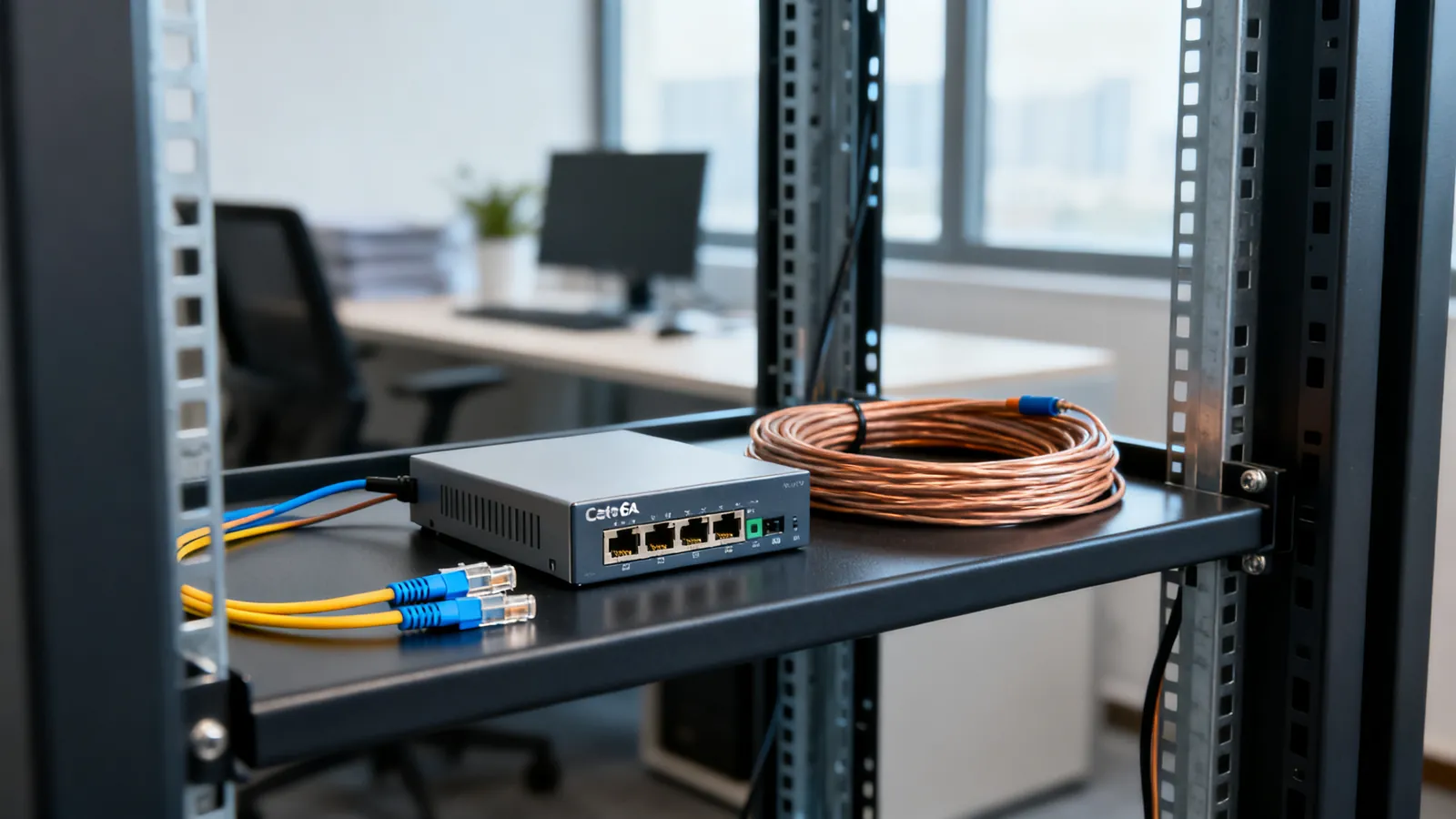
Fiber wins wherever copper runs out of distance, picks up interference, or has to cross between two buildings. Copper wins inside a building, at short runs, where the ports are already there and the cable has to be terminated on site. The decision is usually made by three things: how far the link goes, what sits at each end, and whether the two ends share a mains earth. Fiber carries light, not electricity, so it is immune to electrical interference and to ground-potential differences and lightning surges between buildings. Copper carries the signal as a voltage, so it is not.
What each cable actually is
Copper Ethernet is four twisted pairs of copper conductors, terminated on 8P8C modular plugs and jacks. The signal is differential: each pair carries the same signal inverted on two wires, and the receiver subtracts one from the other, which cancels much of the noise picked up along the way. That works well, but only up to a point. The 100 m (328 ft) channel limit is set by signal loss and timing, and it applies to every speed from 10 Mbps to 10 Gbps on the matching category. The full breakdown is on how far Ethernet can run.
Fiber is a glass core surrounded by cladding, with a protective coating and jacket. A transceiver converts the electrical signal from the switch into light, sends it down the fiber, and a transceiver at the far end converts it back. Nothing electrical crosses the cable. Singlemode fiber has a 9 µm core and 125 µm cladding (written 9/125), and is used at 1310 nm and 1550 nm. Multimode has a 50 µm or 62.5 µm core with 125 µm cladding, and is used at 850 nm and 1300 nm. The grades, jacket colours and core sizes are set out in fiber optic cable types.
Distance: where copper stops and fiber starts
This is the clearest dividing line. Copper holds 100 m (328 ft) for 10 Mbps through 10 Gbps on the right category, and 10GBASE-T needs Cat6a for the full 100 m; on Cat6 it reaches 55 m (180 ft), and as little as 37 m (121 ft) where many cables run bundled together. Cat8 reaches 25 and 40 Gbps but only over a 30 m (98 ft) channel with two connectors, and is meant for switch-to-server links inside data centres.
Fiber goes much further, and the grade decides how much further.
| Link | Fiber grade | Reach |
|---|---|---|
| 1000BASE-SX | OM1 | 275 m (902 ft) |
| 1000BASE-SX | OM2 | 550 m (1804 ft) |
| 10GBASE-SR | OM1 | 33 m |
| 10GBASE-SR | OM2 | 82 m |
| 10GBASE-SR | OM3 | 300 m (984 ft) |
| 10GBASE-SR | OM4 | 400 m (1312 ft) |
| 10GBASE-SR | OM5 | 400 m |
| 40GBASE-SR4 | OM3 | 100 m |
| 40GBASE-SR4 | OM4 | 150 m |
| 100GBASE-SR4 | OM3 | 70 m |
| 100GBASE-SR4 | OM4 | 100 m |
| 10GBASE-LR | Singlemode | 10 km (about 6 miles) |
| 10GBASE-ER | Singlemode | 40 km |
A run between two buildings on one site is often a few hundred metres, which multimode handles at 10 Gbps. Anything longer, or anything that has to leave the site, is singlemode territory. Singlemode is also the grade that keeps working when the speed rises later, because the reach figures for long-haul links are set by the transceivers at each end rather than by the glass.
Interference, lightning and separate earths
Inside one building, copper is usually fine. The problems start when a cable leaves the building.
Two buildings on the same site rarely sit on exactly the same earth potential. A copper cable joining them gives that difference a path, and current flows on the signal pairs and on any shield. The result ranges from intermittent errors to damaged ports. A nearby lightning strike makes it worse: the surge couples into the cable and travels to whatever is plugged in at both ends. Fiber carries no electricity, so it breaks that path completely. This is the single strongest argument for fiber between buildings, and it holds regardless of speed.
Interference is the second issue. Copper picks up noise from motors, fluorescent ballasts, radio transmitters and nearby mains cabling. The NEC asks for at least 50 mm (2 in) between communications cable and mains power conductors unless a barrier separates them, and power cables should be crossed at a right angle. Twisted pairs and shielding reduce the effect, but a shielded system only works if the jacks, plugs and patch panels are all shielded and the shield is grounded through the equipment; a shield that is broken or not grounded gives no benefit and can pick up noise. Fiber is immune to all of it.
Speed headroom and what plugs into what
Copper speeds are tied to the cable category: Cat5e does 1 Gbps to 100 m and 2.5 Gbps to 100 m under IEEE 802.3bz; Cat6 does 10 Gbps to 55 m; Cat6a does 10 Gbps to the full 100 m. Moving up a speed usually means replacing the cable.
Fiber separates the cable from the speed. The same multimode cable that runs 1 Gbps today can run 10 Gbps tomorrow if the transceivers at each end are changed. The transceiver is the part that sets the speed and the reach, and it plugs into a switch port. SFP is 1 Gbps, SFP+ is 10 Gbps, SFP28 is 25 Gbps, QSFP+ is 40 Gbps and QSFP28 is 100 Gbps. For short links inside a rack, a DAC (direct attach copper, twinax) cable joins two SFP ports without separate transceivers, and passive SFP+ DAC cables run up to 7 m. An AOC (active optical cable) is a fixed fiber cable with transceivers built in, for longer runs. Both are covered in SFP and SFP+ modules, DAC and AOC cables.
One practical catch: switch vendors may accept only modules coded for their equipment, and compatible modules are coded for a specific vendor. A module that is not coded for the switch may simply not be recognised.
Connectors, polish and handling
Fiber connectors are smaller and less forgiving than RJ45. LC has a 1.25 mm ferrule and is the usual connector on SFP modules. SC has a 2.5 mm ferrule and a push-pull body. ST has a 2.5 mm ferrule and a twist-lock bayonet, and is older. MPO/MTP puts 12 or 24 fibers in one ferrule for 40G and 100G parallel optics.
Polish matters. UPC connectors have a blue body; APC connectors have a green body and an 8 degree angled end face. Never mate an APC connector with a UPC one: the faces do not meet, and the link fails or the connectors are damaged.
Handling is the other difference. Copper can be pulled, bent, cut to length and terminated on site with a crimp tool. Fiber needs a clean end face; dust and fingerprints on the ferrule are a common cause of a link that will not come up. Factory-made patch cords and pre-terminated runs avoid field termination altogether, and that is the usual approach for anyone who has not handled fiber before.
Which to choose
Use copper when the run is inside one building, under 100 m (328 ft), and the devices already have RJ45 ports. Cat6a is the safe choice for a new 10 Gbps run to the full 100 m; Cat6 is fine for shorter runs. Copper is also cheaper to terminate and easier to rework.
Use fiber when any of these apply:
- The run leaves the building, for lightning and ground isolation.
- The run is longer than 100 m (328 ft).
- The route passes close to heavy electrical equipment, motors or radio gear.
- The link needs 25, 40 or 100 Gbps, which copper cannot carry over any useful distance.
- The speed may rise later without replacing the cable.
For a home network, copper is normally the right answer: runs are short, everything is in one building, and the ports are already there. Fiber for a home network makes sense mainly for a detached outbuilding, a long garden run or a workshop on a separate supply, where the ground isolation is the point. A short fiber link between two switches, with a pair of modules at each end, is a straightforward job once the modules match the switch.
What goes wrong
Mating APC and UPC. The angled face and the flat face do not meet. The link fails, and one or both connectors can be damaged. Check the body colour before connecting anything.
Dirt on the ferrule. A speck on the end face blocks or scatters the light. Clean and inspect before every connection, and cap unused ports.
Wrong grade for the reach. 10GBASE-SR on OM1 reaches 33 m, not 300 m. The grade sets the reach, and the transceiver has to match the grade and the distance.
Wrong module coding. A module not coded for the switch may not be recognised at all, even though the optics and the fiber are correct.
Tight bends. Fiber has a minimum bend radius, and a sharp bend causes loss or a cracked core. Copper has its own limit: for 4-pair UTP the installed bend radius is at least 4 times the cable’s outside diameter, and maximum pulling tension is 25 lbf (110 N).
Copper where it cannot work. Copper-clad aluminium conductors do not meet TIA category standards: higher resistance, brittle when flexed, and more heat under PoE. Category cable is solid or stranded copper. A copper run between buildings also carries the ground difference and the surge path, which no cable rating fixes.
Assuming fiber needs mains power at both ends. It does not carry power, so each end needs its own supply. PoE does not travel over fiber; where a remote device needs power, it needs a local supply or a media converter with its own power source. Mains work is a job for a licensed electrician.
Common questions
Is fiber better than Ethernet cable?
Fiber is better where distance, interference or ground isolation matter. It carries light, so it is immune to electrical interference and to ground-potential differences and lightning surges between buildings, and it reaches far beyond the 100 m (328 ft) copper channel limit. Copper is better inside one building at short runs, where the ports already exist and the cable can be terminated on site.
Can I use fiber for a home network?
It is usually unnecessary, because home runs are short and inside one building, where copper is simpler and the ports are already there. Fiber makes sense for a detached outbuilding, a long garden run or a workshop on a separate supply, where the ground isolation is the reason. A short fiber link between two switches needs a matching pair of modules at each end.
Fiber vs Cat6: which should I run?
Cat6 does 1 Gbps to 100 m and 10 Gbps up to 55 m (180 ft), or as little as 37 m (121 ft) where many cables run bundled together. Cat6a does 10 Gbps to the full 100 m (328 ft). Choose fiber instead when the run leaves the building, exceeds 100 m, passes close to heavy electrical equipment, or needs 25, 40 or 100 Gbps.
Does fiber need power at both ends?
Yes. Fiber carries no electricity, so each end needs its own supply and Power over Ethernet does not travel over it. Where a remote device needs power, it needs a local supply or a media converter with its own power source. Mains work is a job for a licensed electrician.
What is the difference between singlemode and multimode fiber?
Singlemode has a 9 µm core and 125 µm cladding, is used at 1310 nm and 1550 nm, and reaches 10 km (about 6 miles) at 10GBASE-LR and 40 km at 10GBASE-ER. Multimode has a 50 µm or 62.5 µm core with 125 µm cladding, is used at 850 nm and 1300 nm, and reaches 300 m (984 ft) on OM3 and 400 m (1312 ft) on OM4 at 10GBASE-SR.
Read next
Fiber Connector Types: LC, SC, ST, MPO, UPC vs APC
Compare LC, SC, ST and MPO fiber connectors, and learn why UPC and APC polish must never be mated. Includes cleaning and selection advice.
Multimode Fiber Grades Compared: OM1 to OM5
Compare OM1 to OM5 multimode fiber: core size, jacket colour, and 1G, 10G, 40G and 100G reach. See what to install new and what old OM1 and OM2 still carry.
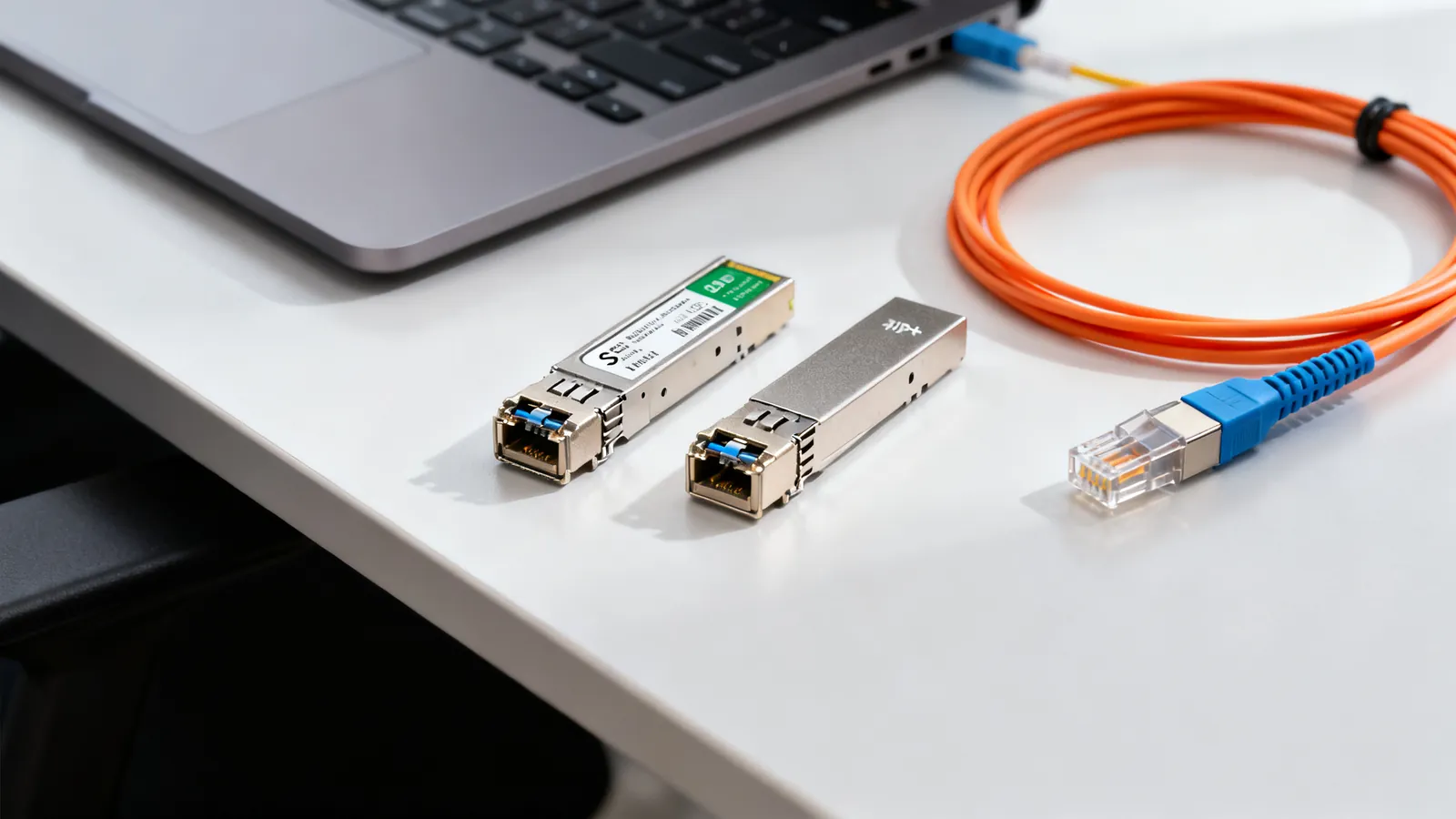
SFP vs SFP+: Modules, DAC and AOC Cables
SFP vs SFP+: how the module family scales from 1G to 100G, which fiber each type needs, when to use DAC or AOC cables, and why vendor coding matters.
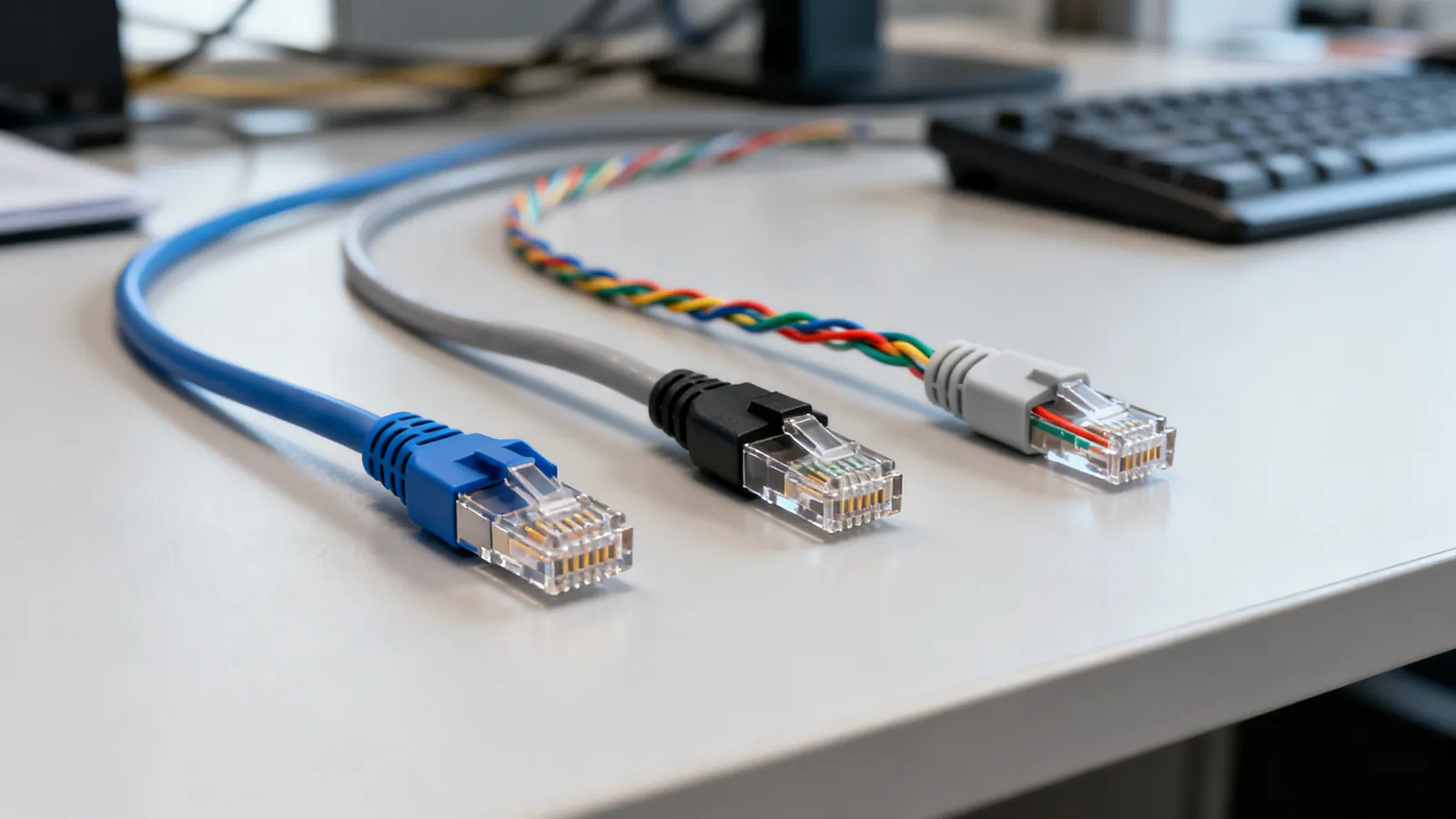
Cat5e vs Cat6 vs Cat6a: Which Ethernet Cable to Buy
Cat5e, Cat6 and Cat6a compared: bandwidth, 10 Gbps reach, shielding and when each category is the right choice for home or office cabling.
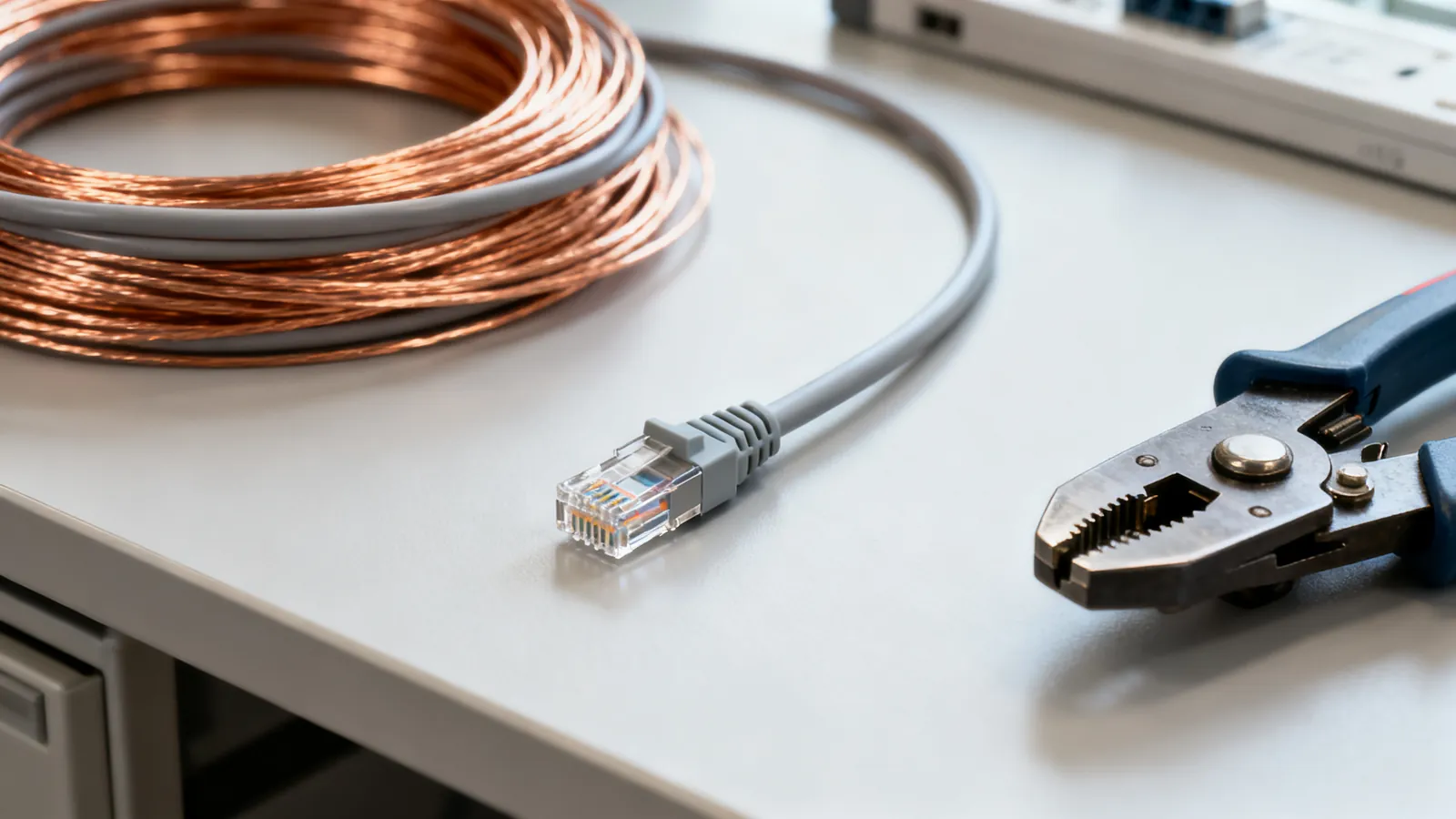
Solid vs Stranded Ethernet Cable: Which to Use
Solid copper for permanent links, stranded for patch cords. Learn which Ethernet cable to use where, how gauge matters, and why CCA fails.