Maximum Ethernet Cable Length: The 100 m Rule
Why Ethernet stops at 100 m (328 ft), how the limit splits between wall cable and patch cords, what fails beyond it, and ways past it: switches, fiber, extenders.
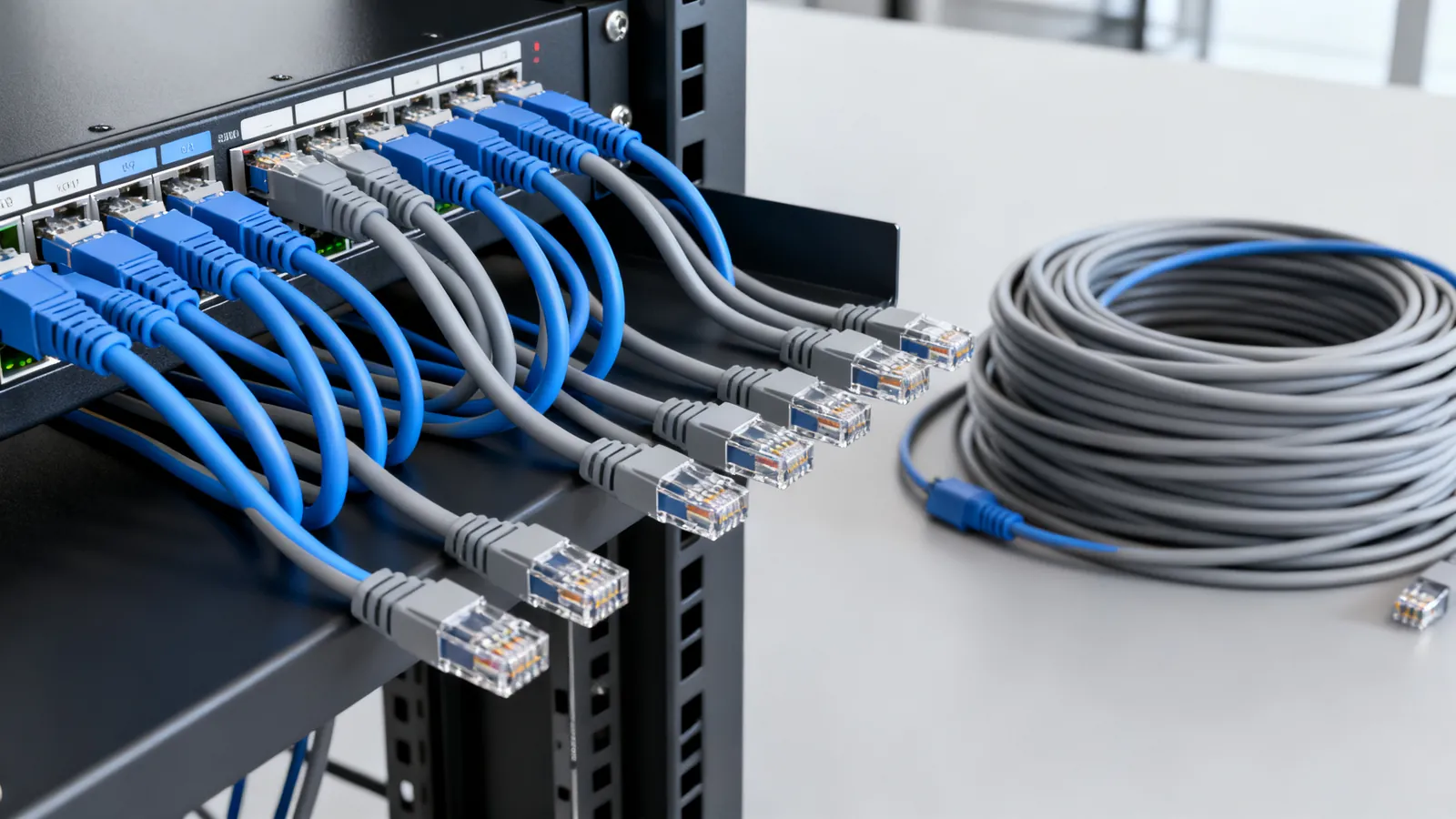
A copper Ethernet link runs 100 m (328 ft). That is the number in TIA-568 and in every IEEE 802.3 twisted-pair standard from 10BASE-T to 10GBASE-T, and it is a channel limit, not a cable limit: up to 90 m (295 ft) of permanent link in the wall plus up to 10 m (33 ft) of patch and equipment cords at the two ends. Stay inside that and the link works at its rated speed. Go past it and the link does not slow down politely - it drops, retrains or fails outright.
Where the 100 m figure comes from
The limit is set by signal loss and timing, not by a rule invented for convenience. Twisted-pair copper attenuates the signal as it travels, and the higher the frequency, the faster the loss. At 100 m the received signal is still strong enough and still arrives inside the timing window the standard allows. Beyond that, insertion loss eats the margin and the link budget runs out.
The same 100 m applies to every speed from 10 Mbps to 10 Gbps on the matching cable category. What changes with speed is the cable quality needed to hold that distance, not the distance itself. Category choice is covered in Ethernet cable categories explained.
How the 100 m splits: 90 m of wall cable, 10 m of cords
| Part of the channel | Maximum | Notes |
|---|---|---|
| Permanent link (horizontal cable in the wall) | 90 m (295 ft) | Solid copper, punched into jacks and panels |
| Patch and equipment cords, both ends combined | 10 m (33 ft) | Stranded copper, 24-26 AWG, slim cords 28 AWG |
| Total channel | 100 m (328 ft) | Applies to 10 Mbps through 10 Gbps |
In practice the 10 m of cord is shared between the work area and the patch panel, so a 5 m cord at each end is already at the limit. A long pre-made patch cord run from a desk to a distant switch is not a patch cord in the standard’s sense - it is part of the channel, and it counts against the 100 m.
What happens past 100 m
Nothing good, and nothing predictable. A link over the limit may negotiate at a lower speed, may connect and then drop under load, or may not link at all. Symptoms that look like a bad cable - intermittent drops, slow transfers, ports flapping - are often a run that is simply too long.
A continuity tester will pass an over-length cable, because the wires are intact. Only a certification tester that measures insertion loss, NEXT and return loss shows the link failing the category limits. A TDR shows the distance to a fault, which is how an over-length run is confirmed.
The ways past 100 m
A switch in the middle
The standard answer: put a switch or repeater partway along and treat the run as two links. Each segment gets its own 100 m budget. The switch regenerates the signal, so the total path can be far longer than 100 m. This costs a power outlet and a device in the middle, which is often the deciding factor.
Fiber
Fiber carries no electricity, is immune to electrical interference and to ground-potential differences between buildings, and runs far beyond copper. Singlemode at 10GBASE-LR reaches 10 km (about 6 miles); 10GBASE-ER reaches 40 km. Multimode is shorter but still far past copper: 10GBASE-SR reaches 300 m (984 ft) on OM3 and 400 m (1312 ft) on OM4. When a run is long, crosses between buildings, or sits near heavy electrical noise, fiber is the right answer. The trade-offs are set out in Fiber vs copper Ethernet: when fiber makes sense.
PoE extenders
A PoE extender takes power and data from the upstream link and passes both on to a further segment, so a single switch port can feed a device beyond 100 m. Each extender adds a segment, and each segment keeps the 100 m limit. Extenders are common for cameras and access points at the far end of a site. Power budgets matter here: the extender consumes some of the power the port supplies, so the device at the end sees less. PoE power levels and negotiation are covered in Power over Ethernet: PoE, PoE+ and PoE++ explained.
Category and speed change the distance, not the rule
The 100 m channel is the headline figure, but some speeds run shorter on some categories:
| Link | Cable | Maximum distance |
|---|---|---|
| 1000BASE-T (1 Gbps) | Cat5e or better | 100 m (328 ft) |
| 2.5GBASE-T (2.5 Gbps) | Cat5e | 100 m (328 ft) |
| 5GBASE-T (5 Gbps) | Cat6 | 100 m (328 ft) |
| 10GBASE-T (10 Gbps) | Cat6 | 55 m (180 ft), as little as 37 m (121 ft) when cables are bundled |
| 10GBASE-T (10 Gbps) | Cat6a | 100 m (328 ft) |
| 25GBASE-T / 40GBASE-T | Cat8 | 30 m (98 ft) channel, two connectors |
So a Cat6 run at 10 Gbps is not a 100 m link - it is a 55 m link, and less where many cables run together and alien crosstalk builds up. Cat6a holds 10 Gbps to the full 100 m. Cat8 is a data-centre cable for switch-to-server links, not a general horizontal run.
Conductors, terminations and the things that quietly shorten a run
Distance is only half the story. A link that measures 100 m but is built badly will fail the same tests as an over-length one.
- Copper, not CCA. Copper-clad aluminium does not meet TIA category standards: higher resistance, brittle when flexed, more heat under PoE. Category cable is solid or stranded copper.
- Solid in the wall, stranded in the cords. Solid copper goes into jacks and panels; stranded copper takes the flexing.
- Pair untwist at a termination: no more than 13 mm (0.5 in) for Cat5e and higher. More than that and crosstalk rises.
- Bend radius: at least 4 times the cable’s outside diameter for installed 4-pair UTP. A kinked cable is a damaged cable.
- Pulling tension: 25 lbf (110 N) maximum for 4-pair cable. Yanking a run through conduit stretches the pairs.
- Separation from mains: the NEC asks for at least 50 mm (2 in) between communications cable and mains power conductors unless a barrier separates them, and crossing power cables at a right angle. Any mains work is a job for a licensed electrician.
- Shielding must be continuous. A shielded system needs shielded jacks, plugs and patch panels, grounded through the equipment. A shield that is broken or not grounded gives no benefit and can pick up noise.
What goes wrong
A long patch cord used as a run. A pre-made cord stretched from a desk to a switch is part of the channel, and it eats the 10 m cord budget fast. Use a proper permanent link and short cords.
Assuming a cable is fine because it links. A link that comes up at 100 Mbps on a Gigabit port is telling you something. Check the run length and the terminations before replacing hardware.
Mixing T568A and T568B in one building. Both schemes work identically, and A and B differ only in swapping the orange and green pairs. But use one scheme at both ends of every cable. A cable wired A at one end and B at the other is a crossover cable, and while Auto-MDI-X on Gigabit and faster ports usually copes, it is a fault waiting to confuse the next person.
Expecting Cat7 patch cords to behave like Cat7. Cat7 is an ISO/IEC Class F cable rated to 600 MHz with every pair individually shielded, but it is not a TIA category. Its own connectors are GG45 and TERA; a “Cat7” cord with RJ45 plugs is not a standard Cat7 channel and performs only as the RJ45 connection allows.
Forgetting that PoE keeps the 100 m limit. Adding power does not extend reach. Higher power also heats bundled cable, which is why 23 AWG Cat6 and Cat6a copper runs cooler than thinner cable, and why CCA should never carry PoE.
Burying indoor cable outdoors. Outdoor cable needs a UV-resistant jacket; direct-burial cable is gel-filled or flooded to keep water out. Indoor cable is rated for neither.
Choosing for a run that is close to the limit
If the measured run is comfortably under 100 m and the speed is 1 Gbps or 2.5 Gbps, Cat5e is enough. For 10 Gbps to the full 100 m, use Cat6a. For 10 Gbps on Cat6, keep the run to 55 m (180 ft) or less, and expect less where cables are bundled. For anything longer than 100 m, do not shop for a special copper cable - there is not one. Put a switch in the middle, run fiber, or use a PoE extender, and treat each segment as its own 100 m link.
Common questions
How long can an Ethernet cable be?
100 m (328 ft) for a copper twisted-pair channel, which is up to 90 m (295 ft) of permanent link in the wall plus up to 10 m (33 ft) of patch and equipment cords. The same limit applies from 10 Mbps to 10 Gbps on the matching cable category. Some speeds run shorter on some categories - Cat6 at 10 Gbps is limited to 55 m (180 ft).
What happens if I run Ethernet over 100 m?
The link may negotiate at a lower speed, connect and then drop under load, or fail to link at all. A simple continuity tester will still pass the cable because the wires are intact; only a certification tester measuring insertion loss, NEXT and return loss shows the failure. A TDR confirms the distance to the fault.
Can I extend Ethernet past 100 m without fiber?
Yes. A switch or repeater partway along splits the run into two links, each with its own 100 m budget. A PoE extender does the same for a powered device such as a camera or access point, passing power and data on to a further segment. Each segment still keeps the 100 m limit.
Does PoE change the maximum Ethernet cable length?
No. PoE keeps the 100 m (328 ft) Ethernet limit. Adding power does not extend reach. Higher power does heat bundled cable, so 23 AWG Cat6 and Cat6a copper runs cooler than thinner cable, and copper-clad aluminium should never carry PoE.
Is 328 feet the same as 100 metres for Ethernet?
Yes, 100 m is 328 ft, and that is the channel limit in TIA-568 and IEEE 802.3. The figure is a channel limit, not a cable limit: 90 m (295 ft) of permanent link plus 10 m (33 ft) of cords. A long pre-made patch cord counts against the channel, not as a separate allowance.
Read next
Power over Ethernet: PoE, PoE+ and PoE++ Standards
PoE standards compared: 802.3af, 802.3at and 802.3bt power at the port and device, injectors vs switches, and the right cable for high-power PoE.
Ethernet Cable Categories: Cat5e to Cat8
Ethernet cable categories compared: Cat5e, Cat6, Cat6a, Cat7 and Cat8 rated frequency, speed and distance, plus which to buy for home, office and 10 Gbps.
Cat5e vs Cat6 vs Cat6a: Which Ethernet Cable to Buy
Cat5e, Cat6 and Cat6a compared: bandwidth, 10 Gbps reach, shielding and when each category is the right choice for home or office cabling.
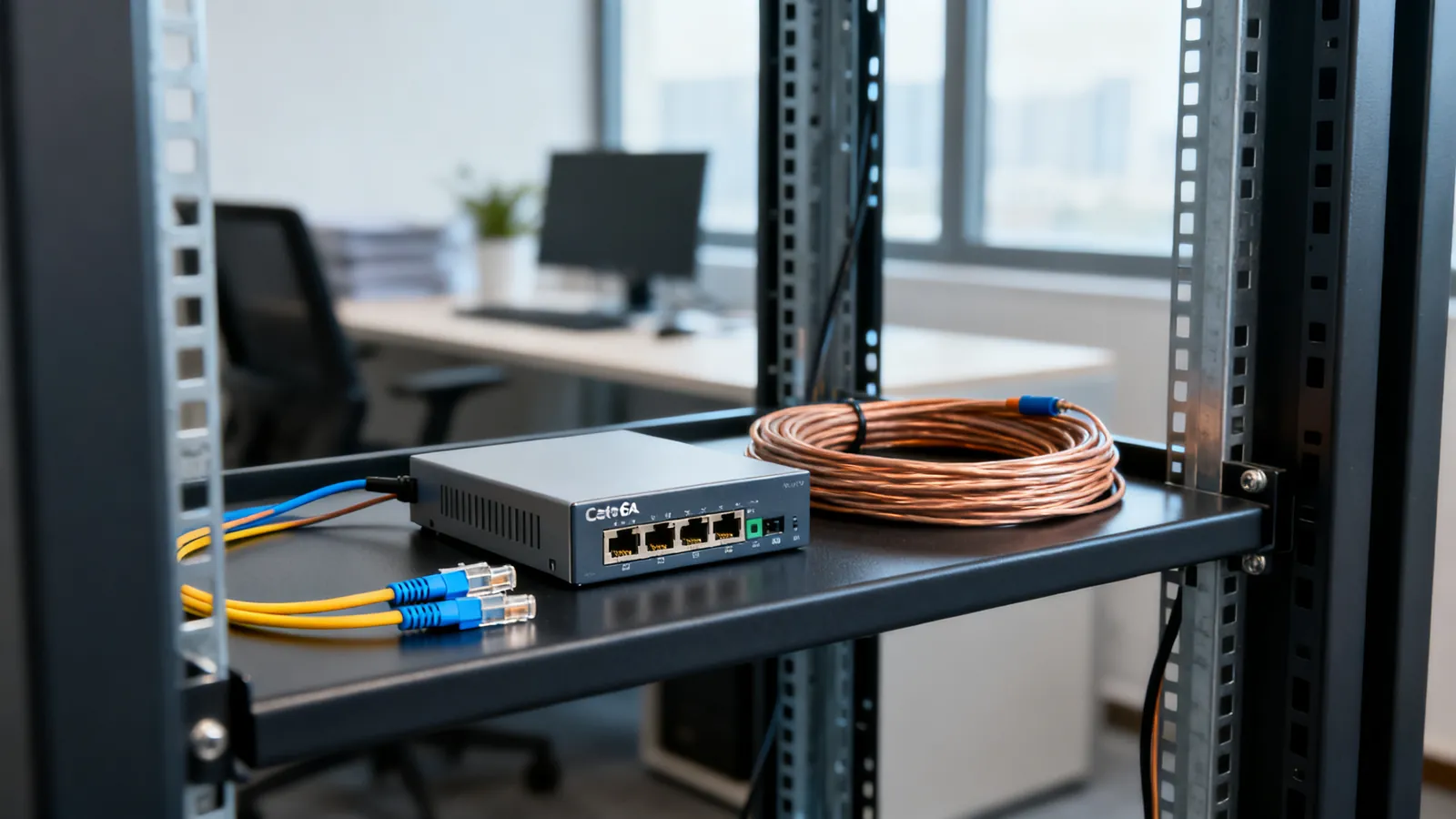
Fiber vs Copper Ethernet: When Fiber Makes Sense
Fiber vs copper Ethernet compared: distance, interference, lightning between buildings, speed headroom, and the handling trade-offs against Cat6 and Cat6a.
Fiber Optic Cable Types: Singlemode and Multimode
Singlemode and multimode fiber compared: OS2, OM1 to OM5, jacket colours, reach at 1G, 10G, 40G and 100G, and how to choose for a building or campus.