Composite vs Component Video: RCA Cables Compared
Composite and component video both use RCA plugs, but carry different signals. Compare resolution, connectors, S-Video and SCART, and adapters for old gear.

Composite and component video are both analogue formats that travel on RCA plugs, and the plugs look identical. The difference is what each cable carries. Composite sends all the picture information down one centre conductor, so colour and brightness are mixed together and the picture is standard definition. Component splits the picture into three signals on three separate cables, which keeps brightness and colour apart and allows progressive scan and high definition up to 1080i. If you are connecting a DVD player, a game console or a set-top box to a display, the format you choose sets the best picture you can get.
What composite video carries
Composite video is one yellow RCA plug. The signal contains the luminance (brightness) and the chrominance (colour) combined, plus sync pulses. Because everything shares one conductor, the display has to separate the parts again, and that filtering softens fine detail and can produce dot crawl and colour fringing at sharp edges. Composite is standard definition only. It is the lowest common denominator among analogue video connections and the one most likely to be present on a very old TV, VCR or console.
The red and white RCA plugs next to the yellow one are not video. They carry analogue stereo audio, one channel each, at consumer line level of -10 dBV. A yellow-red-white cable is therefore one composite video connection plus two audio connections, and the three plugs are not interchangeable even though the connectors fit. For the audio side, the same RCA plug is used for coaxial S/PDIF, but that is a digital 75 ohm signal and should use a 75 ohm cable rather than a plain audio lead. More on those plugs is in audio cable types: XLR, TRS, TS, RCA and 3.5 mm.
What component video carries
Component video, written YPbPr, uses three RCA plugs, usually coloured green, blue and red. The green plug carries the Y signal, which is brightness and sync. The blue plug carries Pb, the difference between blue and brightness. The red plug carries Pr, the difference between red and brightness. Because brightness travels on its own conductor, the display does not have to filter it out of a combined signal, so edges stay sharper and colour detail is cleaner.
Component is analogue, but it supports progressive scan and resolutions up to 1080i. On a DVD player or an early HD set-top box it is often the best analogue output available. The three video plugs are sometimes accompanied by two more RCA plugs for stereo audio, making a five-plug bundle. The colours are a convention, not a standard: what matters is that each plug goes to the matching jack.
| Format | Plugs | Signal | Best resolution | Notes |
|---|---|---|---|---|
| Composite | 1 yellow RCA | Luminance and chrominance combined | Standard definition | Dot crawl and soft edges |
| S-Video | 4-pin mini-DIN | Luminance and chrominance separate | Standard definition | Sharper than composite |
| Component (YPbPr) | 3 RCA (green, blue, red) | Y, Pb, Pr separate | Up to 1080i | Progressive scan supported |
| SCART | 21-pin European | Composite, RGB or S-Video depending on wiring | Standard definition | Can carry RGB, the best SD option |
S-Video and SCART compared
S-Video uses a 4-pin mini-DIN connector and separates luminance from chrominance, which removes most of the dot crawl and colour fringing of composite. It is still standard definition, but on a CRT or an early flat panel it is a visible step up from a yellow RCA plug. S-Video vs composite is therefore a question of whether the source and display both have the round 4-pin socket; if they do, use it.
SCART is a 21-pin European connector that can carry composite, S-Video or RGB, depending on how the cable and the equipment are wired. RGB over SCART is the best standard-definition analogue picture available on European TVs and set-top boxes, better than composite and usually better than S-Video. A SCART cable may be fully wired or may carry only composite, so check what the source actually outputs before assuming RGB.
Connecting old consoles and players to a modern TV
Modern TVs often have no analogue video inputs at all. The practical route depends on what the old device outputs and what the TV accepts.
- If the TV has a yellow RCA input, a composite cable works directly. Expect standard definition and a soft picture.
- If the TV has a green component input that also accepts composite, check the menu; many sets label it as AV or Video and accept the yellow plug there.
- If the TV has only HDMI, an analogue-to-HDMI converter is needed. Composite to HDMI and component to HDMI converters are active devices; they convert the analogue signal to digital. A passive RCA-to-HDMI plug does not exist in a working form.
- An RCA to HDMI converter must match the source: composite in, composite out; component in, component out. Some units accept both, with a switch.
- For VGA or DVI displays, the analogue-to-digital question is the same, and the options are covered in VGA and DVI today: connecting older monitors.
A composite or component signal converted to HDMI is still standard definition or 1080i at best. The converter does not add detail. It only changes the connector and the signal type so the display can lock to it.
Cable construction and length
Composite and component video are carried on 75 ohm coaxial cable, the same impedance used for cable TV and SDI. The RCA plug is not a 75 ohm connector in the way a BNC is, but at analogue video frequencies the mismatch is tolerable. For short runs, ordinary shielded RCA leads work. For longer runs, use a cable with a proper 75 ohm centre conductor and a heavy shield, and keep the three component leads together so they pick up the same interference.
Audio RCA leads are often made with thin, high-resistance centre conductors and light shielding. They will pass a composite video signal over a short distance, but they are not video cable. If the picture shows ghosting, colour loss or rolling, the cable is a common suspect.
What goes wrong
- Plugging the yellow composite plug into the green component jack. Some TVs accept it, many do not, and the picture may be black and white or missing entirely.
- Swapping the Pb and Pr plugs. The picture appears with wrong colours, often with a strong green or magenta cast.
- Using a plain stereo RCA lead for composite video. It may work over a short distance and fail over a longer one.
- Assuming a SCART cable carries RGB. Many carry composite only.
- Buying a passive RCA-to-HDMI adapter. There is no such thing as a passive analogue-to-HDMI cable; the conversion is active and needs power.
- Expecting component to reach 1080p. Component is specified up to 1080i; 1080p over analogue is not part of the format.
- Running composite and component side by side and mixing the leads. Label both ends.
Choosing between them
If the source and display both have component inputs, use component. It is the better analogue format and supports progressive scan and 1080i. If only composite is available, use composite and accept standard definition. If the display has only HDMI, use an active converter matched to the source format. For digital sources and displays, the version of HDMI matters more than the cable colour, and the differences are set out in HDMI 1.4, 2.0, 2.1 and 2.2: versions explained.
For a CRT or an early flat panel, S-Video or RGB over SCART can be a better standard-definition choice than composite. For a modern flat panel with no analogue inputs, the converter is the only route, and the result is limited by the source, not by the converter.
Common questions
Is component video better than composite?
Yes. Component splits brightness and colour across three cables, so it keeps more detail and supports progressive scan and 1080i. Composite combines everything on one conductor and is standard definition only.
Can I plug the yellow composite cable into the green component socket?
Sometimes. Many TVs label the green socket as also accepting composite, and the menu switches the input accordingly. If the set does not support it, the picture will be missing or black and white.
What is the difference between S-Video and composite?
S-Video uses a 4-pin mini-DIN plug and keeps luminance and chrominance on separate conductors, which removes most dot crawl and colour fringing. Composite mixes them on one RCA plug and is the softer of the two.
Does an RCA to HDMI converter work?
Yes, but it must be an active converter with its own power, and it must match the source: composite in for a yellow plug, component in for three plugs. A passive RCA-to-HDMI cable cannot convert an analogue signal to digital.
What is the best way to connect an old console to a modern TV?
Use the best analogue output the console has, usually component or RGB over SCART, then convert that to HDMI with an active converter. If the console only has composite, the result is standard definition regardless of the converter.
Read next

BNC Connectors and SDI Video Cables: 50 vs 75 Ohm
BNC connectors come in 50 and 75 ohm versions. Learn which to use for SDI video, CCTV and test gear, the SDI data rates, and how to convert BNC to RCA.
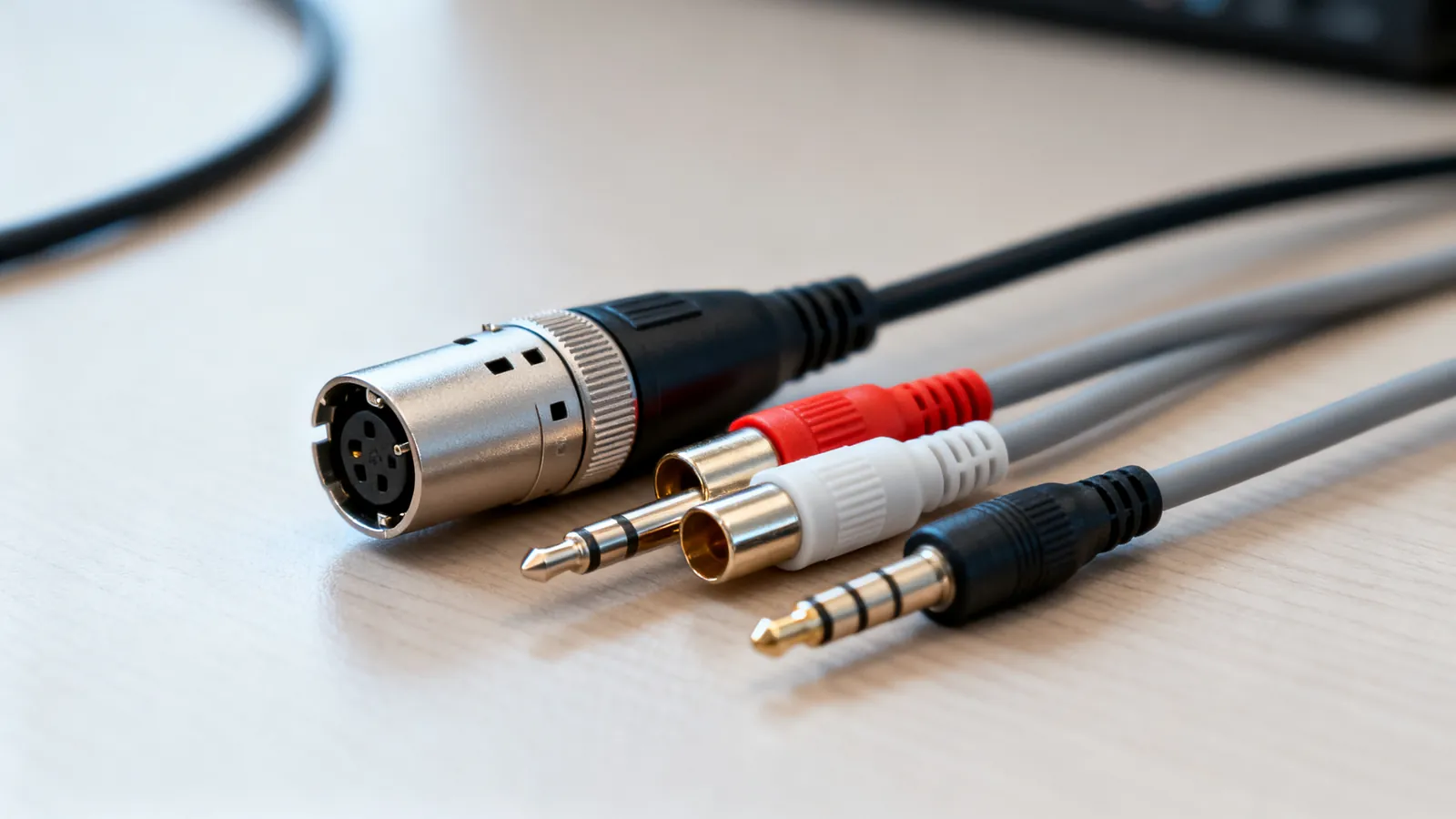
Audio Cable Types: XLR, TRS, TS, RCA and 3.5 mm
XLR, TRS, TS, RCA and 3.5 mm audio cables compared: what each carries, balanced vs unbalanced wiring, line levels, TRRS pin orders and which adapters work.

Optical vs Coaxial Digital Audio: TOSLINK and S/PDIF
TOSLINK and coaxial S/PDIF compared: what each carries, cable limits, connector types, and when HDMI eARC is the better choice for surround sound.
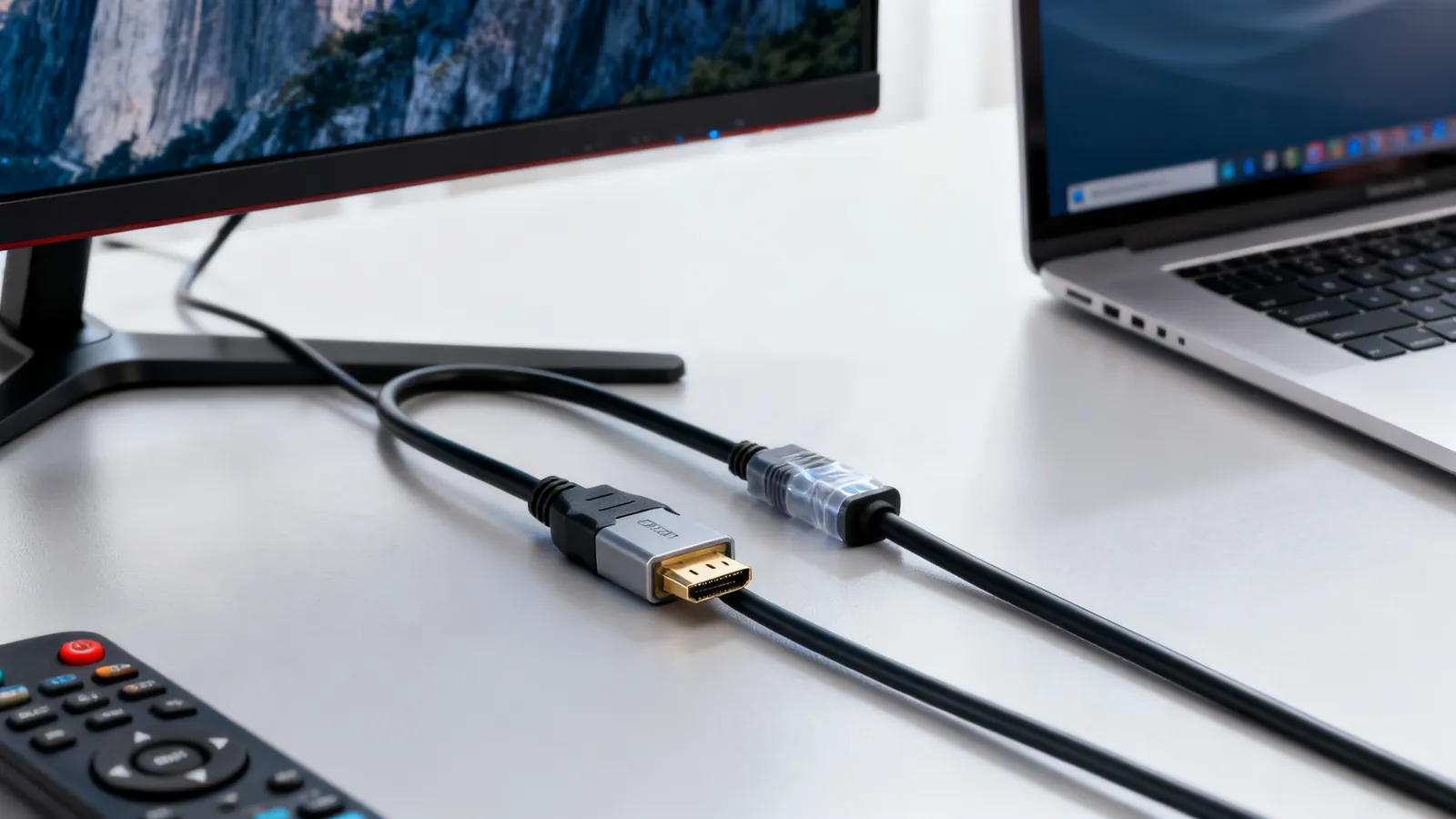
HDMI vs DisplayPort: Which Cable for Which Screen
HDMI and DisplayPort compared: bandwidth, refresh rates, daisy-chaining and adapters. Pick the right cable for a TV, a gaming monitor or a laptop.
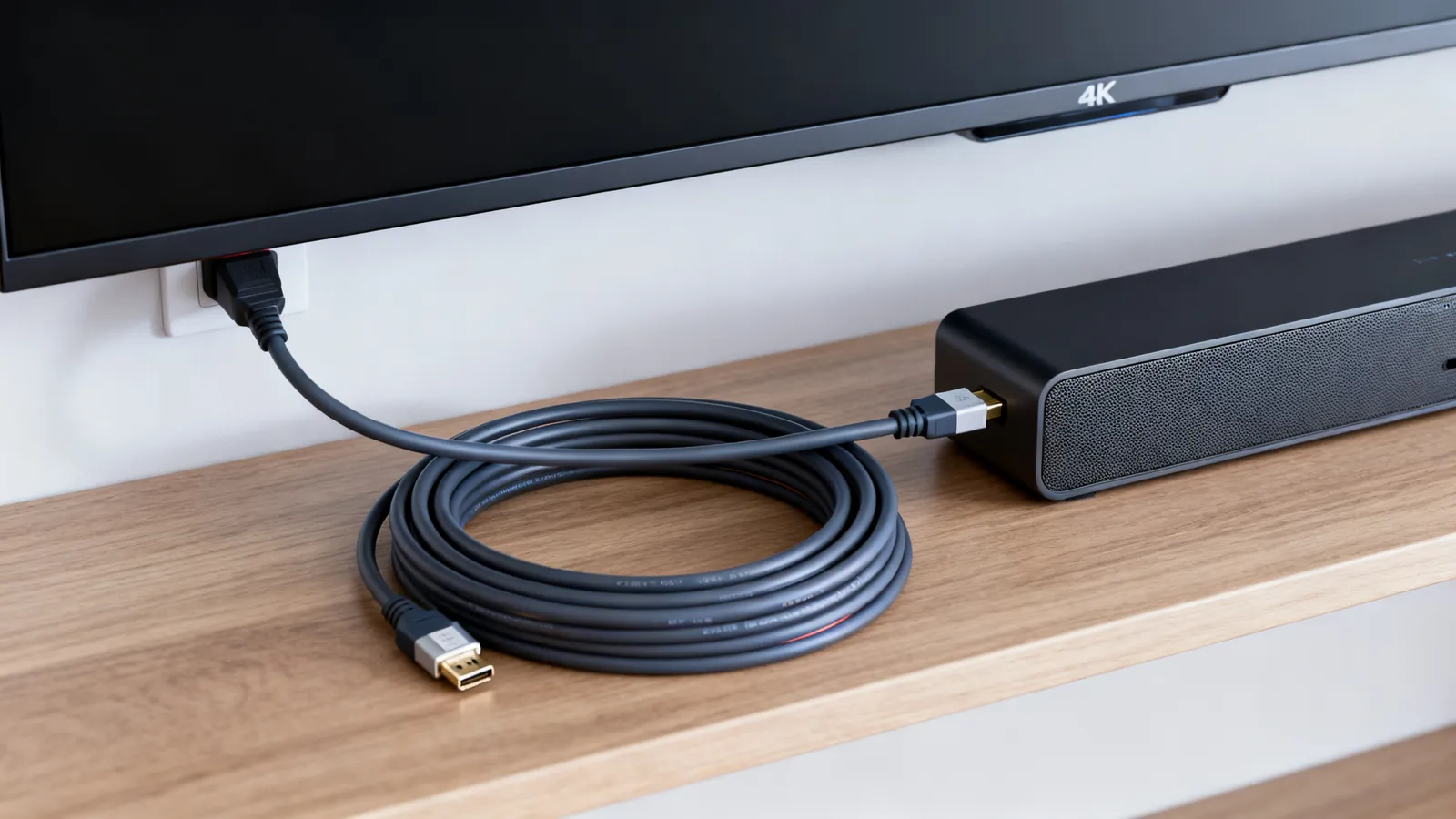
HDMI 1.4, 2.0, 2.1 and 2.2: Versions and Cable Speeds
HDMI 1.4, 2.0, 2.1 and 2.2 compared: bandwidth, resolutions, refresh rates, eARC and VRR. Learn why cables are rated by speed, not version.