Optical vs Coaxial Digital Audio: TOSLINK and S/PDIF
TOSLINK and coaxial S/PDIF compared: what each carries, cable limits, connector types, and when HDMI eARC is the better choice for surround sound.
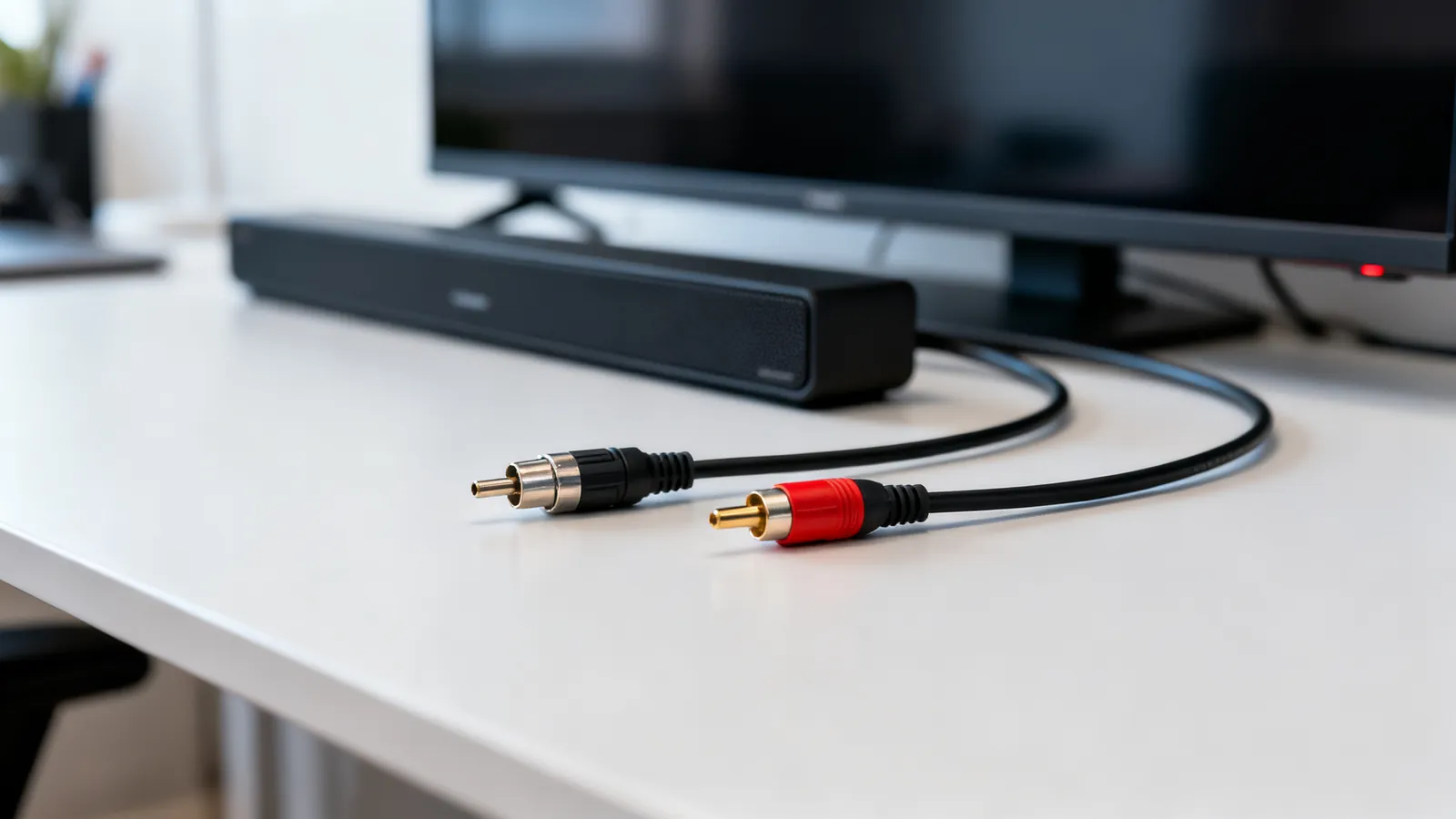
Both optical and coaxial digital audio carry the same S/PDIF signal, and for two-channel PCM or compressed 5.1 surround, either works. The difference is the cable and the connector: TOSLINK sends light down a fiber, coaxial sends a 75 ohm electrical signal down an RCA cable. Neither carries lossless multichannel formats such as Dolby TrueHD or DTS-HD Master Audio; that needs HDMI. Choose optical when you need electrical isolation between two mains-powered devices, and coaxial when the run is short and the sockets are RCA.
What TOSLINK and coaxial S/PDIF actually carry
S/PDIF is the consumer digital audio interface. It carries two-channel PCM and compressed 5.1 (Dolby Digital, DTS). It does not carry lossless multichannel formats, and it does not carry the higher bitrate object-audio streams that ride inside them. For a soundbar, a stereo DAC or an older AV receiver, that is enough. For a 4K disc player feeding a modern receiver with height channels, it is not.
TOSLINK uses a fiber optic cable with a square-ish connector, usually called the TOSLINK connector. The signal is light, so the cable is immune to electrical interference and to ground-potential differences between devices. That last point matters: if a TV and an amplifier sit on different circuits, or one is a laptop on a charger and the other is a mains-powered receiver, an optical link breaks the ground loop that would otherwise cause hum.
Coaxial S/PDIF uses a 75 ohm RCA cable. The connector is an RCA plug, but the cable is not the same as an analogue audio RCA cable: it should be 75 ohm coaxial, the same impedance used for video and antenna feeds. A standard analogue RCA cable will often work over a short distance, but it is not the right cable and can cause dropouts on longer runs.
| Property | TOSLINK (optical) | Coaxial S/PDIF |
|---|---|---|
| Signal | Light down a fiber | 75 ohm electrical |
| Connector | TOSLINK square connector | RCA plug |
| Cable | Fiber optic | 75 ohm coaxial |
| Carries | Two-channel PCM, compressed 5.1 | Two-channel PCM, compressed 5.1 |
| Does not carry | Lossless multichannel | Lossless multichannel |
| Ground isolation | Yes | No |
| Typical use | TV to soundbar, long runs | Short runs, RCA sockets |
Choosing between optical and coaxial
For a short run between a TV and a soundbar, either cable works. The practical differences are the sockets on the equipment and the electrical environment.
Use optical when:
- The two devices are on different mains circuits and you hear hum.
- The run is longer than a typical RCA cable handles well.
- You want to avoid any electrical path between a TV and an amplifier.
Use coaxial when:
- Both devices have RCA digital audio sockets and the run is short.
- You already have a 75 ohm coaxial cable, such as a spare video cable.
- The equipment has only a coaxial digital output.
Many TVs and soundbars have both. If both are present, optical is the safer default for a TV-to-soundbar link because it removes the ground loop. If the run is very short and both devices share a power strip, coaxial is fine.
For analogue connections, such as a turntable or a headphone output, the rules are different. See audio cable types: XLR, TRS, TS, RCA and 3.5 mm for the analogue side.
When HDMI eARC replaces both
HDMI ARC (Audio Return Channel) was introduced with HDMI 1.4 and returns audio from the TV to a soundbar or receiver over the HDMI cable. It carries stereo PCM and compressed 5.1, the same formats as S/PDIF. That makes it a direct replacement for optical or coaxial in a simple TV-to-soundbar setup, with one cable instead of two.
eARC (Enhanced Audio Return Channel) arrived with HDMI 2.1. It carries uncompressed multichannel PCM (up to 8 channels) and lossless formats such as Dolby TrueHD, DTS-HD Master Audio and Dolby Atmos within them, at up to 37 Mbps. eARC uses the HDMI Ethernet Channel wires, so it needs a High Speed cable with Ethernet or an Ultra High Speed cable. If your TV and soundbar both support eARC, and you want lossless surround, eARC is the correct link. S/PDIF cannot carry those formats at all.
The trade-off is compatibility. Older receivers and soundbars often have only optical and coaxial inputs. A TV with eARC can usually output to an older soundbar over optical, but it will downmix lossless formats to compressed 5.1 or stereo. For a comparison of the two HDMI audio return standards, see HDMI ARC vs eARC.
Connectors, cables and what to look for
TOSLINK connectors come in a few shapes. The standard square connector is the common one. Some portable devices use a mini-TOSLINK plug, which looks like a 3.5 mm jack and often doubles as an analogue headphone socket. A mini-TOSLINK to standard TOSLINK adapter cable is available for those.
Coaxial S/PDIF uses an RCA plug. The cable should be 75 ohm coaxial. RG6 is 75 ohm with an 18 AWG centre conductor, and RG59 is 75 ohm with a 20 to 22 AWG centre conductor. Either works for digital audio; RG6 is the heavier cable. F connectors are for TV coax, not for S/PDIF, so you need an RCA plug on each end.
Optical cables are more fragile than coaxial. A tight bend can crack the fiber and cause dropouts. Coaxial cables are more robust but can pick up electrical noise if run alongside mains cables. Keep both away from power cords where possible.
What goes wrong
- Using an analogue RCA cable for coaxial S/PDIF. It may work over a short distance, but it is not 75 ohm and can cause dropouts or jitter. Use a 75 ohm coaxial cable.
- Bending an optical cable too tightly. The fiber can crack and the signal will drop out. Keep the bend radius generous.
- Expecting lossless surround from S/PDIF. Dolby TrueHD, DTS-HD Master Audio and Dolby Atmos in their lossless form do not fit. The link will downmix to compressed 5.1 or stereo.
- Plugging a mini-TOSLINK into a headphone socket. The socket may be both, but the device must be set to output digital audio, not analogue. Check the menu.
- Assuming all RCA digital outputs are coaxial S/PDIF. Some are analogue stereo outputs. Check the label: it should say coaxial, digital or S/PDIF.
- Ignoring the HDMI cable version for eARC. eARC needs a High Speed cable with Ethernet or an Ultra High Speed cable. An older Standard HDMI cable may not carry the Ethernet channel.
- Ground loops with coaxial. If you hear hum, try an optical cable. It breaks the electrical path between devices.
Quick selection guide
| Situation | Recommended link |
|---|---|
| TV to soundbar, both have optical | TOSLINK optical |
| TV to soundbar, both have eARC | HDMI eARC |
| Short run, both have RCA digital | Coaxial S/PDIF |
| Hum or ground loop | TOSLINK optical |
| Lossless surround (TrueHD, DTS-HD MA) | HDMI eARC |
| Older receiver with only optical/coaxial | TOSLINK or coaxial S/PDIF |
For most home setups, optical is the safe choice for a TV-to-soundbar link, and coaxial is fine for short runs between components that share a power source. When both devices support eARC and you want the best surround formats, HDMI eARC replaces both.
Common questions
Is optical better than coaxial for sound quality?
Both carry the same digital signal, so the audio data is identical. Optical is immune to electrical interference and ground loops, which can matter if you hear hum. Coaxial is more robust and works well over short runs. The choice is about the installation, not the format.
Can I use a regular RCA cable for coaxial digital audio?
It may work over a short distance, but a standard analogue RCA cable is not 75 ohm and can cause dropouts. Use a 75 ohm coaxial cable, such as RG6 or RG59 with RCA plugs, for reliable coaxial S/PDIF.
Does optical audio support Dolby Atmos?
Optical S/PDIF can carry Dolby Atmos in its compressed form, which is embedded in Dolby Digital Plus. It cannot carry lossless Atmos, which needs HDMI eARC. If you want the full lossless version, use eARC.
What is the difference between optical and HDMI ARC?
Optical carries stereo PCM and compressed 5.1. HDMI ARC carries the same formats over an HDMI cable. HDMI eARC adds uncompressed multichannel PCM and lossless formats such as Dolby TrueHD and DTS-HD Master Audio. If your equipment supports eARC, it is the better link for surround sound.
How long can an optical audio cable be?
TOSLINK optical cables are commonly available in lengths up to several metres. The signal is light, so it does not pick up electrical noise, but the fiber can crack if bent too tightly. For very long runs, a coaxial cable or an HDMI eARC link may be more practical.
Sources
Read next
Audio Cable Types: XLR, TRS, TS, RCA and 3.5 mm
XLR, TRS, TS, RCA and 3.5 mm audio cables compared: what each carries, balanced vs unbalanced wiring, line levels, TRRS pin orders and which adapters work.
RG6 vs RG59: Which Coax Cable to Use
RG6 and RG59 are both 75 ohm coax, but they differ in centre conductor gauge and shielding. Learn which to use for TV, antenna, CCTV and MoCA networking.
Composite vs Component Video: RCA Cables Compared
Composite and component video both use RCA plugs, but carry different signals. Compare resolution, connectors, S-Video and SCART, and adapters for old gear.
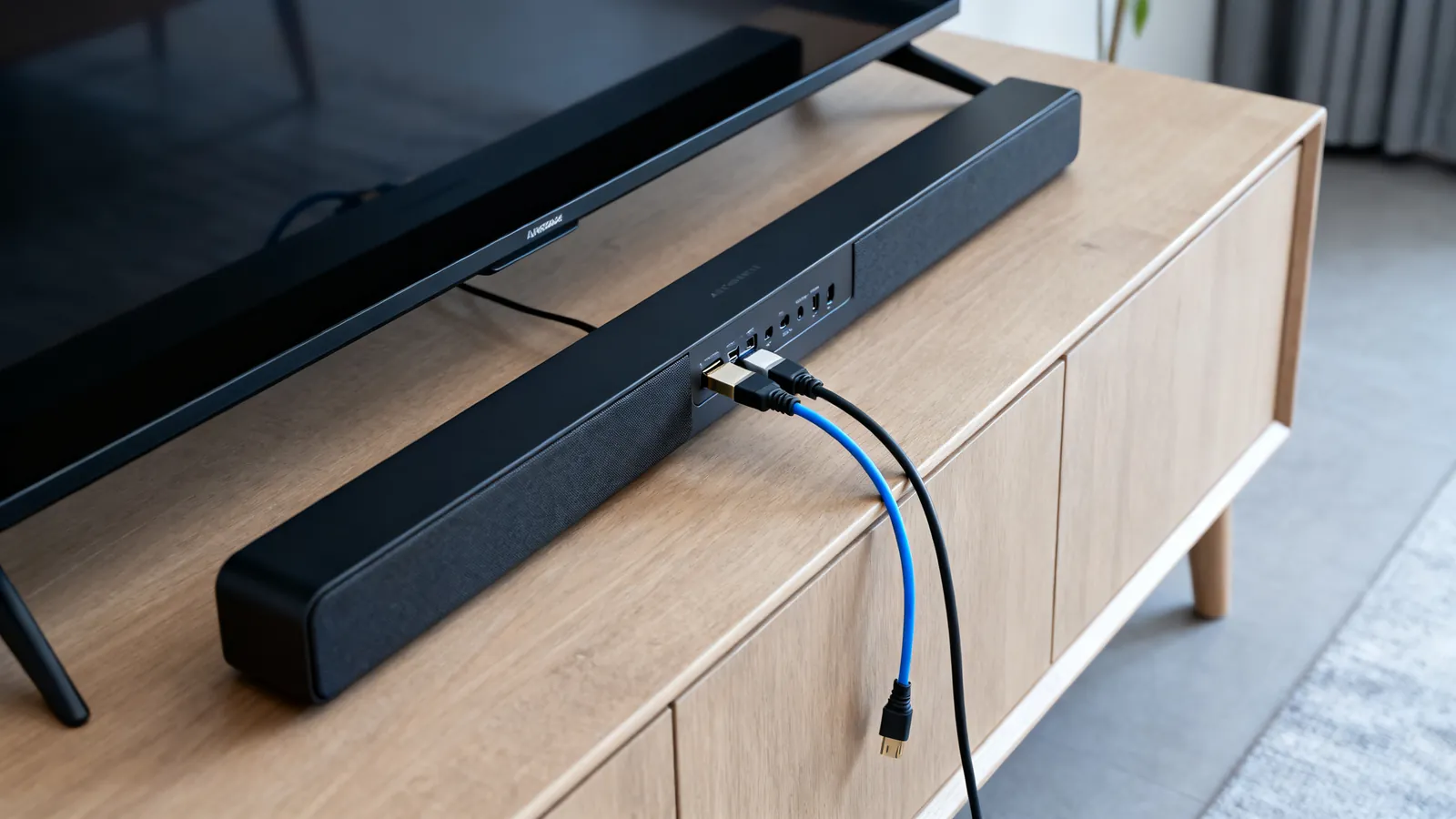
HDMI ARC vs eARC: Audio Return Explained
ARC returns stereo and compressed 5.1 over HDMI 1.4; eARC adds uncompressed multichannel PCM and lossless formats like Dolby Atmos. Here is what each needs.
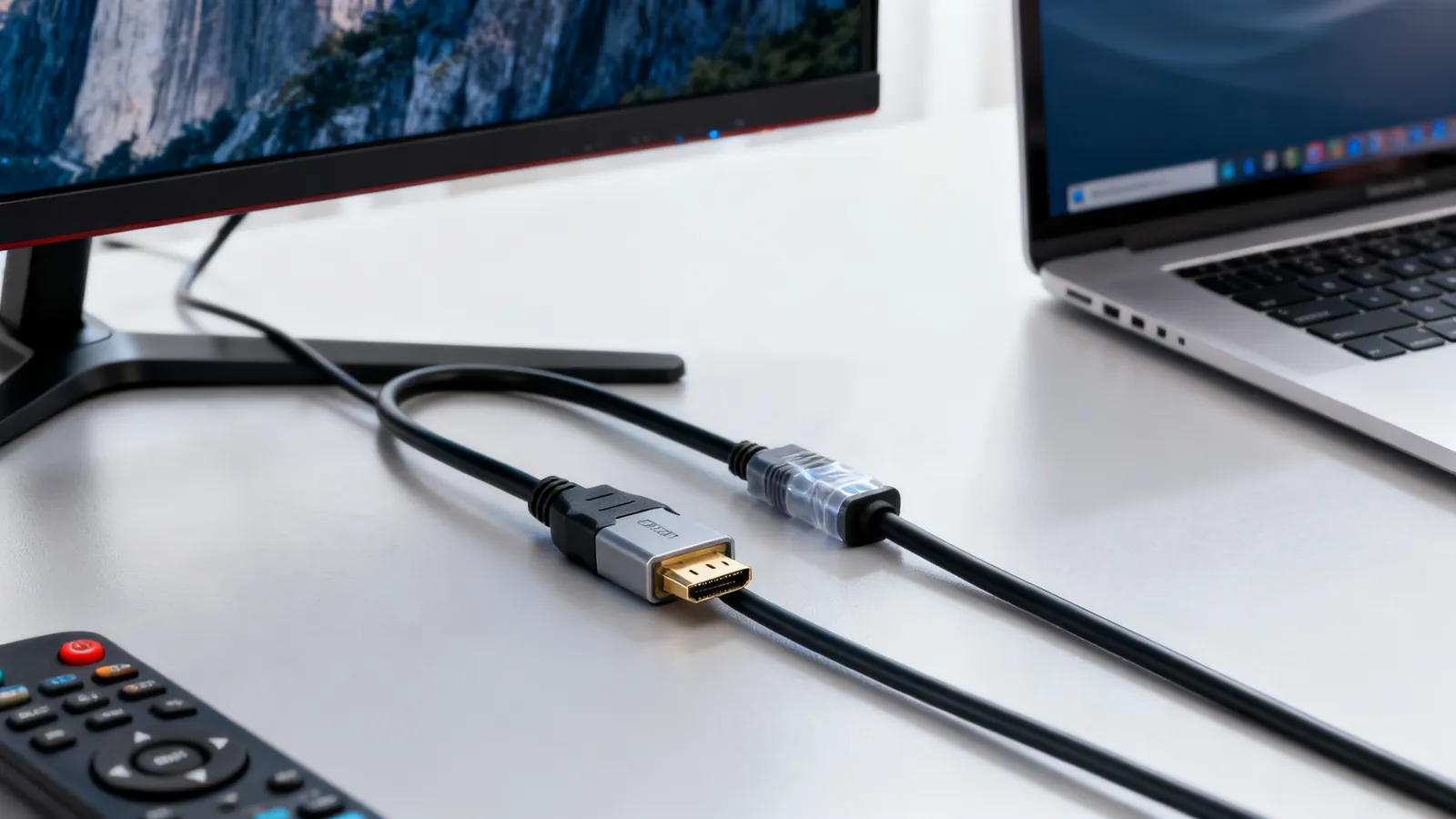
HDMI vs DisplayPort: Which Cable for Which Screen
HDMI and DisplayPort compared: bandwidth, refresh rates, daisy-chaining and adapters. Pick the right cable for a TV, a gaming monitor or a laptop.