Audio Cable Types: XLR, TRS, TS, RCA and 3.5 mm
XLR, TRS, TS, RCA and 3.5 mm audio cables compared: what each carries, balanced vs unbalanced wiring, line levels, TRRS pin orders and which adapters work.
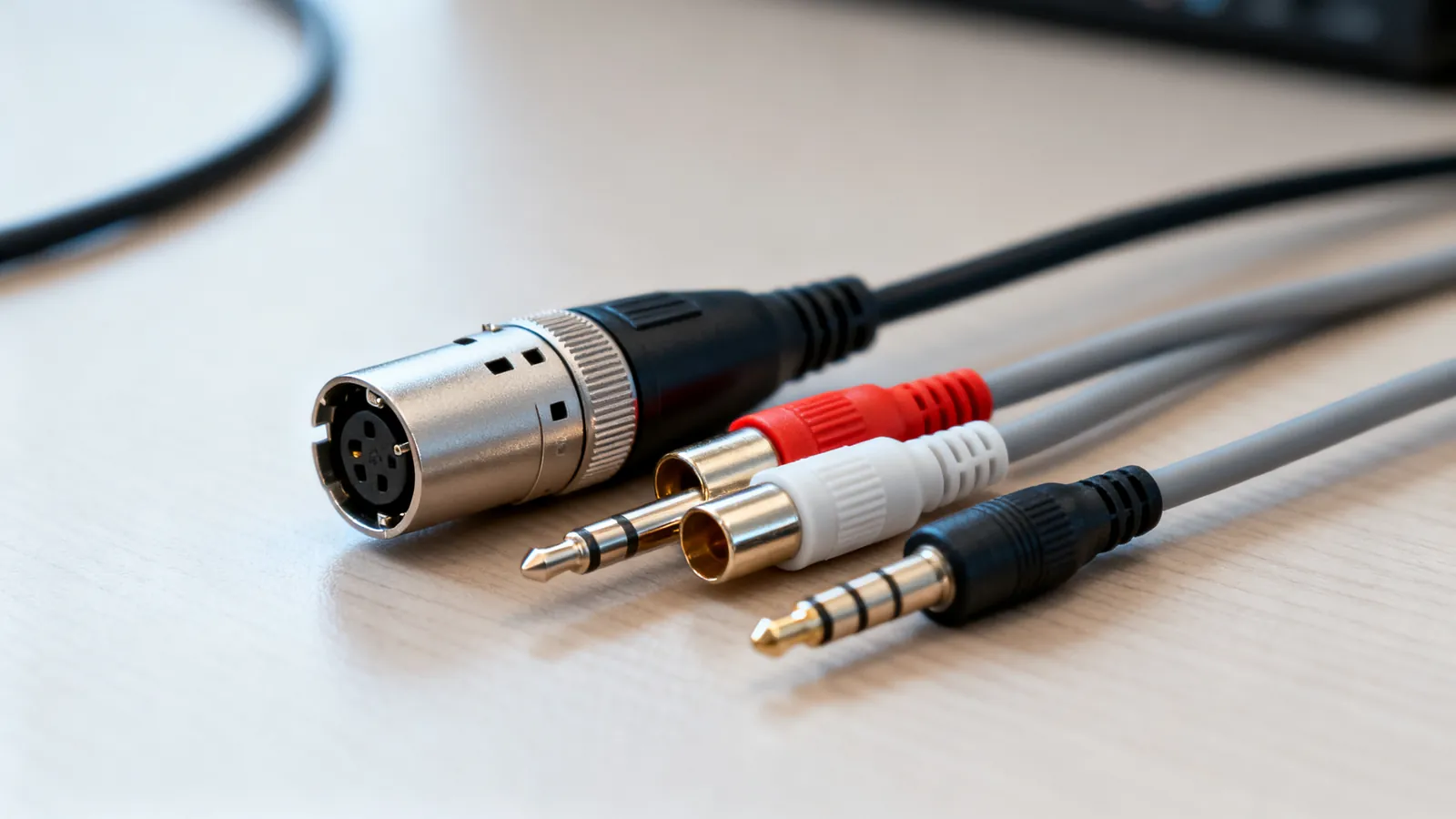
The connector on the end of an audio cable tells you what the cable can carry and how far it can run. XLR and 6.35 mm TRS are balanced and suit long runs; RCA and 6.35 mm TS are unbalanced and suit short ones; 3.5 mm TRS is stereo headphones, and 3.5 mm TRRS adds a microphone in one of two pin orders that do not interchange. Match the connector to the signal, keep balanced runs balanced, and most audio problems disappear before they start.
The five connectors and what each one is
XLR (3-pin). A balanced, locking connector. Pin 1 is shield and ground, pin 2 is hot (positive), pin 3 is cold (negative). The shell latches, so it will not pull out mid-show. Standard on microphones, DI boxes, mixers and powered speakers.
6.35 mm (1/4 inch) TRS. Tip, Ring, Sleeve: three contacts. Used as a balanced mono connection (tip hot, ring cold, sleeve ground) on studio gear, or as an unbalanced stereo connection (tip left, ring right, sleeve ground) on headphone outputs. The same plug, two different jobs, decided by the equipment at each end.
6.35 mm TS. Tip, Sleeve: two contacts, unbalanced mono. The instrument cable on an electric guitar or bass, and unbalanced line connections on older gear.
RCA (phono). One centre pin and a surrounding ground ring, unbalanced. Red and white RCA plugs carry analogue stereo audio; the yellow plug in the same moulding is composite video, not audio. A 75 ohm RCA is also used for coaxial S/PDIF, which is a digital signal in the same shell.
3.5 mm. The miniature version of TRS. 3.5 mm TRS is stereo headphones or a line-level output; 3.5 mm TRRS adds a fourth contact for a microphone.
| Connector | Contacts | Balanced? | Typical use |
|---|---|---|---|
| XLR 3-pin | 3 | Yes | Microphones, mixers, powered speakers |
| 6.35 mm TRS | 3 | Yes (mono) or stereo | Studio line level, headphones |
| 6.35 mm TS | 2 | No | Instruments, unbalanced line |
| RCA | 2 | No | Consumer stereo, coaxial S/PDIF |
| 3.5 mm TRS | 3 | No | Headphones, portable line out |
| 3.5 mm TRRS | 4 | No | Headset with microphone |
Balanced vs unbalanced audio
A balanced line carries the signal twice: once on the hot conductor and once inverted on the cold conductor, with a shield around both. Any noise picked up along the cable arrives in phase on both conductors, and the receiving input subtracts the two, so the noise cancels and the signal survives. That is why balanced lines suit long runs and electrically noisy rooms.
An unbalanced line carries the signal on one conductor and ground on the other. It is simpler, cheaper and fine over short distances, but it picks up hum and interference as length increases.
Levels differ too. Professional line level is +4 dBu; consumer line level is -10 dBV. The gap is large enough that plugging a consumer output into a professional input, or the reverse, gives either a very quiet or a distorted result unless a converter or gain stage is used.
Practical rule: keep the whole chain balanced where the equipment allows it. A balanced output into a balanced input over XLR or TRS is the most robust arrangement. Converting to RCA anywhere in the middle throws away the benefit for everything downstream.
TRRS vs TRS and the two headset pin orders
A 3.5 mm TRS plug has tip, ring and sleeve: left, right and ground. A TRRS plug adds a second ring for the microphone, but the standard does not say which contact is which. Two pin orders exist:
- CTIA (most current devices): tip left, ring 1 right, ring 2 ground, sleeve microphone.
- OMTP (older devices): tip left, ring 1 right, ring 2 microphone, sleeve ground.
The two are not interchangeable without an adapter. Plug a CTIA headset into an OMTP socket and the microphone path is shorted to ground: audio may play, but the mic will not work, or the sound will be thin and one-sided. If a headset behaves oddly on one device and fine on another, the pin order is the first thing to check.
A 3.5 mm TRS plug in a TRRS socket still passes stereo audio, because the extra contact simply goes unused. A TRRS plug in a TRS socket can short the microphone contact to ground, which is why some devices mute or distort.
Adapters that work and adapters that do not
Passive adapters change the shape of the connector, not the nature of the signal.
- XLR to 6.35 mm TRS: works, and stays balanced if the TRS end is wired tip hot, ring cold, sleeve ground. Common on studio gear.
- XLR to 6.35 mm TS: works only as an unbalanced connection. The cold side is tied to ground, so the run loses its noise rejection.
- RCA to 6.35 mm TS: works, unbalanced, short runs.
- 3.5 mm TRS to dual RCA: works, and is the usual way to feed a portable player into a hi-fi or mixer.
- 3.5 mm TRRS to dual 3.5 mm (headphone plus mic splitter): works only if the pin order matches the device.
- RCA to XLR: possible, but the result is unbalanced unless a transformer or active converter is used. A cable alone cannot create a balanced signal.
A gender changer swaps male and female without crossing anything. A null-modem-style crossover does not exist in audio; the equivalent is a cable that swaps hot and cold, which flips the polarity of the signal.
Digital audio in the same shells
Two digital formats share the analogue connectors. TOSLINK uses a small optical plug, and coaxial S/PDIF uses a 75 ohm RCA. Both carry two-channel PCM and compressed 5.1 (Dolby Digital, DTS). Neither carries lossless multichannel formats; that needs HDMI. The choice between them is covered in optical vs coaxial digital audio.
RCA also appears in the video world. The yellow RCA plug is composite video, and the green, blue and red plugs are component video (YPbPr). The differences are set out in composite vs component video (RCA).
Speaker cable is not an audio interconnect
Speaker wire carries the amplified signal from an amplifier to a loudspeaker. It is not shielded, it is not balanced, and it is not interchangeable with an interconnect cable. Gauge matters more than connector here: a lower AWG number is a thicker wire. 16 AWG suits typical home runs, 14 AWG suits longer runs or 4 ohm speakers, and 12 AWG suits long runs. Speaker impedance is commonly 4, 6 or 8 ohm. Speaker wire run inside walls should be rated CL2 or CL3. The full table is in speaker wire gauge: which AWG to use.
What goes wrong
A balanced cable wired unbalanced. An XLR to TS adapter ties the cold conductor to ground. The cable still passes audio, but the noise rejection is gone, and a long run that was quiet becomes a hum.
A TRS plug used where a TS plug is expected. Inserting a stereo TRS into a mono TS socket can short the ring to ground, which mutes one channel or the whole signal.
The wrong TRRS pin order. A headset that works on one phone and not another is almost always CTIA versus OMTP. An adapter with the correct pin order fixes it; a plain extension cable does not.
RCA used for long runs. Unbalanced cable picks up hum as length increases. If a run needs to be long, use a balanced connection or a digital link, not a longer RCA.
Confusing analogue and digital RCA. A 75 ohm coaxial S/PDIF cable and an analogue RCA cable look identical. A plain analogue cable may work for a short digital run and fail on a longer one, because the impedance is wrong.
Mixing line levels. A -10 dBV consumer output into a +4 dBu professional input is quiet and noisy; the reverse overloads the input. Match the level or use a converter.
Assuming a connector implies a signal. The same 3.5 mm jack can be stereo headphones, a mono microphone input, a line output or a TRRS headset socket. Read the label on the device, not the shape of the hole.
Cheap adapters with the wrong wiring. A passive adapter that looks correct may swap hot and cold or short the shield. If a channel is missing or the polarity is inverted, the adapter is the first suspect.
Mains work. Anything involving mains power, including power cords and in-wall cabling next to mains, is a job for a licensed electrician. Audio cables are low voltage and out of that scope.
Common questions
What is the difference between XLR and TRS?
Both are balanced three-conductor connections. XLR uses a locking three-pin connector with pin 1 as shield and ground, pin 2 hot and pin 3 cold. 6.35 mm TRS uses tip, ring and sleeve for the same three conductors. The signal is the same; the connector and the locking mechanism differ.
Is a 3.5 mm TRRS cable the same as TRS?
No. TRS has three contacts (left, right, ground) and carries stereo audio. TRRS has four contacts and adds a microphone path, but the pin order is either CTIA or OMTP, and the two are not interchangeable without an adapter.
Can I use an RCA cable for a long run?
RCA is unbalanced, so it picks up hum and interference as length increases. For long runs, use a balanced connection over XLR or TRS, or a digital link. A longer RCA cable does not solve the problem.
What is the difference between balanced and unbalanced audio?
A balanced line carries the signal on two conductors, one inverted, and cancels noise picked up along the cable. An unbalanced line carries the signal on one conductor and ground on the other, which is simpler but more prone to hum over distance. Professional line level is +4 dBu; consumer line level is -10 dBV.
Why does my headset microphone not work on some devices?
3.5 mm TRRS headsets use one of two pin orders: CTIA (most current devices) or OMTP (older devices). The microphone and ground contacts are swapped between them, so a headset that works on one device may not work on another without an adapter.
Read next
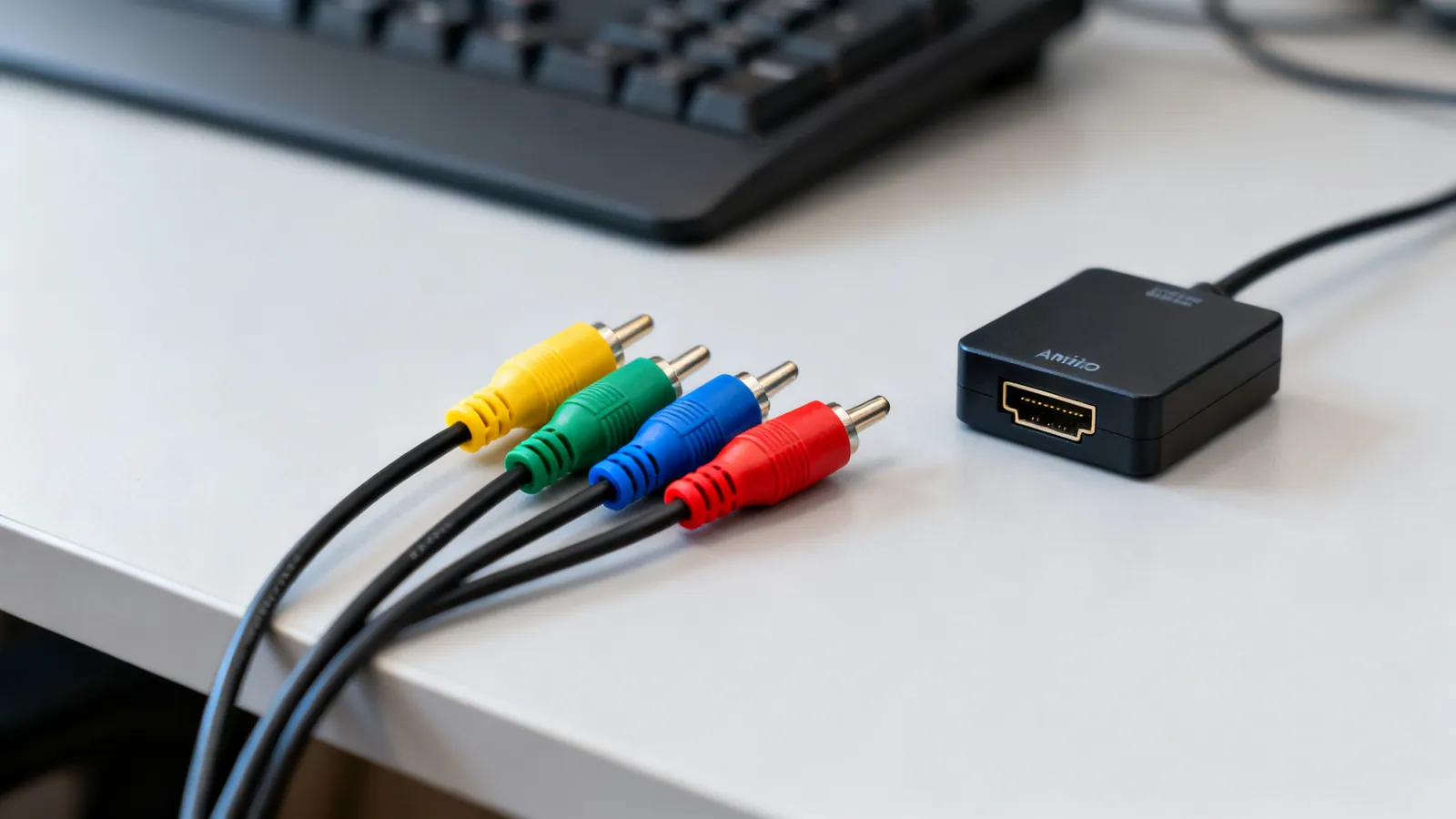
Composite vs Component Video: RCA Cables Compared
Composite and component video both use RCA plugs, but carry different signals. Compare resolution, connectors, S-Video and SCART, and adapters for old gear.
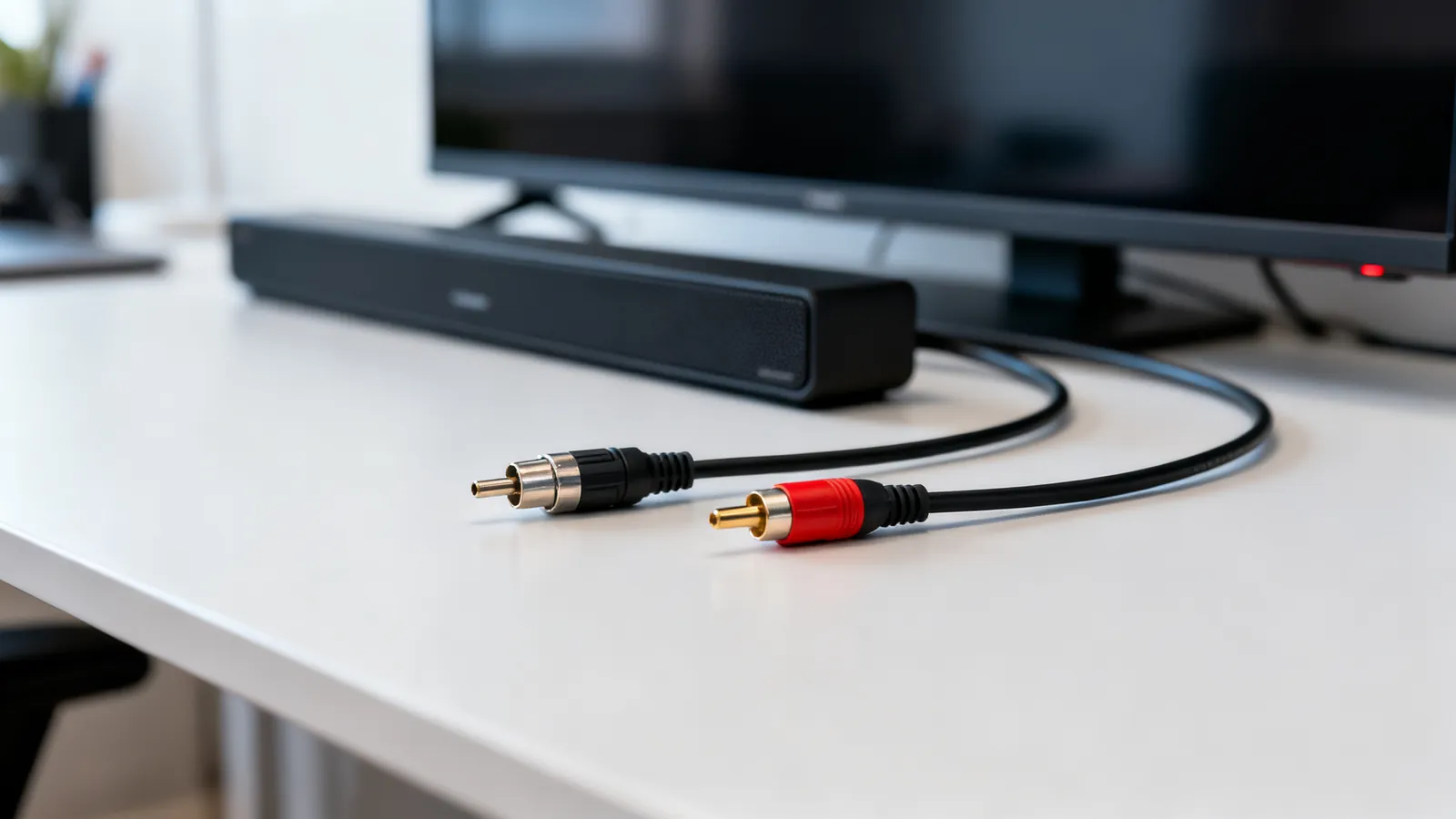
Optical vs Coaxial Digital Audio: TOSLINK and S/PDIF
TOSLINK and coaxial S/PDIF compared: what each carries, cable limits, connector types, and when HDMI eARC is the better choice for surround sound.
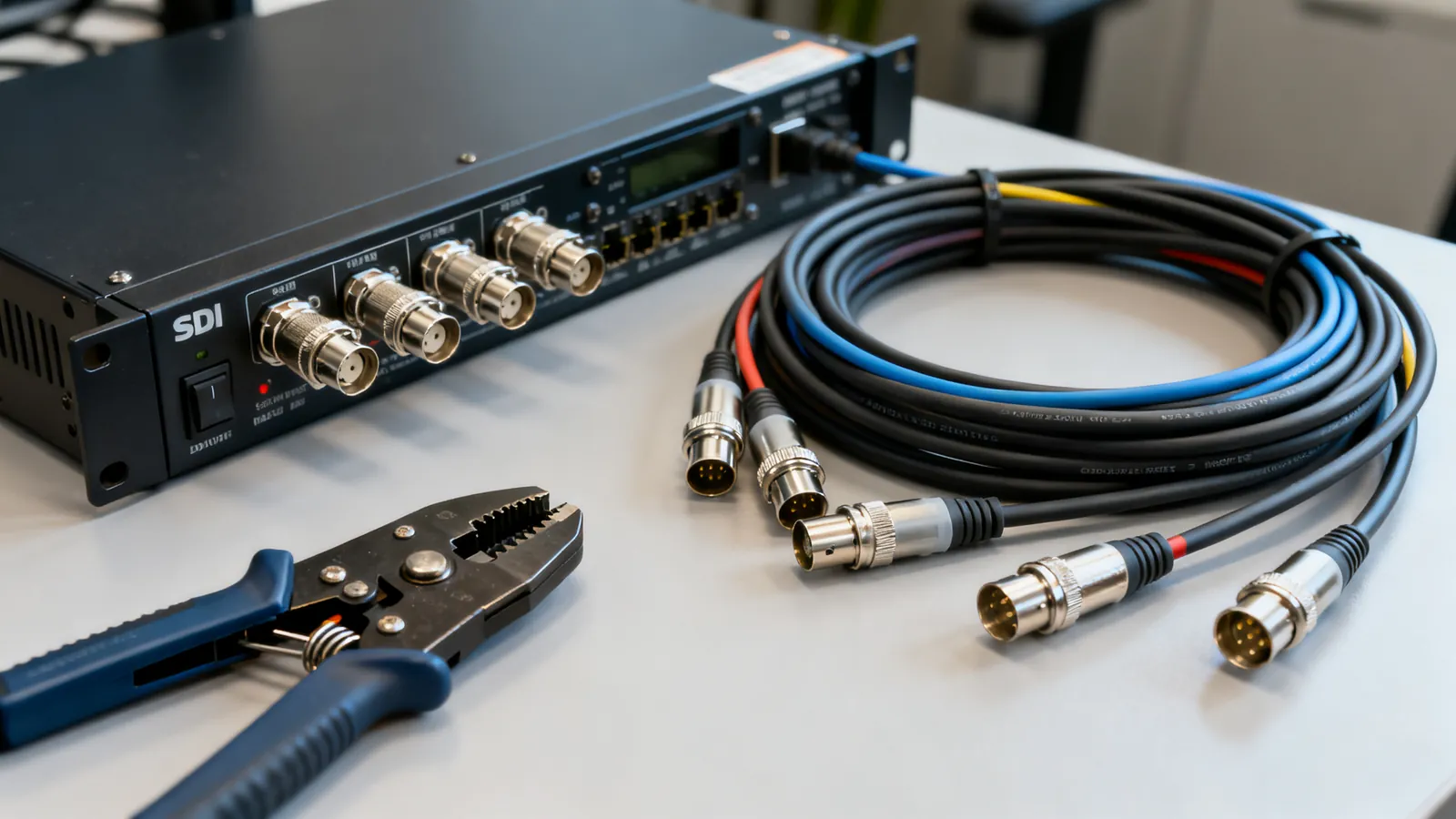
BNC Connectors and SDI Video Cables: 50 vs 75 Ohm
BNC connectors come in 50 and 75 ohm versions. Learn which to use for SDI video, CCTV and test gear, the SDI data rates, and how to convert BNC to RCA.
HDMI ARC vs eARC: Audio Return Explained
ARC returns stereo and compressed 5.1 over HDMI 1.4; eARC adds uncompressed multichannel PCM and lossless formats like Dolby Atmos. Here is what each needs.

DisplayPort 1.2, 1.4 and 2.1: Versions and Cables
DisplayPort 1.2, 1.4 and 2.1 compared: bandwidth, DSC, MST, DP40 and DP80 cable certification, and DisplayPort over USB-C.