RS-232 Pinouts: DB9 and DB25 Explained
Complete RS-232 pinout reference for DB9 and DB25 connectors: DTE and DCE pin assignments, voltage levels, cable limits, and the TTL mistake that damages boards.
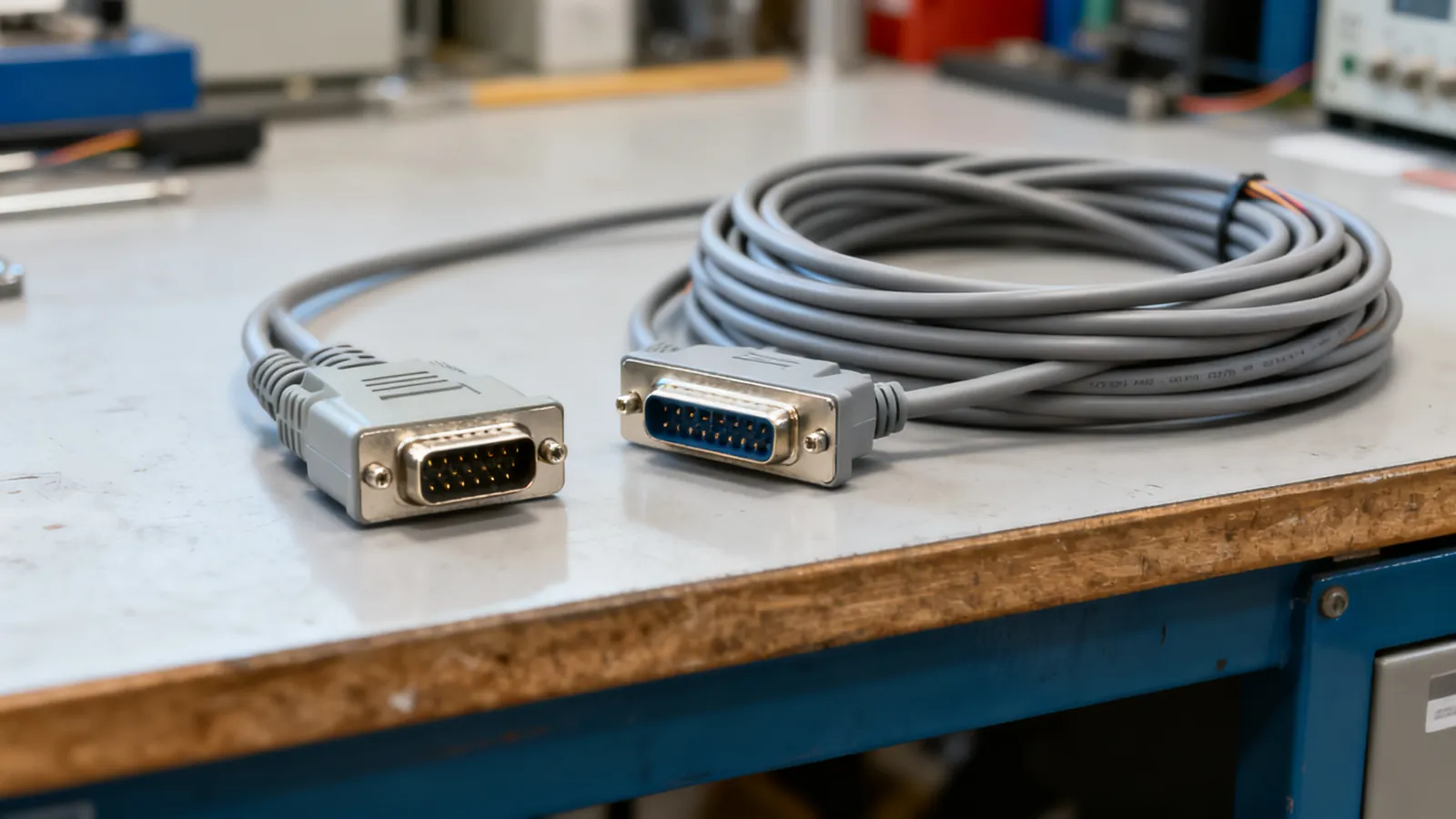
RS-232 serial ports still run point-of-sale terminals, industrial controllers, network switches, lab instruments and older computers. The connector on the back is usually a DE-9 (commonly called DB9) or a DB25, and the pinout depends on whether the device is wired as DTE or DCE. Get that wrong and the link simply will not work; connect RS-232 to a low-voltage TTL header and you can destroy the board.
The DB9 pinout
The DE-9 connector has nine pins in two rows. The standard PC (DTE) pinout is:
| Pin | Signal | Direction (DTE) | Purpose |
|---|---|---|---|
| 1 | DCD | Input | Data carrier detect |
| 2 | RXD | Input | Received data |
| 3 | TXD | Output | Transmitted data |
| 4 | DTR | Output | Data terminal ready |
| 5 | GND | — | Signal ground |
| 6 | DSR | Input | Data set ready |
| 7 | RTS | Output | Request to send |
| 8 | CTS | Input | Clear to send |
| 9 | RI | Input | Ring indicator |
Pin 5 is the signal ground and is always required. Pins 2 and 3 carry the data: TXD is the output from the computer, RXD is the input to it. The remaining pins are handshaking and modem control lines. A minimal link needs only pins 2, 3 and 5, but many devices wait for DSR or CTS before they will transmit.
The DB25 pinout
The DB25 uses 25 pins and was the original RS-232 connector on IBM PCs and many modems. The DTE pinout is:
| Pin | Signal | Direction (DTE) |
|---|---|---|
| 2 | TXD | Output |
| 3 | RXD | Input |
| 4 | RTS | Output |
| 5 | CTS | Input |
| 6 | DSR | Input |
| 7 | GND | — |
| 8 | DCD | Input |
| 20 | DTR | Output |
| 22 | RI | Input |
Pins 1 and 9 through 19 are mostly unused or reserved. The important difference from the DB9 is that TXD and RXD sit on pins 2 and 3 in both connectors, but the handshake lines move: DTR is pin 20 on the DB25 and pin 4 on the DB9, while DSR is pin 6 on both. A DB9-to-DB25 adapter must map these correctly, and not every cheap adapter does.
DTE and DCE: which end is which
DTE means data terminal equipment: a computer, terminal or controller. DCE means data communications equipment: a modem, or a device that behaves like one. The pinout above is the DTE view. On a DCE device, TXD and RXD swap, and so do the handshake pairs.
A straight-through cable joins a DTE to a DCE. To join two DTEs, such as two computers, you need a null modem cable or adapter that crosses TXD and RXD, crosses RTS and CTS, and crosses DTR to DSR and DCD. Signal ground runs straight through. A gender changer only swaps male and female shells; it crosses nothing.
RS-232 voltage levels
RS-232 is single-ended and uses inverted logic at higher voltages than modern digital circuits. A voltage between +3 V and +15 V is a logic 0 (space). A voltage between -3 V and -15 V is a logic 1 (mark). The region between -3 V and +3 V is undefined and is treated as noise.
Those levels are what make RS-232 robust over cable but incompatible with microcontroller pins. A TTL or CMOS serial port runs at 3.3 V or 5 V and is not RS-232. Joining the two directly can damage the low-voltage side. A level shifter or a USB-to-TTL adapter is needed, and adapters with TTL output are not RS-232. See USB to serial adapters: drivers, levels and pitfalls for the converter chips and driver problems that come with them.
How far RS-232 runs
The standard allows up to 15 m (50 ft) at 19,200 baud. Lower baud rates run further. The limit is set by cable capacitance, not by the driver, so a low-capacitance cable can stretch the distance and a long coiled cord will not. For runs beyond that, or for multiple drops on one line, RS-422 and RS-485 are the differential alternatives; the differences are covered in RS-422 vs RS-485.
What goes wrong
TTL on an RS-232 port. The most expensive mistake. A 3.3 V or 5 V microcontroller header connected to a real RS-232 port sees voltages far outside its supply range. The low-voltage side can be damaged. Always check whether a port is RS-232 or TTL before connecting.
Wrong cable type. A straight-through cable between two DTEs will not pass data. A null modem cable between a DTE and a DCE will not either. If a link does nothing, the cable is the first thing to check.
Missing ground. Pins 2 and 3 alone are not enough if the two devices have no common ground reference. Pin 5 (DB9) or pin 7 (DB25) must be connected.
Handshake lines ignored. Some devices assert DTR or RTS and wait for DSR or CTS before sending. A three-wire cable will appear dead. Loopback jumpers at the connector can satisfy the device, but they must be fitted at the correct end.
Counterfeit adapter chips. USB-to-serial adapters contain a converter chip that needs the right driver. Counterfeit chips can be blocked by the genuine maker’s drivers, leaving the adapter unusable after a driver update.
DB9 and DB25 mixed up. The two connectors use different pin numbers for the same signals. A passive adapter that only changes the shell shape will not work unless it also remaps the pins.
Choosing and checking a serial cable
Match the connector at each end, then match the wiring. If both ends are DTE, use a null modem cable. If one end is DCE, use a straight-through cable. If the device is unknown, a breakout box or a continuity tester will show which pins are connected and which cross.
For new installations, a USB-to-serial adapter with the correct driver is usually simpler than finding a PC with a real port. For equipment that must keep its original connector, a correctly wired DB9 or DB25 cable is still the right answer. Label both ends, and keep a note of the pinout used, because a cable that works on one device may be wired differently from the next.
Common questions
What is the DB9 pinout for RS-232?
On a DTE device: pin 1 DCD, pin 2 RXD, pin 3 TXD, pin 4 DTR, pin 5 signal ground, pin 6 DSR, pin 7 RTS, pin 8 CTS, pin 9 RI. Pins 2, 3 and 5 are the minimum for data.
What is the DB25 pinout for RS-232?
On a DTE device: pin 2 TXD, pin 3 RXD, pin 4 RTS, pin 5 CTS, pin 6 DSR, pin 7 signal ground, pin 8 DCD, pin 20 DTR, pin 22 RI. Pins 1 and 9 through 19 are mostly unused.
What are RS-232 voltage levels?
A voltage between +3 V and +15 V is a logic 0 (space). A voltage between -3 V and -15 V is a logic 1 (mark). The region between -3 V and +3 V is undefined.
How far can RS-232 run?
The standard allows up to 15 m (50 ft) at 19,200 baud. Lower baud rates run further. The limit is set by cable capacitance, so a low-capacitance cable can stretch the distance.
Can I connect RS-232 directly to a microcontroller?
No. RS-232 uses voltages up to +15 V and -15 V, while TTL and CMOS serial ports run at 3.3 V or 5 V. Joining them directly can damage the low-voltage side. Use a level shifter or a USB-to-TTL adapter.
Read next
USB to Serial Adapters: Drivers, Levels and Pitfalls
How USB to serial adapters work, why drivers and counterfeit chips matter, RS-232 versus TTL levels, and how to get old DB9 equipment talking again.
Null Modem Cables: Wiring, Adapters and Pinouts
A null modem cable crosses TX and RX to join two computers directly. Covers DB9 and DB25 pinouts, adapters versus cables, gender changers and loopback testing.
Parallel Printer Cables: IEEE 1284, DB25 and Centronics
IEEE 1284 parallel printer cables explained: DB25 and Centronics 36 connectors, cable length limits, modes, and when a USB-to-parallel adapter works.
How to Crimp an RJ45 Connector Step by Step
Step-by-step RJ45 crimping: the right plug for solid or stranded cable, T568A or T568B pinout, the 13 mm untwist limit, testing, and why a cable fails.
Crossover vs Straight-Through Ethernet Cables
Crossover or straight-through? How T568A and T568B pinouts decide it, why Auto-MDI-X made crossovers rare, and when a rollover console cable is still needed.