USB to Serial Adapters: Drivers, Levels and Pitfalls
How USB to serial adapters work, why drivers and counterfeit chips matter, RS-232 versus TTL levels, and how to get old DB9 equipment talking again.
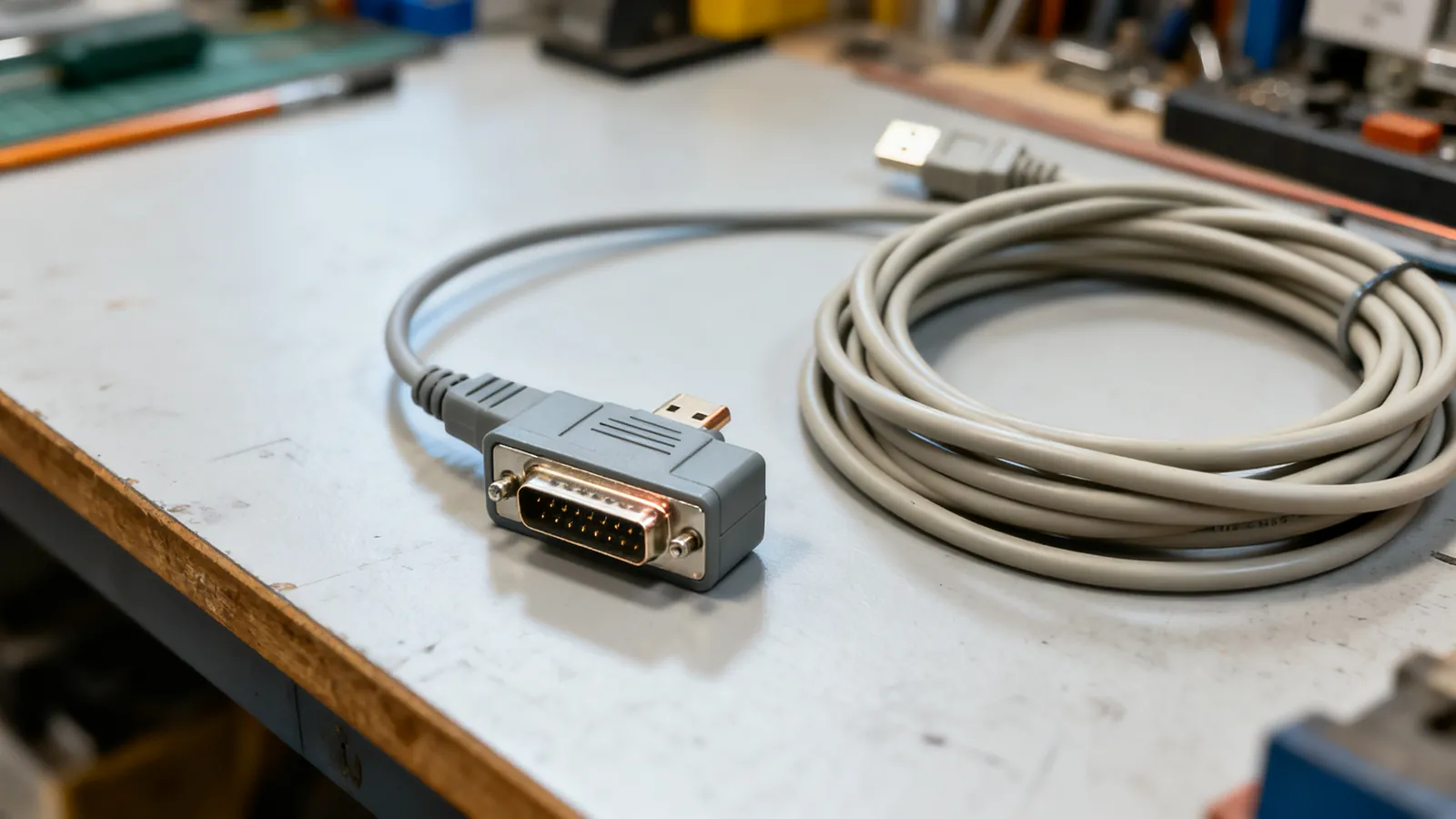
A USB to serial adapter is a small converter that turns a USB port into an RS-232 serial port, so a computer with no serial port can still talk to a router console, a PLC, a label printer, a scale or a piece of lab equipment. The adapter contains a converter chip, and that chip is the whole story: it decides which driver the computer needs, what signal levels appear on the pins, and whether the adapter will keep working after the next operating system update. Choose the wrong one and you get nothing, garbled characters, or damaged hardware at the far end.
What is inside the adapter
A USB to RS-232 adapter is three things in one moulded shell: a USB interface, a serial controller chip, and a level shifter that produces true RS-232 voltages. The controller chip presents itself to the computer as a virtual COM port. The operating system loads a driver for that chip, and the driver makes the port appear as a normal serial port to terminal software.
That is why the driver matters more than the cable. The chip inside determines the driver, and the driver determines whether the adapter works on your operating system. Adapters built on well-supported chips generally install from the operating system itself or from a signed driver package. Adapters built on unlicensed copies of those chips can be blocked by the genuine maker’s driver, which is the classic failure: the adapter worked for years, then a driver update stopped recognising it.
Counterfeit chips are a real problem in this market. A converter chip that is not the genuine part may report the same identity, so the genuine driver loads, detects the mismatch and refuses the device. Symptoms include a port that appears and disappears, a device that shows an error in the device manager, or a port that opens but sends nothing. The practical answer is to buy adapters built on chips with a published, maintained driver, and to keep that driver installer with the equipment it serves.
RS-232, TTL and the difference that damages hardware
RS-232 is not the same thing as the serial signal on a microcontroller board. RS-232 uses single-ended signals where a voltage between +3 V and +15 V is a logic 0 (space) and between -3 V and -15 V is a logic 1 (mark). A TTL or CMOS serial port, as found on microcontroller boards and many embedded headers, uses 3.3 V or 5 V logic levels instead.
Joining the two directly can damage the low-voltage side. A true RS-232 output swings to plus and minus voltages that a 3.3 V input is not built to accept. If the equipment expects TTL, use a USB-to-TTL adapter or a level shifter, not a USB-to-RS-232 adapter. If the equipment expects RS-232, a USB-to-TTL adapter will not drive it.
| Adapter type | Output levels | Typical use |
|---|---|---|
| USB to RS-232 | +3 V to +15 V and -3 V to -15 V | DB9 or DB25 equipment, consoles, modems, scales |
| USB to TTL | 3.3 V or 5 V logic | Microcontroller boards, embedded headers |
| USB to RS-422/485 | Differential | Long runs, Modbus RTU, DMX512 lighting control |
The standard allows RS-232 up to 15 m (50 ft) at 19,200 baud; lower baud rates run further. RS-422 and RS-485 are differential and run much further, up to 1200 m (4000 ft) at lower speeds, which is why industrial equipment often uses them instead.
Connectors and pinouts you will meet
Most USB to serial adapters end in a male DE-9 connector, usually called DB9. The PC (DTE) pinout is fixed: pin 1 DCD, pin 2 RXD, pin 3 TXD, pin 4 DTR, pin 5 signal ground, pin 6 DSR, pin 7 RTS, pin 8 CTS, pin 9 RI. Older equipment may use a DB25, where the pinout is different: pin 2 TXD, pin 3 RXD, pin 4 RTS, pin 5 CTS, pin 6 DSR, pin 7 signal ground, pin 8 DCD, pin 20 DTR, pin 22 RI. The full RS-232 serial pinouts: DB9 and DB25 reference lists both, and it is worth checking before making up a cable.
DTE means computer or terminal; DCE means modem. A straight-through cable joins DTE to DCE. Two DTEs need a null modem cable, where TXD and RXD cross, RTS and CTS cross, DTR crosses to DSR and DCD, and signal ground runs straight through. A gender changer swaps male and female without crossing anything, so it does not turn a straight cable into a null modem cable. If two computers or two pieces of terminal equipment will not talk, the null modem cables and adapters page covers the wiring and the ready-made adapters.
Drivers, ports and the operating system
A USB to RS-232 adapter appears as a COM port on Windows and as a device such as /dev/ttyUSB0 or /dev/tty.usbserial on Linux and macOS. The port number can change when the adapter is unplugged and replugged, or when it is moved to a different USB port. Terminal software that stores a fixed COM port will then fail to open the port, which looks like an adapter fault but is not.
Two habits prevent most of this. First, plug the adapter into the same USB port each time, so the port number stays stable. Second, note the port number in the equipment documentation. On Linux, a rule based on the adapter’s serial number can pin the device name; not every adapter reports a serial number, so check before relying on it.
USB itself is not the limit here. Even USB 1.1 Full Speed at 12 Mbps is far faster than any common serial baud rate, and the adapter’s USB side is not what constrains the link. The USB 3.0, 3.1, 3.2 and USB4: speeds and names decoded page explains the speed labels if you are choosing between adapters and hubs, but for serial work any working USB port is enough.
Getting old equipment talking again
Work through the link in order, and change one thing at a time.
- Confirm the adapter is recognised. Check the device manager or the system log for a serial device, and note the port name.
- Confirm the driver matches the chip. If the adapter is not recognised, install the driver for the chip inside it, not a generic one.
- Confirm the cable type. Straight-through for DTE to DCE, null modem for DTE to DTE.
- Confirm the serial settings. Baud rate, data bits, parity, stop bits and flow control must match at both ends. Flow control is the usual culprit: hardware flow control (RTS/CTS) will hang if the cable does not carry those pins.
- Confirm the levels. RS-232 equipment needs an RS-232 adapter; TTL headers need a TTL adapter.
For console work, a rollover cable reverses all eight pins end to end and is used with an RJ45-to-DB9 adapter on Cisco-style console ports. Many newer devices have a USB console port instead, which needs no adapter at all.
What goes wrong
A driver update blocks the adapter. Counterfeit chips are refused by the genuine maker’s driver. The adapter is not faulty; the driver no longer accepts it. Keep a known-good driver installer, or replace the adapter with one built on a chip with a maintained driver.
A USB-to-TTL adapter is used on RS-232 equipment, or the reverse. The first case usually gives no communication; the second can damage the low-voltage side. Match the adapter to the levels the equipment expects.
The wrong cable is used between two DTEs. A straight-through cable between two computers or two terminals will not work. A null modem cable or adapter is needed.
The port number changes. The adapter is fine, but the terminal software is looking at the old port. Re-select the port, or pin the device name.
Flow control is set wrong. With hardware flow control selected and no RTS/CTS wiring, the link stalls after the first characters. Try no flow control or software flow control to prove the link, then set it correctly.
A gender changer is expected to cross signals. It only swaps male and female. It does not make a straight cable into a null modem cable.
The adapter is expected to power the equipment. A serial port is a data link, not a power supply. Equipment that needs its own power still needs its own power.
Long cable runs are attempted at high baud rates. RS-232 is limited to 15 m (50 ft) at 19,200 baud, and less at higher rates. For long runs, use RS-422 or RS-485 instead.
A USB extension is added without checking power. An unpowered hub shares the host port’s power among its devices. If the adapter is unreliable through a hub, connect it directly or use a powered hub.
Common questions
Why did my USB to serial adapter stop working after a driver update?
The adapter likely contains a counterfeit copy of a converter chip. The genuine maker's driver detects the mismatch and refuses the device. The adapter is not faulty, but it will not work with that driver. Replace it with an adapter built on a chip with a maintained driver, or keep a known-good driver installer for the equipment it serves.
What is the difference between a USB to RS-232 adapter and a USB to TTL adapter?
RS-232 uses single-ended signals where +3 V to +15 V is a logic 0 and -3 V to -15 V is a logic 1. TTL uses 3.3 V or 5 V logic levels. Joining the two directly can damage the low-voltage side, so match the adapter to the equipment: RS-232 for DB9 or DB25 ports, TTL for microcontroller headers.
How do I connect two computers with USB to serial adapters?
Each computer needs its own adapter, and the two adapters are joined with a null modem cable or a null modem adapter. A null modem cable crosses TXD and RXD, crosses RTS and CTS, and crosses DTR to DSR and DCD, with signal ground running straight through. A straight-through cable will not work between two DTEs.
How far can I run a USB to serial adapter cable?
The RS-232 side is limited to 15 m (50 ft) at 19,200 baud, and less at higher baud rates. The USB side is limited by USB cable rules, not by the adapter. For longer runs, use RS-422 or RS-485, which are differential and reach up to 1200 m (4000 ft) at lower speeds.
Why does my serial port number keep changing?
The port number is assigned when the adapter is plugged in, and it can change if the adapter is moved to a different USB port. Plug the adapter into the same USB port each time, or pin the device name using the adapter's serial number where the operating system supports it. Not every adapter reports a serial number.
Read next
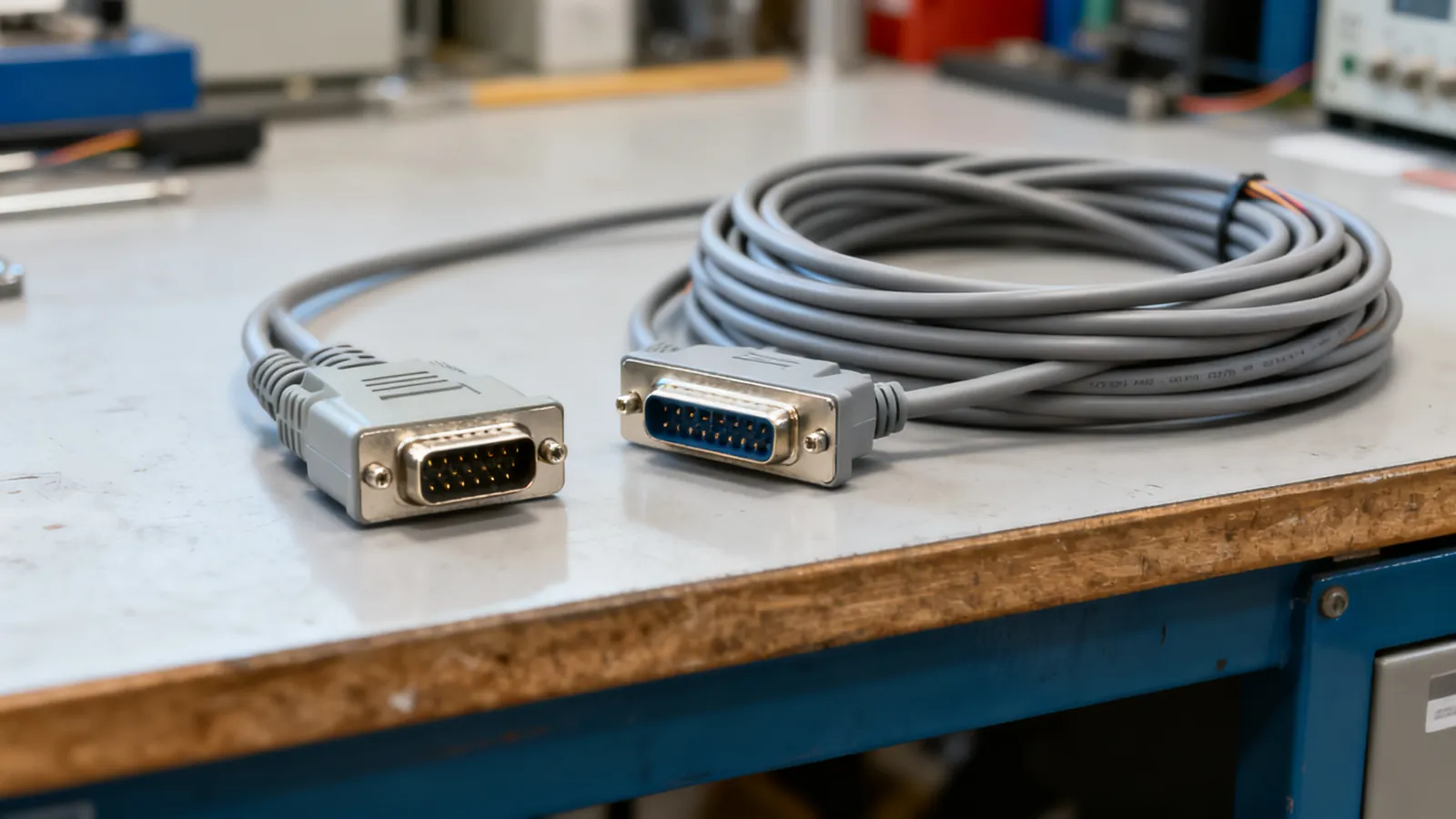
RS-232 Pinouts: DB9 and DB25 Explained
Complete RS-232 pinout reference for DB9 and DB25 connectors: DTE and DCE pin assignments, voltage levels, cable limits, and the TTL mistake that damages boards.
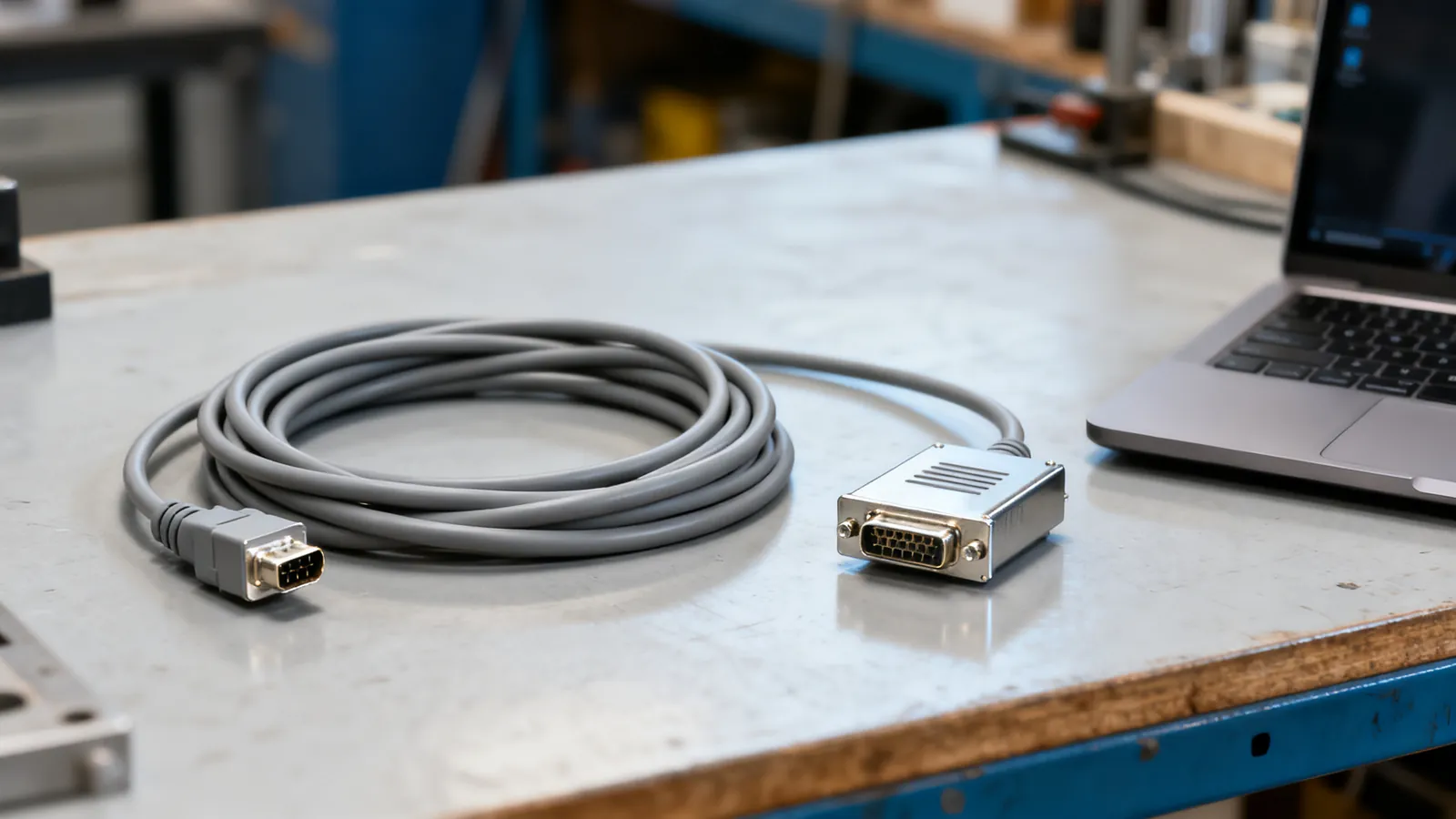
Null Modem Cables: Wiring, Adapters and Pinouts
A null modem cable crosses TX and RX to join two computers directly. Covers DB9 and DB25 pinouts, adapters versus cables, gender changers and loopback testing.
RS-422 vs RS-485: Differential Serial Compared
RS-422 is one driver to many receivers; RS-485 is a true multipoint bus. Compare distance, speed, termination and wiring, and see what damages hardware.
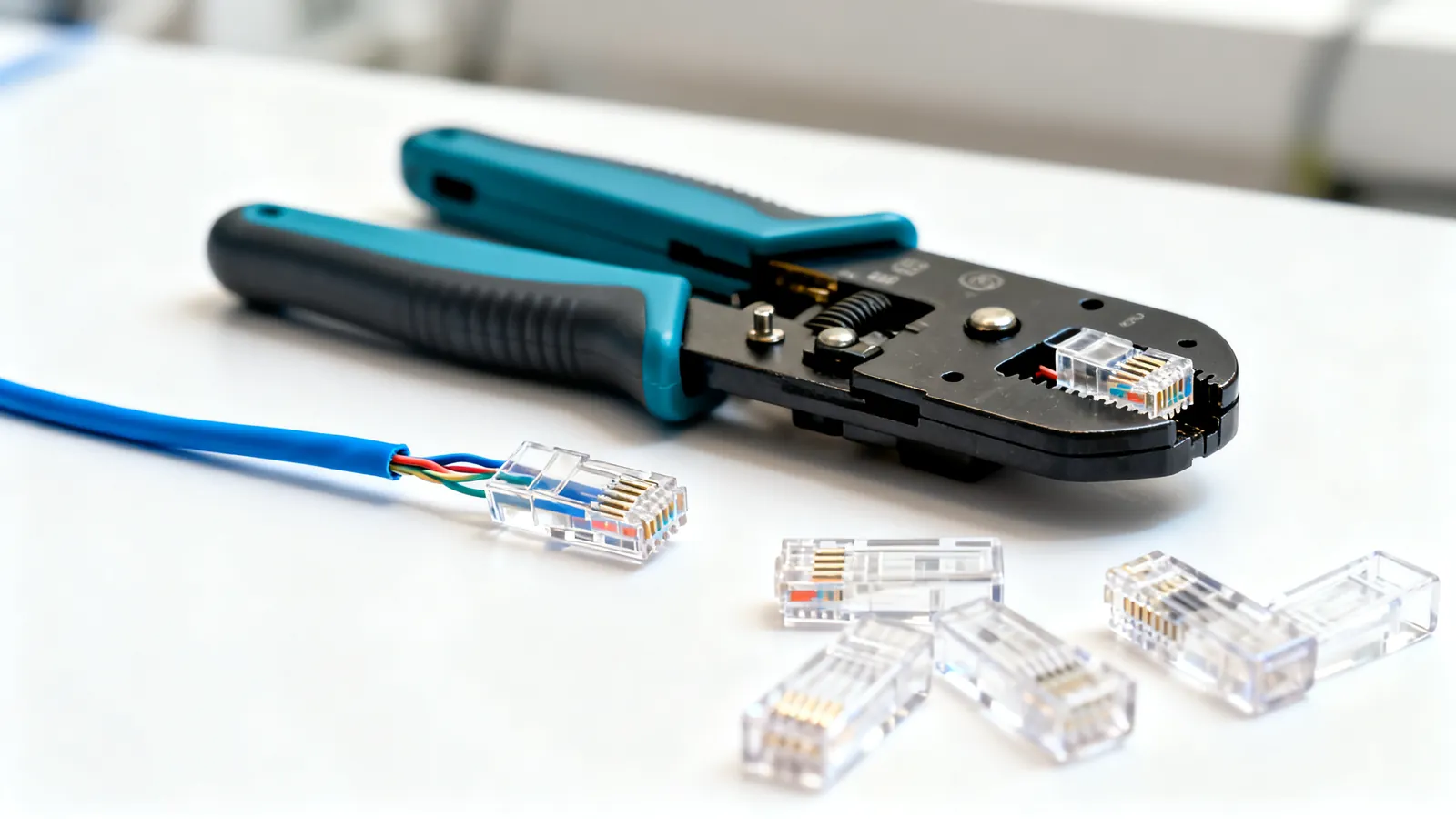
How to Crimp an RJ45 Connector Step by Step
Step-by-step RJ45 crimping: the right plug for solid or stranded cable, T568A or T568B pinout, the 13 mm untwist limit, testing, and why a cable fails.
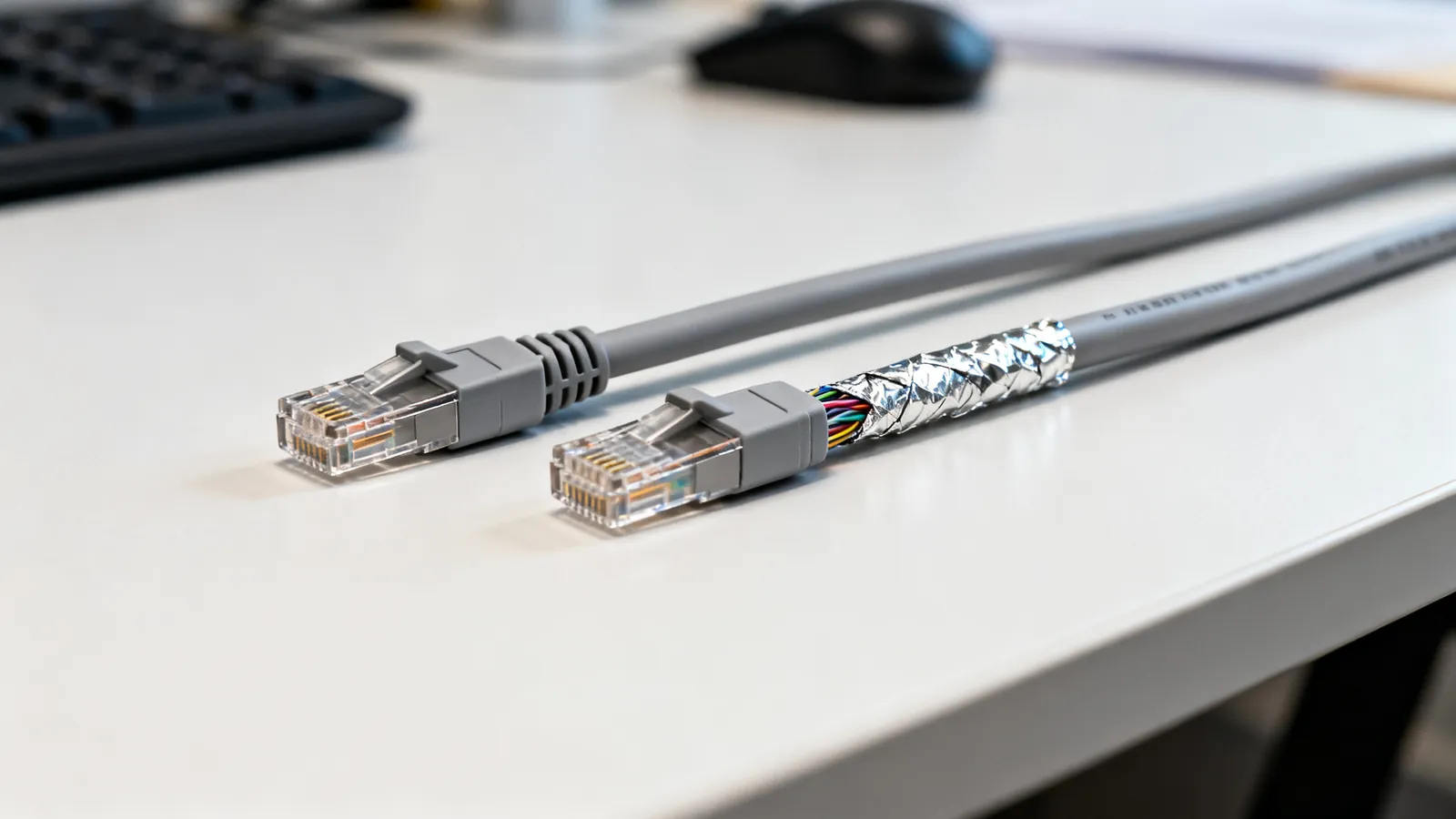
Shielded vs Unshielded Ethernet: UTP, FTP, STP
UTP, FTP, S/FTP and STP decoded: what shielding does, when it helps, and why a shield that is not grounded end to end gives no benefit.