How to Crimp an RJ45 Connector Step by Step
Step-by-step RJ45 crimping: the right plug for solid or stranded cable, T568A or T568B pinout, the 13 mm untwist limit, testing, and why a cable fails.
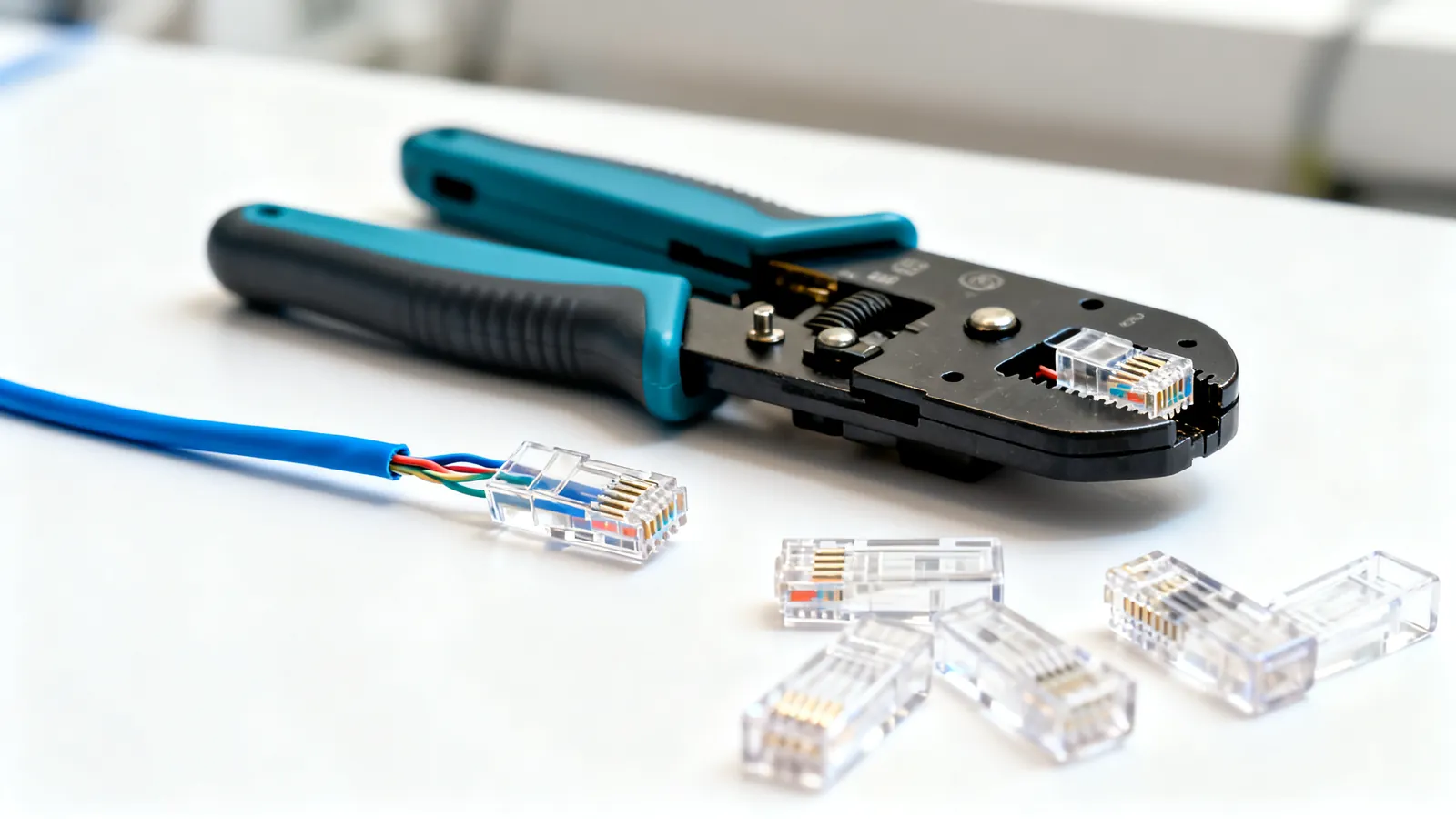
Crimping an RJ45 plug onto a category cable is a short job with a narrow margin for error: strip about 25 mm (1 in) of jacket, keep the pair untwist to no more than 13 mm (0.5 in), order the conductors to T568A or T568B, trim them straight to about 13 mm (0.5 in), push them fully home so the jacket sits inside the plug under the strain-relief tab, and close the tool. The “RJ45” itself is properly an 8P8C modular connector - 8 positions, 8 contacts. Get any of those steps wrong and the link either fails outright or negotiates at a lower speed than the cable can carry.
Tools and the plug that matches the cable
You need a crimping tool with an 8P8C die, a cable stripper or a sharp knife used carefully, and a cutter. A crimping tool that also cuts and strips saves handling but the die is the part that matters: it must press all eight contacts down together and close the strain-relief tab over the jacket.
Plugs are not interchangeable:
| Plug type | Made for | Note |
|---|---|---|
| Solid-conductor plug | Horizontal cable, punched into jacks and panels | Contacts bite into a single solid core |
| Stranded-conductor plug | Patch cords that flex | Contacts are shaped for many fine strands |
| Pass-through plug | Either, with the right contact type | Conductors run out of the front before crimping, then are trimmed flush |
| Shielded plug | Shielded cable (F/UTP, S/FTP) | Must be used with shielded jacks and a grounded system |
A pass-through RJ45 plug is easier to load because you can see the conductor order at the front of the plug before you crimp, then cut the tails flush. It is not a substitute for correct contacts: a pass-through plug still has to be the solid or stranded version that matches the cable.
Conductor size matters too. Cat5e is commonly 24 AWG, Cat6 is 23 or 24 AWG, Cat6a is 23 AWG; patch cords run 24 to 26 AWG, and slim patch cords are 28 AWG. A plug whose contact slots are sized for one range may not close reliably on another. Copper-clad aluminium (CCA) does not meet TIA category standards at all - it has higher resistance, is brittle when flexed and runs hotter under PoE - so there is no point crimping it.
TIA recommends factory-made patch cords. Crimp your own for a repair, a custom length or a one-off run, and buy patch cords for everything that gets plugged and unplugged.
Solid or stranded: pick the cable first
Horizontal cable in a wall is solid copper, because it is punched into jacks and panels and does not move. Patch cords are stranded copper, because they flex. The two need different plugs, and the choice of cable changes how the finished assembly behaves. The differences in flexibility, resistance and where each belongs are set out in solid vs stranded Ethernet cable.
Choose T568A or T568B
The two schemes differ only in swapping the orange and green pairs. Both work identically. Use one scheme at both ends of every cable in a building.
| Pin | T568A | T568B |
|---|---|---|
| 1 | white/green | white/orange |
| 2 | green | orange |
| 3 | white/orange | white/green |
| 4 | blue | blue |
| 5 | white/blue | white/blue |
| 6 | orange | green |
| 7 | white/brown | white/brown |
| 8 | brown | brown |
TIA-568 names T568A as the preferred scheme, and it is required on US federal government work; T568B is widely used in US commercial installations. The full comparison is in T568A vs T568B.
10BASE-T and 100BASE-TX use pins 1, 2, 3 and 6 - two pairs. 1000BASE-T and faster use all four pairs, so a single miswired conductor that a 100 Mbps link tolerates will stop a Gigabit link.
Step by step
- Cut the cable square and strip about 25 mm (1 in) of outer jacket. Do not nick the conductor insulation.
- Untwist the pairs and order the conductors to T568A or T568B. Keep the untwisted section to no more than 13 mm (0.5 in) for Cat5e and higher - TIA-568 sets that limit because untwisted conductors lose the noise cancellation the pair provides.
- Flatten and straighten the conductors in order, then trim them straight to about 13 mm (0.5 in) so the jacket goes inside the plug and is gripped by the strain-relief tab.
- Slide the conductors into the plug, keeping the order. Push until the jacket is inside the plug body and each conductor sits under its contact.
- Check the order one more time against the table above, looking at the plug from the contact side.
- Close the crimping tool fully. It should press the contacts into the conductors and close the strain-relief tab over the jacket in one motion.
- Trim pass-through tails flush with the front of the plug.
- Repeat at the other end with the same scheme.
Testing before you install
A continuity or wiremap tester finds opens, shorts, crossed wires and reversed pairs. It will not find a split pair - a wire swapped between two pairs - because that passes a simple continuity check and only shows up on a tester that measures crosstalk. Qualification testers check whether a link carries a given speed; certification testers measure the link against the TIA category limits (insertion loss, NEXT, return loss) and are the only way to prove a link meets Cat6 or Cat6a. A TDR shows the distance to a fault. The differences between these classes of instrument are covered in Ethernet cable testers.
Test every cable before it goes into a wall or a rack. A cable that fails after installation costs far more to replace than to check.
What goes wrong, and what will not work
The cable is dead. The usual causes are conductors not fully home in the plug, one conductor under the wrong contact, or the tool not fully closed. Re-cut the end and crimp a fresh plug rather than trying to close the same one again.
The cable works at 100 Mbps but not 1 Gbps. 100BASE-TX uses two pairs; 1000BASE-T uses all four. A conductor that is miswired, split between pairs, or untwisted too far can pass at 100 Mbps and fail at Gigabit. Re-terminate both ends.
The plug will not hold the jacket. The jacket must sit inside the plug under the strain-relief tab. If the conductors were trimmed too short, the tab closes on bare conductors and the cable pulls apart under load.
The wrong plug for the cable. A stranded plug on solid cable, or a solid plug on stranded patch cord, gives an intermittent contact. Match the plug to the conductor type.
Untwist beyond 13 mm (0.5 in). The pair loses its noise immunity over that length. On a short patch cord it may still link; on a long run it shows up as errors or a failed certification.
A shielded plug on unshielded cable, or a shield that is not grounded. A shielded system needs shielded jacks, plugs and patch panels, and grounding through the equipment. A shield that is broken or not grounded gives no benefit and can pick up noise.
Bend radius and pulling tension. Installed bend radius for 4-pair UTP is at least 4 times the cable’s outside diameter; maximum pulling tension is 25 lbf (110 N). A cable pulled hard or bent sharply can pass a wiremap test and still fail on performance.
Separation from mains. The NEC asks for at least 50 mm (2 in) between communications cable and mains power conductors unless a barrier separates them, and for power cables to be crossed at a right angle. Mains work itself is a job for a licensed electrician.
Crossover and rollover cables are different jobs. A crossover cable is T568A at one end and T568B at the other; Auto-MDI-X detects and swaps the pairs electronically, and almost every Gigabit and faster port has it, so crossover cables are rarely needed today. A rollover (console) cable reverses all eight pins end to end (1 to 8, 2 to 7, and so on) and is used with an RJ45-to-DB9 adapter on Cisco-style console ports; many newer devices have a USB console port instead.
Length and category limits the finished cable must respect
The 100 m (328 ft) channel limit applies to every speed from 10 Mbps to 10 Gbps on the matching category, and is set by signal loss and timing. It is made up of up to 90 m (295 ft) of permanent link - the horizontal cable in the wall - plus up to 10 m (33 ft) of patch and equipment cords.
| Category | Rated to | 10 Gbps reach |
|---|---|---|
| Cat5e | 100 MHz | Not specified |
| Cat6 | 250 MHz | 55 m (180 ft), as little as 37 m (121 ft) bundled |
| Cat6a | 500 MHz | 100 m (328 ft) |
Cat6 is rated to 250 MHz and carries 1 Gbps to 100 m; 10GBASE-T runs to 55 m (180 ft), and as little as 37 m (121 ft) where many cables run bundled together and alien crosstalk builds up. Cat6a is rated to 500 MHz and carries 10 Gbps to the full 100 m (328 ft). Cat7 (ISO/IEC Class F) is rated to 600 MHz with every pair individually shielded, but it is not a TIA category, and its standard connectors are GG45 and TERA - “Cat7” patch cords with RJ45 plugs are not a standard Cat7 channel and perform as the RJ45 connection allows. Cat8 is rated to 2000 MHz for 25GBASE-T and 40GBASE-T on a channel of up to 30 m (98 ft) with two connectors, meant for switch-to-server links inside data centres.
For a field-made cable, the practical answer is Cat6 or Cat6a with the matching plug, terminated to the same scheme at both ends, tested before installation, and labelled at both ends per ANSI/TIA-606.
Common questions
Why is my RJ45 cable not working after crimping?
The usual causes are conductors not pushed fully home in the plug, one conductor under the wrong contact, or the crimping tool not fully closed. Re-cut the end and crimp a fresh plug rather than trying to close the same one again. A cable that links at 100 Mbps but not 1 Gbps usually has a fault on the pairs used only by Gigabit.
Can I use a pass-through RJ45 plug on any cable?
A pass-through plug still has to match the conductor type: solid-conductor contacts for horizontal cable, stranded contacts for patch cords. Pass-through plugs let the conductors run out of the front so you can check the order before crimping, then trim the tails flush. They are easier to load, not a different standard.
What is the maximum untwisted length when crimping RJ45?
No more than 13 mm (0.5 in) for Cat5e and higher, per TIA-568. Beyond that the pair loses the noise cancellation it provides, which shows up as errors or a failed certification on longer runs. Strip about 25 mm (1 in) of jacket, then trim the conductors straight to about 13 mm (0.5 in).
Should I use T568A or T568B when crimping?
Either works, as long as you use the same scheme at both ends of every cable in a building. TIA-568 names T568A as the preferred scheme and it is required on US federal government work; T568B is widely used in US commercial installations. The two differ only in swapping the orange and green pairs.
Do I need a Cat6 RJ45 connector for Cat6 cable?
Yes - use a plug rated for the cable category and the conductor type, and for Cat6a use a Cat6a-rated plug. A plug whose contact slots are sized for a different conductor range may not close reliably. Cat5e is commonly 24 AWG, Cat6 is 23 or 24 AWG, Cat6a is 23 AWG, and patch cords run 24 to 26 AWG.
Read next
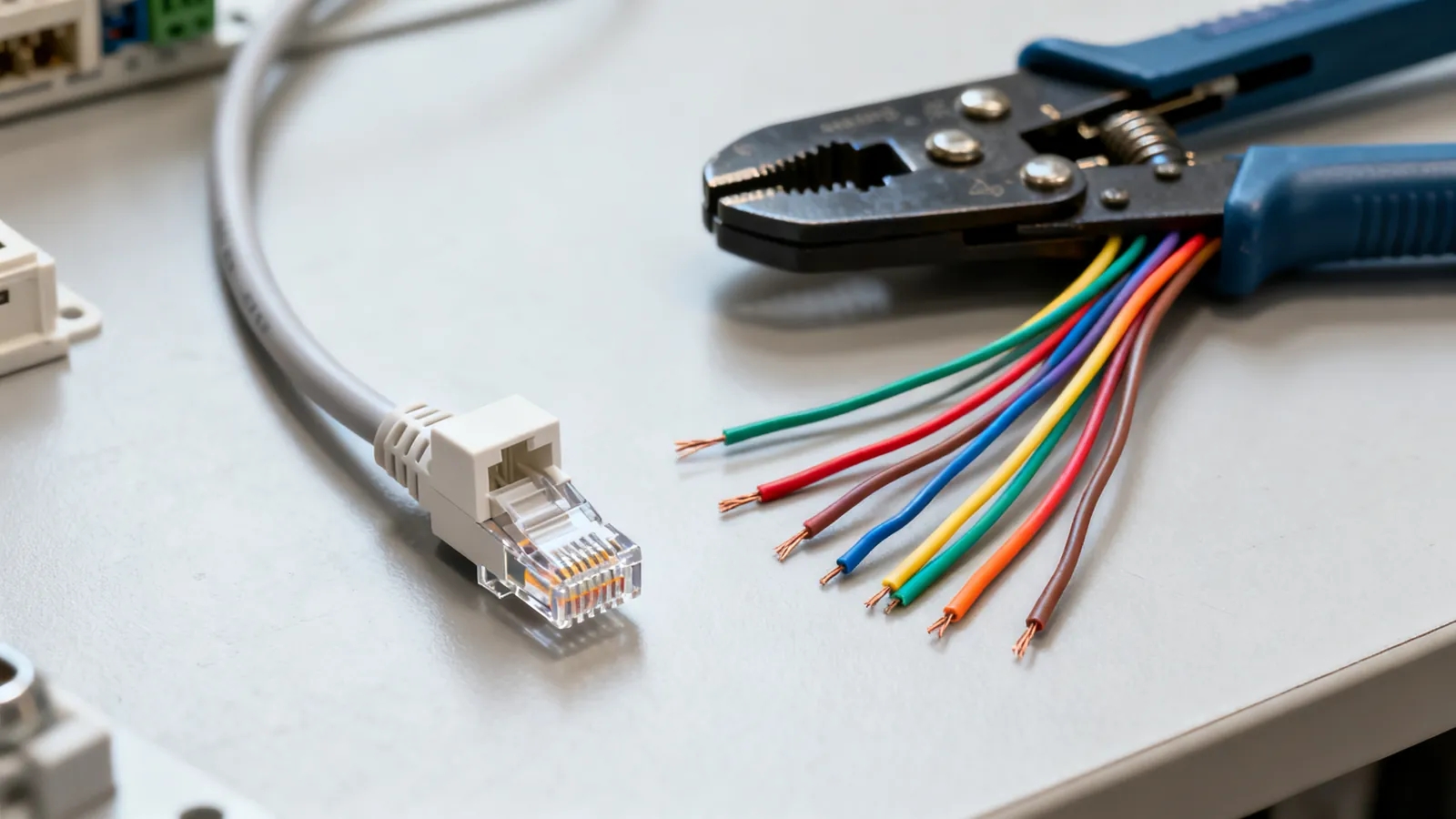
T568A vs T568B: Ethernet Wiring Colour Order
T568A and T568B differ only in the orange and green pairs. See both pinouts, which standard to use, and why mixing them makes a crossover cable.
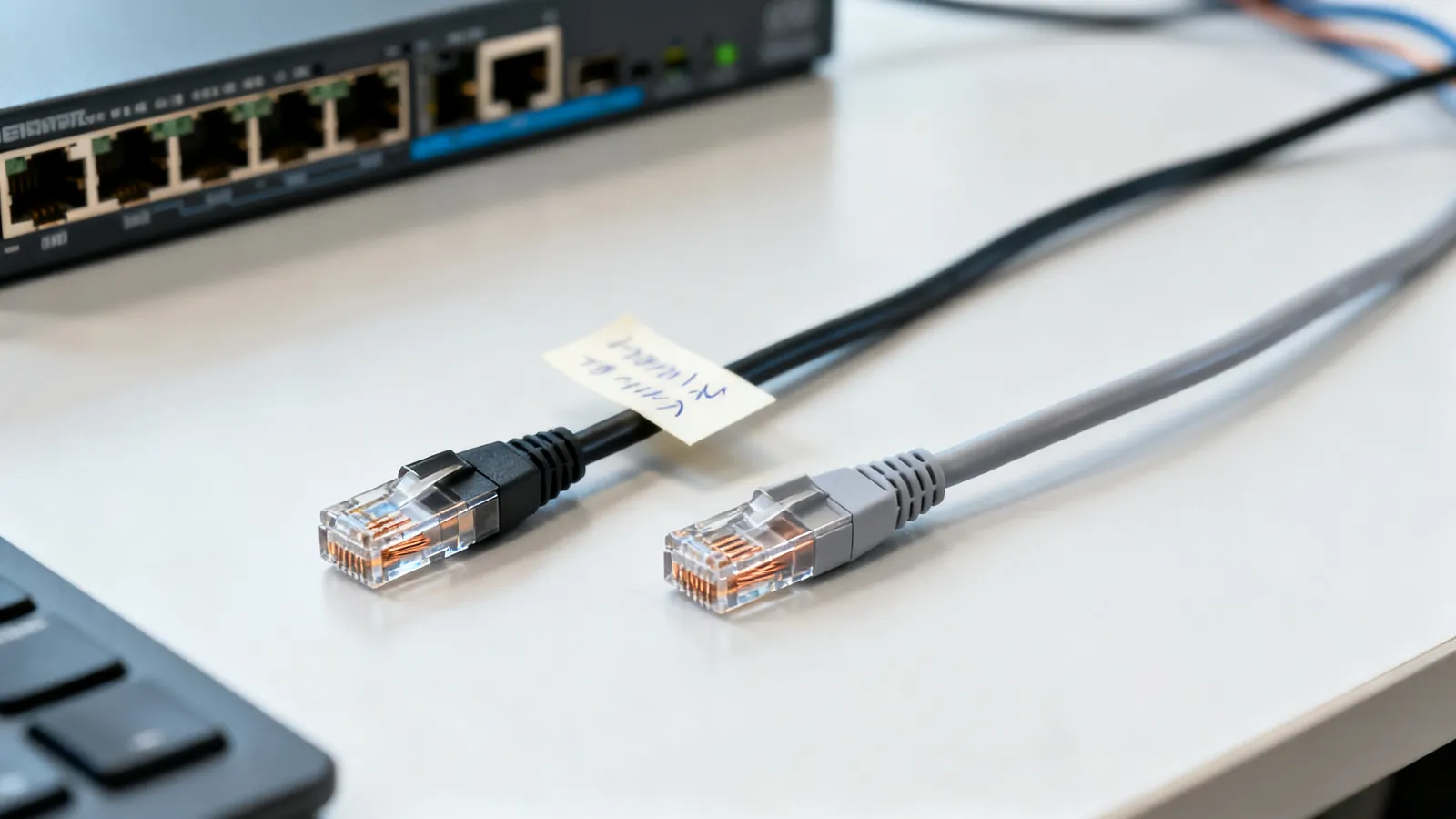
Crossover vs Straight-Through Ethernet Cables
Crossover or straight-through? How T568A and T568B pinouts decide it, why Auto-MDI-X made crossovers rare, and when a rollover console cable is still needed.
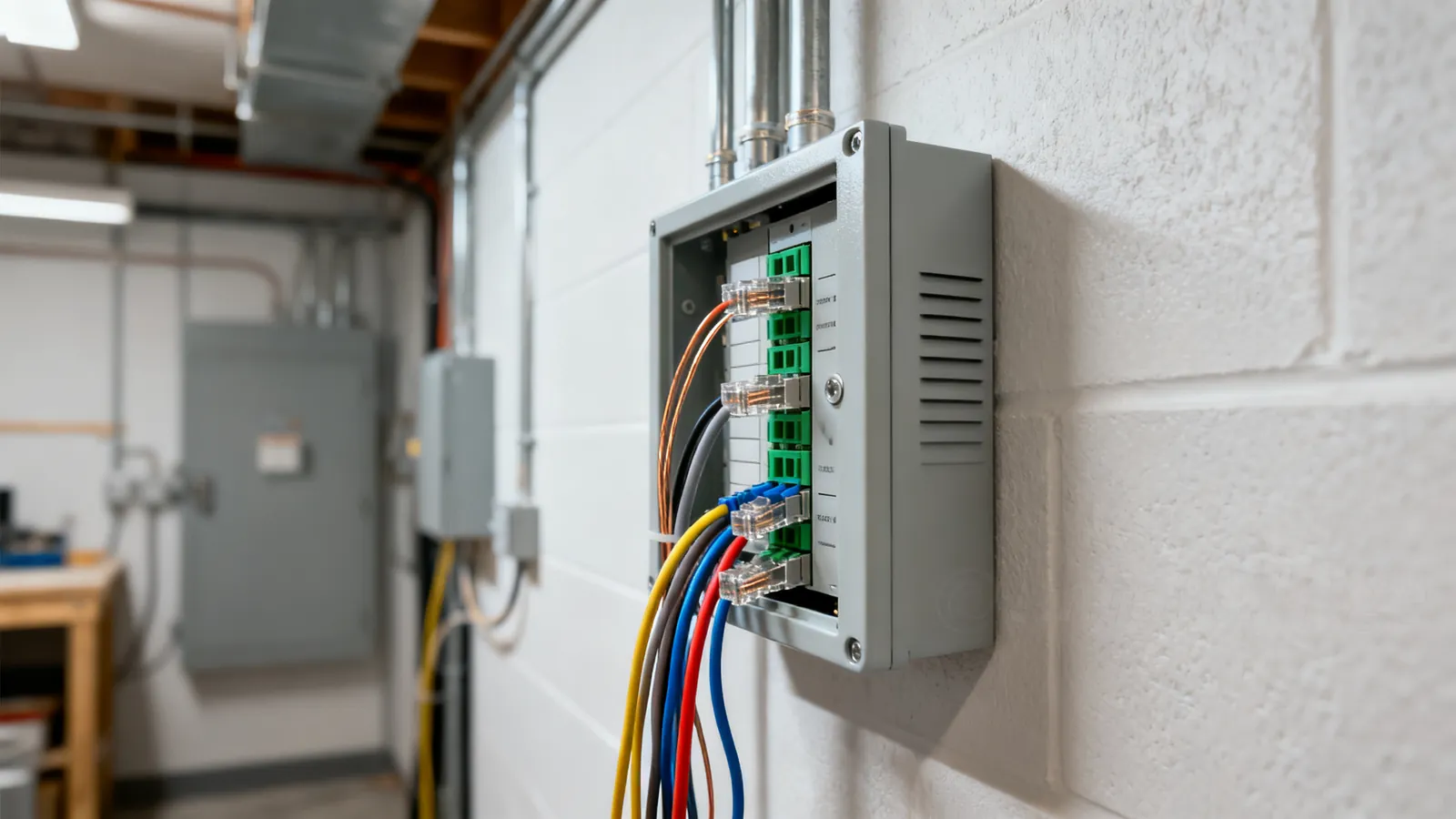
Home Network Wiring: A Practical Guide
Plan a wired home network: star layout, which Ethernet category to run, conduit, separation from mains, PoE access points, and what to leave to an electrician.
Fiber Connector Types: LC, SC, ST, MPO, UPC vs APC
Compare LC, SC, ST and MPO fiber connectors, and learn why UPC and APC polish must never be mated. Includes cleaning and selection advice.
USB Hubs and Docks: Powered vs Unpowered
How bus-powered and powered USB hubs differ, what a USB-C or Thunderbolt dock adds, why devices drop out, and the power and speed limits behind it.