Home Network Wiring: A Practical Guide
Plan a wired home network: star layout, which Ethernet category to run, conduit, separation from mains, PoE access points, and what to leave to an electrician.
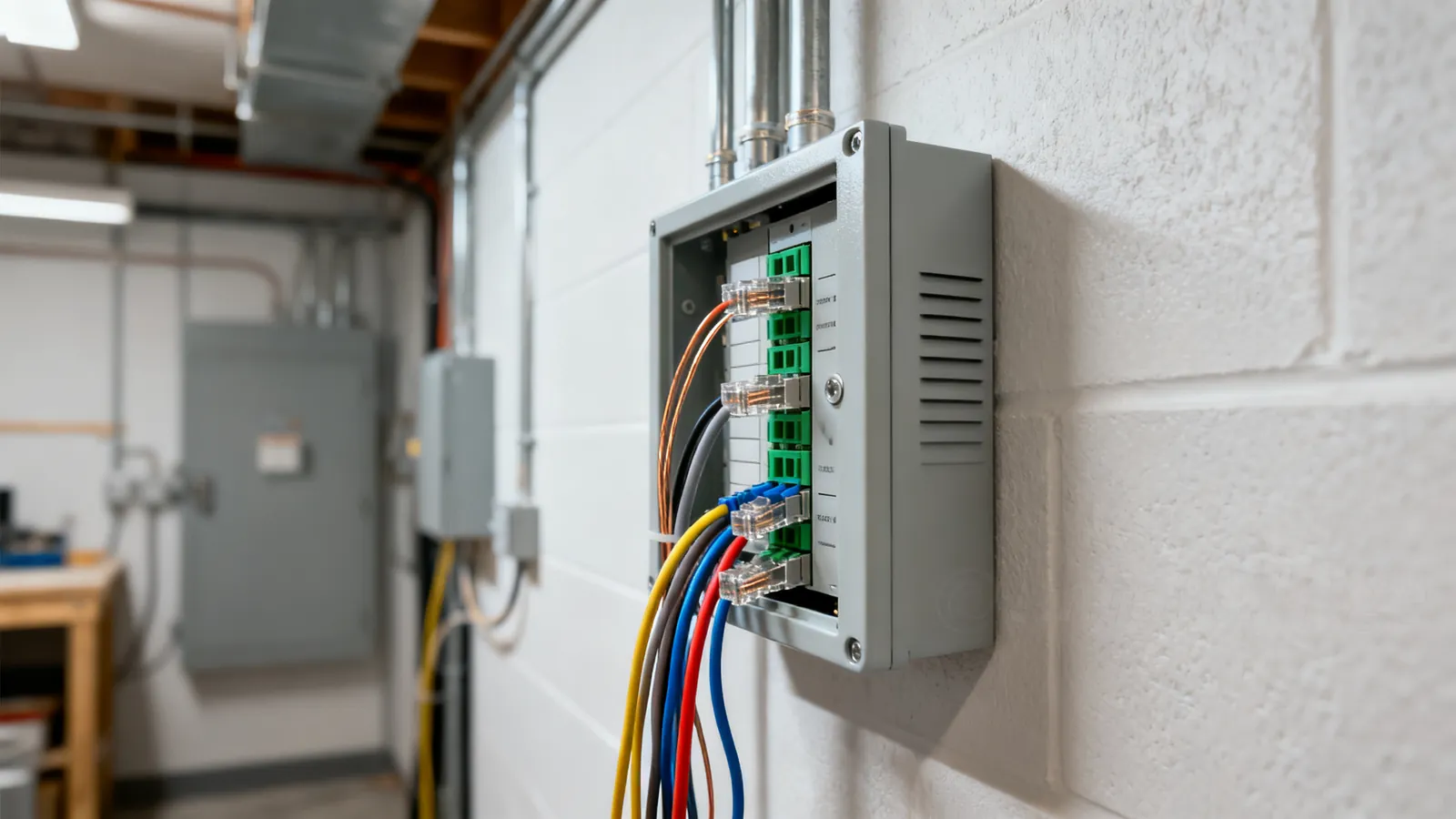
A wired home network is a star: every cable runs from one central point to a single wall outlet, and nothing daisy-chains. That one rule decides almost everything else — which cable you buy, where it goes, and what you can add later. Get the star right and the rest is choosing a category and terminating it properly.
The star layout and the media panel
Pick one place for the centre. A basement corner, a utility closet, the back of a structured wiring cabinet — anywhere with power and a path to the rest of the house. This is the media panel: the patch panel, the switch, the router and the modem all live there.
From that point, one cable runs to each place you want an outlet. Not a chain from room to room. A star means a fault in one run affects one outlet, a switch port maps to one room, and you can re-purpose any run by moving a patch cord.
A typical plan:
- Two runs to the main TV or media wall (one for the player, one spare or for a second device).
- One run to each bedroom and home office desk.
- One run to the ceiling or high wall where a Wi-Fi access point will go.
- One run to a garage, outbuilding or doorbell location if you plan cameras.
- One run to the kitchen or a central hallway for a second access point.
Runs are cheap when the walls are open and expensive afterwards. Two cables where you think you need one is the standard advice for a reason.
Which cable to run in the walls
The permanent link — the cable inside the wall — should be solid copper, not stranded, and rated for the space it passes through. Solid conductors are made to be punched into jacks and patch panels; stranded cable is for patch cords that flex.
| Category | Rated to | 1 Gbps | 10 Gbps | Notes |
|---|---|---|---|---|
| Cat5e | 100 MHz | 100 m (328 ft) | Not specified | Still fine for 1 Gbps and 2.5GBASE-T |
| Cat6 | 250 MHz | 100 m (328 ft) | 55 m (180 ft), as little as 37 m (121 ft) bundled | Common choice for new runs |
| Cat6a | 500 MHz | 100 m (328 ft) | 100 m (328 ft) | The safe choice for long 10 Gbps runs |
| Cat7 | 600 MHz | — | — | ISO only, not a TIA category; RJ45 patch cords are not a standard Cat7 channel |
| Cat8 | 2000 MHz | — | 25/40GBASE-T to 30 m (98 ft) | Data-centre switch-to-server links, not home runs |
For most homes, Cat6 is the practical default. Cat6a costs more and is stiffer to pull, but it removes the length question entirely for 10 Gbps. Cat5e is not wrong if the runs are short and 1 Gbps is the target — 2.5GBASE-T runs on it to 100 m under IEEE 802.3bz. The full comparison of categories, including the Cat7 and Cat8 caveats, is in Ethernet cable categories explained.
Avoid copper-clad aluminium (CCA) cable. It does not meet TIA category standards: higher resistance, brittle when flexed, and more heat under PoE. Category cable is solid or stranded copper.
Conduit, service loops and pulling
If the walls are open, run conduit or at least leave a pull string. Conduit lets you replace a cable or add fiber later without opening the wall again. Smurf tube (corrugated non-metallic conduit) is common for residential work.
Leave a service loop of slack at both ends — a metre or so coiled in the wall box and at the panel. You will need it when you re-terminate a jack or move the panel.
Pulling rules that matter:
- Maximum pulling tension for 4-pair cable is 25 lbf (110 N). Pull by hand, not with a winch.
- Installed bend radius for 4-pair UTP is at least 4 times the cable’s outside diameter.
- Do not staple category cable. Staples crush the pair geometry and change the impedance.
- Keep the pair untwist at a termination to no more than 13 mm (0.5 in) for Cat5e and higher.
Keeping data cable away from mains
The NEC asks for at least 50 mm (2 in) between communications cable and mains power conductors unless a barrier separates them. Cross power cables at a right angle rather than running parallel.
This is not superstition. Mains wiring carries 120 V or 230 V at 50 or 60 Hz, and the magnetic field around a loaded conductor induces noise into nearby twisted pairs. The 50 mm separation and the right-angle crossing keep that coupling small.
Mains wiring itself — new circuits, outlets, running cable inside walls next to power — is a job for a licensed electrician. A cable reference can tell you where to keep your data runs; it cannot tell you how to wire a circuit.
Fire ratings: plenum, riser, general purpose
Cable jackets are rated for the space they pass through. In the US, the NEC classes are CMP (plenum, air-handling spaces), CMR (riser, vertical runs between floors), CM or CMG (general purpose), and CMX (limited residential use). A higher rating can replace a lower one — CMP can go anywhere CMR can.
In the EU, cable fire performance is classed under the Construction Products Regulation (CPR) with Euroclasses such as Eca, Dca, Cca and B2ca. LSZH (low smoke zero halogen) jackets are common there.
If a run passes through a return-air plenum, use plenum-rated cable. The difference in smoke and flame behaviour is the reason the rating exists. The full breakdown is in Plenum vs riser vs CM cable ratings.
Outdoor runs need a UV-resistant jacket; direct-burial cable is gel-filled or flooded to keep water out. Indoor cable is not rated for either.
Terminating at the panel and the wall
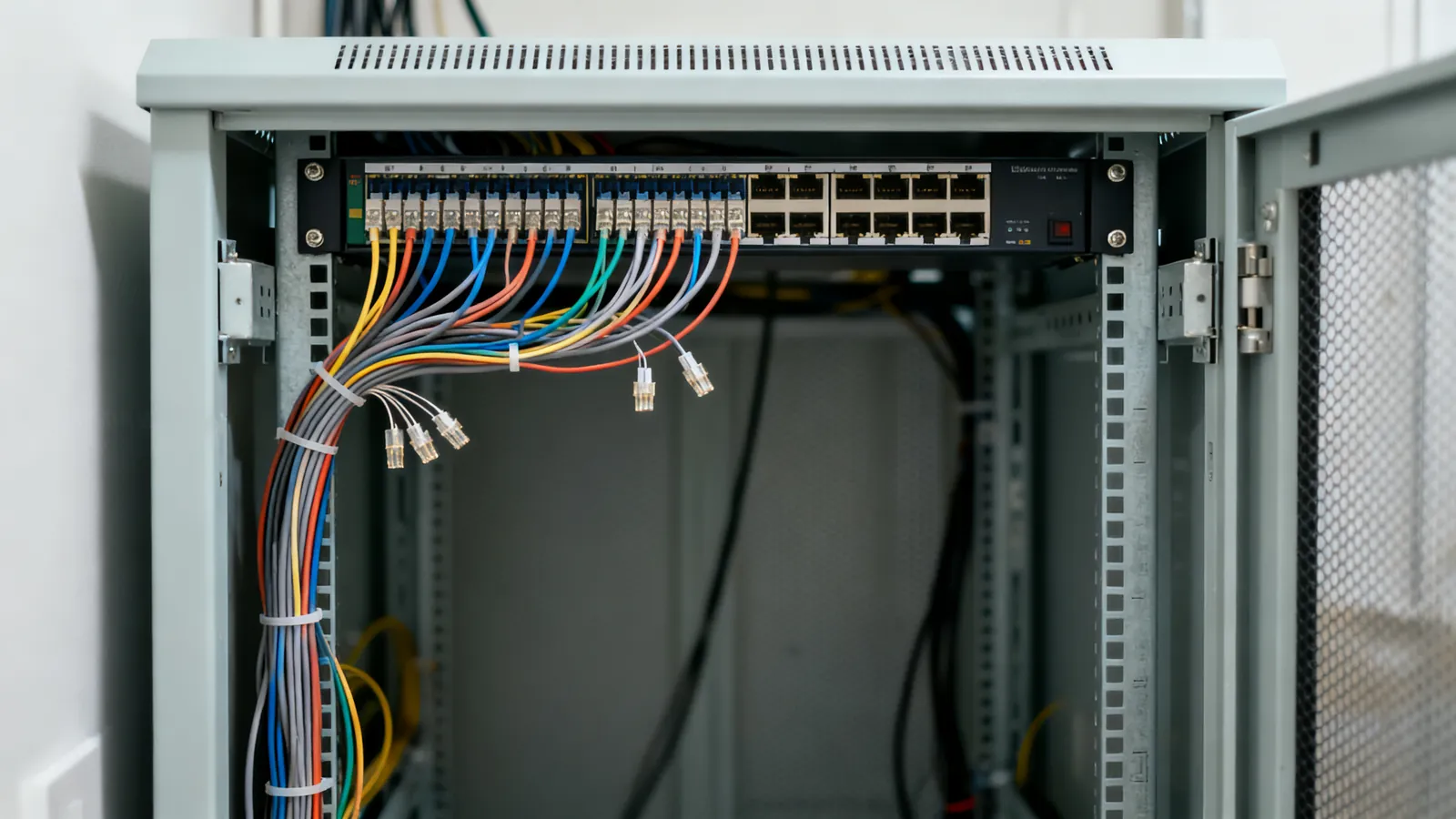
At the media panel, the permanent links land on a patch panel. At the wall, they land on a keystone jack in a wall plate. Both ends are punched down, not plugged.
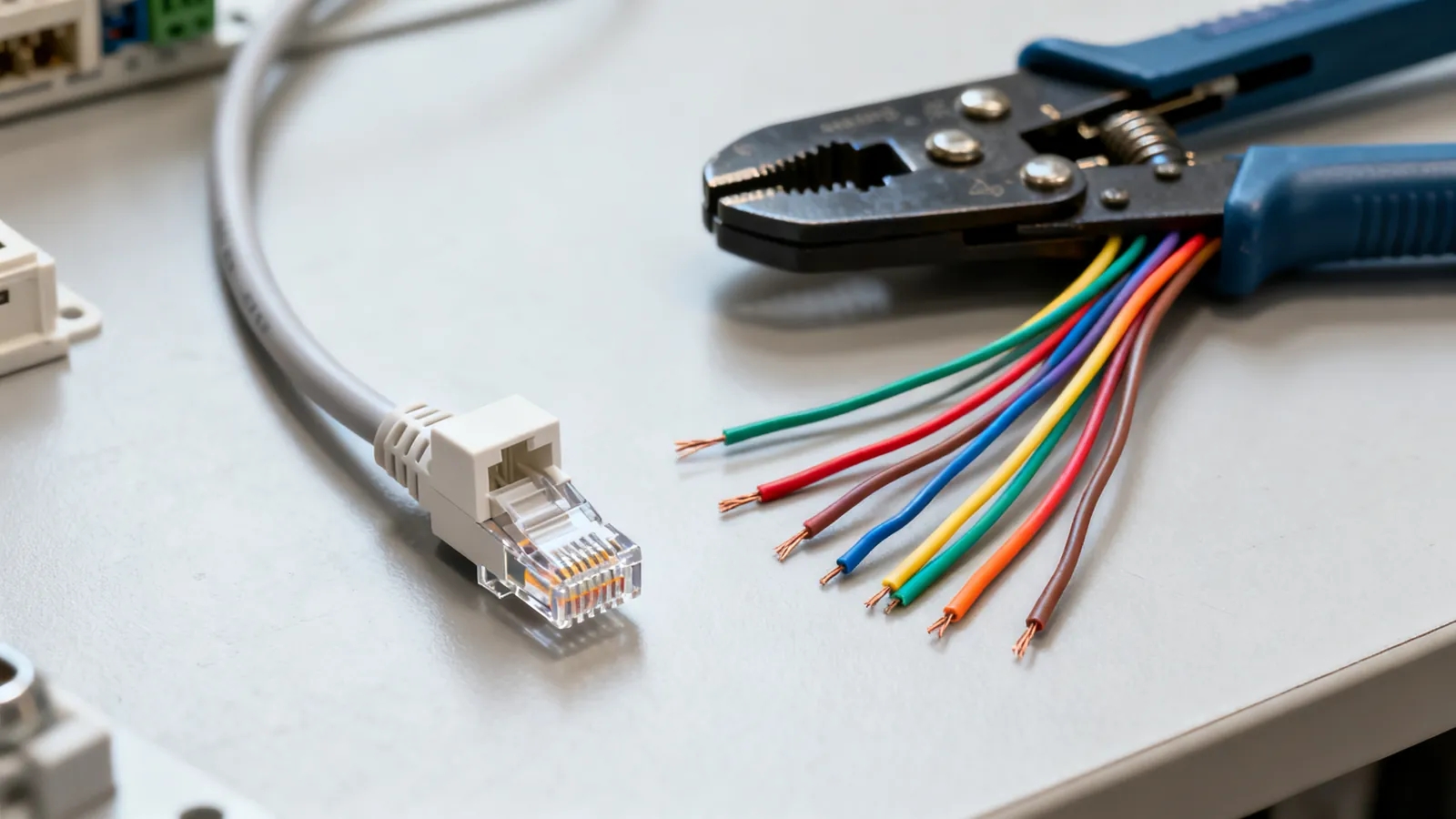
Use one wiring scheme throughout the building. T568A and T568B differ only in swapping the orange and green pairs; both work identically. TIA-568 names T568A as the preferred scheme (it is also required on US federal government work); T568B is widely used in US commercial installations. Pick one and use it at both ends of every cable.
T568B pin order: 1 white/orange, 2 orange, 3 white/green, 4 blue, 5 white/blue, 6 green, 7 white/brown, 8 brown.
T568A pin order: 1 white/green, 2 green, 3 white/orange, 4 blue, 5 white/blue, 6 orange, 7 white/brown, 8 brown.
Label both ends of every cable. ANSI/TIA-606 is the labelling standard, and a panel with unlabelled ports is a panel you will re-trace by hand later. Patch panels, keystone jacks and wall plates are covered in Patch panels, keystone jacks and wall plates.
Wi-Fi access points on PoE
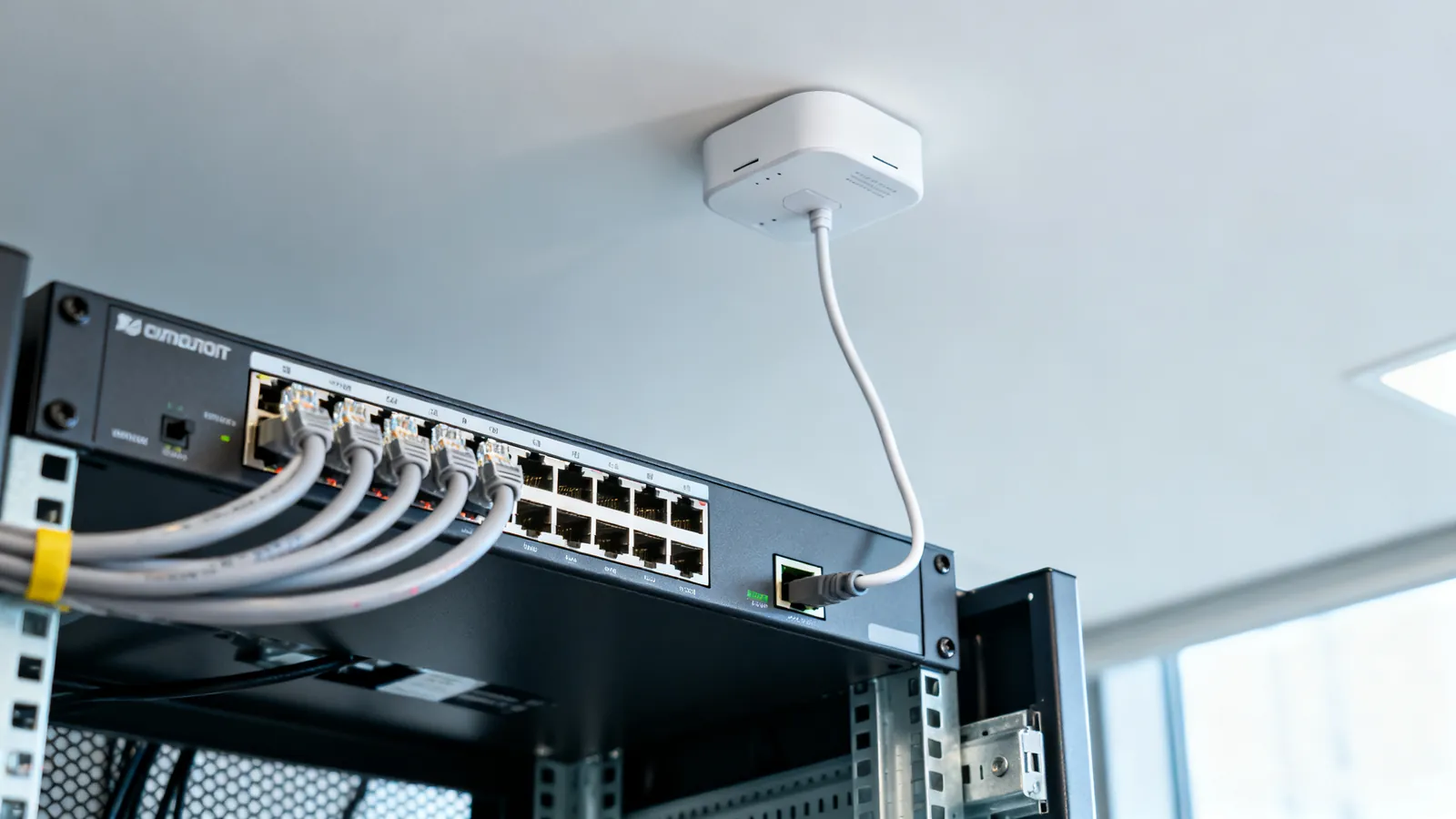
A ceiling access point is usually powered over Ethernet, which means one cable carries both data and power. That removes the need for a mains outlet in the ceiling — a real advantage, because running mains to a ceiling location is electrician work.
PoE standards:
| Standard | At the port | At the device | Pairs used |
|---|---|---|---|
| 802.3af (PoE, Type 1, 2003) | 15.4 W | 12.95 W | Two |
| 802.3at (PoE+, Type 2, 2009) | 30 W | 25.5 W | Two |
| 802.3bt (PoE++, 2018) Type 3 | 60 W | 51 W | Four |
| 802.3bt Type 4 | 90 W | 71.3 W | Four |
PoE keeps the 100 m (328 ft) Ethernet limit. Higher power heats bundled cable; 23 AWG Cat6 or Cat6a copper runs cooler than thinner cable, and CCA should never carry PoE. The full picture, including injectors and passive non-standard supplies, is in Power over Ethernet: PoE, PoE+ and PoE++ explained.
What goes wrong
Split pairs. A wire swapped between two pairs passes a simple continuity test and fails at speed. It needs a tester that measures crosstalk.
Too much untwist at the jack. More than 13 mm (0.5 in) of untwisted pair at a termination changes the impedance and hurts performance. This is the most common installation fault.
Crossover cables where they are not needed. Auto-MDI-X detects and swaps the pairs electronically; almost every Gigabit and faster port has it. A straight-through cable is correct for a modern switch-to-device link.
A “Cat7” patch cord on a Cat6a run. Cat7 is an ISO/IEC Class F standard rated to 600 MHz, but its own connectors are GG45 and TERA. A “Cat7” cord with RJ45 plugs is not a standard Cat7 channel and performs as the RJ45 connection allows. The category label on the bag does not upgrade the connector.
A shielded cable with an ungrounded shield. A shielded system needs shielded jacks, plugs and patch panels, and grounding through the equipment. A shield that is broken or not grounded gives no benefit and can pick up noise.
Running past 100 m. The 100 m (328 ft) channel limit — up to 90 m (295 ft) of permanent link plus up to 10 m (33 ft) of patch and equipment cords — applies to every speed from 10 Mbps to 10 Gbps on the matching category. It is set by signal loss and timing, not by the switch.
A cable that is not certified. A continuity tester finds opens and shorts. Only a certification tester measures the link against the TIA category limits — insertion loss, NEXT, return loss — and proves it meets Cat6 or Cat6a.
Mains work attempted by the wrong person. New circuits, outlets and mains cable inside walls are electrician work. Replace a damaged power cord rather than repairing it, and leave the circuit alone.
What to leave to an electrician
Mains wiring, new outlets, and any work inside a mains panel or on a mains circuit. If a data run needs a new outlet nearby, that is an electrician’s job. If a cable must pass through a fire-rated assembly, check local code before drilling. The data side — pulling, terminating, testing and labelling — is the part you can do yourself.
Common questions
What Ethernet cable should I run in my walls?
Solid copper Cat6 is the practical default for new runs. It carries 1 Gbps to 100 m (328 ft) and 10GBASE-T up to 55 m (180 ft), or as little as 37 m (121 ft) where many cables run bundled together. Cat6a costs more but carries 10 Gbps to the full 100 m (328 ft). Avoid copper-clad aluminium (CCA), which does not meet TIA category standards.
How far can I run Ethernet cable in a house?
The channel limit is 100 m (328 ft) in total: up to 90 m (295 ft) of permanent link in the wall plus up to 10 m (33 ft) of patch and equipment cords. That limit applies to every speed from 10 Mbps to 10 Gbps on the matching category. It is set by signal loss and timing, not by the switch.
Do I need conduit for home network wiring?
Conduit is not required, but it makes future changes far easier. If the walls are open, run conduit or at least leave a pull string so a cable can be replaced or fiber added later without opening the wall again. Leave a service loop of slack at both ends for re-termination.
Can I run Ethernet cable next to electrical cable?
The NEC asks for at least 50 mm (2 in) between communications cable and mains power conductors unless a barrier separates them, and for power cables to be crossed at a right angle rather than run parallel. Mains wiring itself is a job for a licensed electrician.
Should I use T568A or T568B for home wiring?
Either works; they differ only in swapping the orange and green pairs. TIA-568 names T568A as the preferred scheme, and it is required on US federal government work; T568B is widely used in US commercial installations. Use one scheme at both ends of every cable in the building.
Sources
Read next
Power over Ethernet: PoE, PoE+ and PoE++ Standards
PoE standards compared: 802.3af, 802.3at and 802.3bt power at the port and device, injectors vs switches, and the right cable for high-power PoE.
Patch Panels, Keystone Jacks and Wall Plates
A patch panel terminates permanent links in a rack; keystone jacks do the same at the wall. Learn 110 punch down, T568 wiring, labelling and what fails.
T568A vs T568B: Ethernet Wiring Colour Order
T568A and T568B differ only in the orange and green pairs. See both pinouts, which standard to use, and why mixing them makes a crossover cable.
Multimode Fiber Grades Compared: OM1 to OM5
Compare OM1 to OM5 multimode fiber: core size, jacket colour, and 1G, 10G, 40G and 100G reach. See what to install new and what old OM1 and OM2 still carry.
SFP vs SFP+: Modules, DAC and AOC Cables
SFP vs SFP+: how the module family scales from 1G to 100G, which fiber each type needs, when to use DAC or AOC cables, and why vendor coding matters.