25-Pair Cable, RJ21, Hydra Cables, T1 and V.35
25-pair cable colour code, RJ21 connectors, hydra cables, T1 pinouts and V.35 links: what each carries, how far, and where a wrong connection damages hardware.
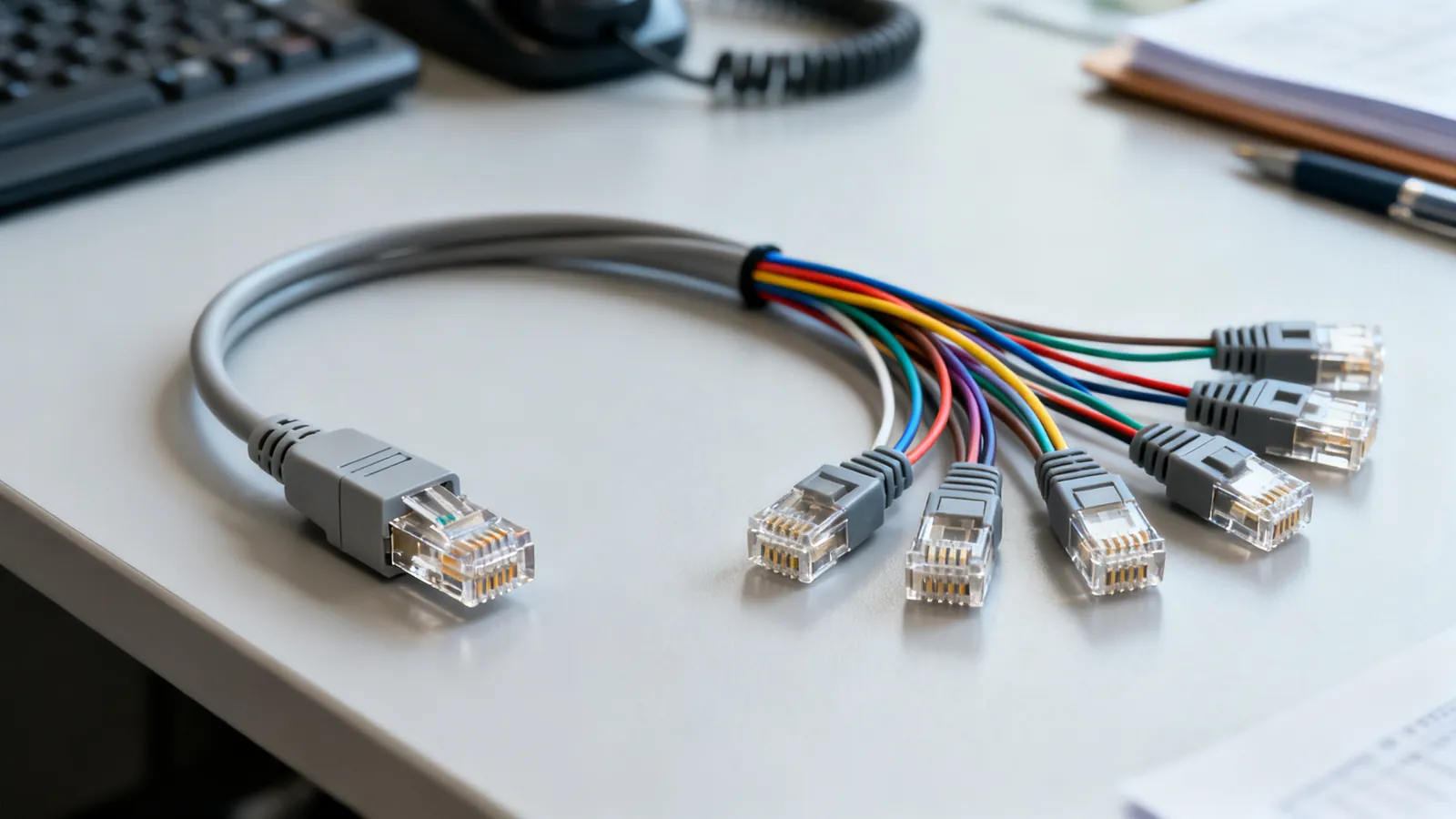
A 25-pair cable is a bundled telephone trunk: 50 conductors, 25 twisted pairs, terminated on an RJ21 connector (50-pin, also called Amphenol, Champ or Telco). It is still the backbone of voice risers, key systems, channel banks and legacy data runs, and the same cable type appears in T1 and V.35 installations through hydra breakout cables. The colour code, the pin numbering and the connector gender all matter, because a miswired 25-pair trunk can put battery voltage onto the wrong pair and take down a whole shelf of equipment.
The 25-pair colour code
Every pair in a 25-pair cable has two colours: a tip colour and a ring colour. The tip colours run in a fixed order of five, and the ring colours in a fixed order of five, and the two sequences combine to give 25 unique pairs. The first pair is white-blue, the second white-orange, and so on through the ring colours, then the tip colour advances to red and the ring sequence repeats.
| Pair | Tip | Ring |
|---|---|---|
| 1 | White | Blue |
| 2 | White | Orange |
| 3 | White | Green |
| 4 | White | Brown |
| 5 | White | Slate |
| 6 | Red | Blue |
| 7 | Red | Orange |
| … | … | … |
| 25 | Violet | Slate |
The tip colours are white, red, black, yellow and violet. The ring colours are blue, orange, green, brown and slate. Pair 1 is white-blue, pair 25 is violet-slate. On a punch-down block the tip is the first wire of the pair and the ring the second; on a connector the numbering follows the same order. Get the tip and ring the wrong way round on a phone line and the phone may still work, but on a data or signalling pair it can invert the polarity and stop the link.
RJ21 connectors and hydra cables
An RJ21 is a 50-pin connector, usually a male Amphenol-style plug with a bail latch, that carries all 25 pairs in one shell. The 50 pins are arranged in two rows of 25, and the pair order runs across the rows: pin 1 is the tip of pair 1, pin 26 is the ring of pair 1, pin 2 is the tip of pair 2, and so on. That numbering is not the same as a 25-pair colour code read left to right, and it is the most common source of wiring errors.
A telco hydra cable (also called an octopus cable) takes one RJ21 plug and fans it out to 25 individual RJ11 or RJ45 sockets, or to a smaller number of ports. Hydra cables are used to connect a 25-pair trunk to a patch panel, a PBX, or a bank of modems. The fan-out is not a standard: some hydras map pair 1 to the first RJ11, some map it to the last, and some split the 25 pairs into two groups of 12 with a spare. Always check the hydra’s own pinout before assuming it matches the colour code.
For structured cabling, a 25-pair cable is usually terminated on a 110 or 66 block, not on RJ21. The patch panels, keystone jacks and wall plates page covers how those terminations are laid out. If the same building also carries Ethernet, the pair order on the data side follows T568A or T568B, which is a different scheme entirely and must not be mixed with the 25-pair colour code on the same block.
RJ11, RJ14 and RJ12
The small modular jacks are often confused. The number after RJ tells you how many positions and contacts the jack has, not how many lines it carries.
| Jack | Positions/contacts | Lines |
|---|---|---|
| RJ11 | 6P2C | One phone line |
| RJ14 | 6P4C | Two lines |
| RJ12 | 6P6C | Three lines (or data on a key system) |
A 6-position jack can accept a 2-contact plug, so an RJ11 plug fits an RJ14 or RJ12 socket. The centre pair (pins 3 and 4) is line 1; the next pair out (pins 2 and 5) is line 2. On a 25-pair cable, each RJ11 hydra port usually takes one pair from the bundle, and the pair order on the hydra determines which line appears on which port.
T1 cable pinout
A T1 line runs at 1.544 Mbps and carries 24 voice channels. It is delivered on an RJ48C 8-position jack, which looks like an RJ45 but is wired differently. The standard T1 pinout is:
| Pin | Signal |
|---|---|
| 1 | Receive ring |
| 2 | Receive tip |
| 4 | Transmit ring |
| 5 | Transmit tip |
Pins 3, 6, 7 and 8 are not used for the T1 signal. A T1 crossover cable swaps pins 1 and 2 with pins 4 and 5, so that the transmit pair of one end lands on the receive pair of the other. This is not the same as an Ethernet crossover, which swaps the orange and green pairs. Plugging a T1 line into an Ethernet port, or using a straight-through Ethernet cable where a T1 crossover is needed, will not damage the equipment but the link will not come up. The 1.544 Mbps rate is the North American standard; E1 runs at 2.048 Mbps and uses a different framing and pinout.
V.35 and other legacy serial links
V.35 is a high-speed serial interface that was common on routers, DSUs and older WAN equipment. It uses a 34-pin M-block (Winchester) connector, not a DB25 or DB9. The electrical signalling is balanced on the data and clock pairs, which is why V.35 cables can run further than RS-232 at the same speed. A V.35 cable is not interchangeable with an RS-232 cable, and the two use different voltage levels and pinouts. For the DB9 and DB25 pinouts used on RS-232 ports, see the RS-232 serial pinouts page.
RS-422 and RS-485 are also differential and often appear on the same equipment. RS-422 is one driver to up to 10 receivers, up to 10 Mbps at short distances and up to 1200 m (4000 ft) at lower speeds. RS-485 is multipoint, up to 32 unit loads on one bus, two-wire or four-wire, up to 1200 m (4000 ft), terminated with 120 ohm resistors at both ends. Modbus RTU and DMX512 lighting control run over RS-485. None of these are compatible with RS-232 without a converter.
Silver satin cord is voice only
Silver satin flat cord is the thin, flat, untwisted cable often supplied with a telephone. It has no twisted pairs, so it has no immunity to crosstalk or induced noise. It is fine for a single voice line over a short run, but it will not carry data reliably, and it should never be used for T1, DSL, or any digital service. The same applies to any flat cable: if the pairs are not twisted, the cable is not a data cable. For a data link, use twisted-pair cable of the correct category, even if the run is short.
What goes wrong
- Tip and ring reversed. On a phone line the phone may still work, but on a data pair the polarity is inverted and the link fails. Check the colour code at both ends.
- RJ21 pin numbering confused with pair order. Pin 1 is the tip of pair 1, pin 26 is the ring of pair 1. Reading the connector as a simple 1-to-50 list will miswire every pair after the first.
- Hydra cable pinout assumed. A hydra that maps pair 1 to the last RJ11 will put line 1 on the wrong port. Test with a continuity tester before connecting equipment.
- T1 crossover used as Ethernet crossover. The two are wired differently. A T1 crossover swaps pins 1-2 with 4-5; an Ethernet crossover swaps the orange and green pairs. Using the wrong one will not damage the port, but the link will not work.
- V.35 and RS-232 cables interchanged. The connectors are different (34-pin M-block vs DB25 or DE-9), and the signal levels are different. Forcing an adapter can damage the serial port.
- Silver satin cord used for data. Untwisted flat cable has no crosstalk immunity. It may work at low speed over a very short run, but it is not a data cable and will fail intermittently.
- Mains separation ignored. The NEC asks for at least 50 mm (2 in) between communications cable and mains power conductors unless a barrier separates them. Cross power cables at a right angle. Any work inside a mains enclosure is a job for a licensed electrician.
Testing and labelling
A continuity tester or wiremap tester will find opens, shorts, crossed wires and reversed pairs on a 25-pair cable. Split pairs, where a wire is swapped between two pairs, pass a simple continuity test and need a tester that measures crosstalk. For T1 and V.35 links, a loopback plug and a bit error rate test are the usual checks. Label both ends of every cable to ANSI/TIA-606, and keep a record of the hydra pinout with the cable. A 25-pair trunk that is labelled correctly at both ends saves hours when a single pair fails.
Common questions
What is the 25-pair colour code?
The tip colours are white, red, black, yellow and violet; the ring colours are blue, orange, green, brown and slate. Pair 1 is white-blue, pair 2 white-orange, through to pair 25 violet-slate. The tip colour advances every five pairs.
What is an RJ21 cable used for?
An RJ21 is a 50-pin connector that carries 25 pairs in one shell. It is used for telephone trunks, PBX connections, channel banks and legacy data runs. A hydra cable fans one RJ21 out to 25 RJ11 or RJ45 sockets.
What is the T1 cable pinout?
On an RJ48C jack, pins 1 and 2 are receive ring and tip, pins 4 and 5 are transmit ring and tip. Pins 3, 6, 7 and 8 are unused. A T1 crossover swaps pins 1-2 with pins 4-5.
Can I use silver satin cord for a data line?
No. Silver satin is flat and untwisted, so it has no crosstalk immunity. It is fine for a single voice line over a short run, but it will not carry data, T1 or DSL reliably.
What is the difference between RJ11, RJ14 and RJ12?
RJ11 is 6P2C and carries one phone line. RJ14 is 6P4C and carries two lines. RJ12 is 6P6C and carries three lines or a key system data pair. A 2-contact plug fits any of the three jacks.
Read next
Null Modem Cables: Wiring, Adapters and Pinouts
A null modem cable crosses TX and RX to join two computers directly. Covers DB9 and DB25 pinouts, adapters versus cables, gender changers and loopback testing.
RS-422 vs RS-485: Differential Serial Compared
RS-422 is one driver to many receivers; RS-485 is a true multipoint bus. Compare distance, speed, termination and wiring, and see what damages hardware.
RS-232 Pinouts: DB9 and DB25 Explained
Complete RS-232 pinout reference for DB9 and DB25 connectors: DTE and DCE pin assignments, voltage levels, cable limits, and the TTL mistake that damages boards.
T568A vs T568B: Ethernet Wiring Colour Order
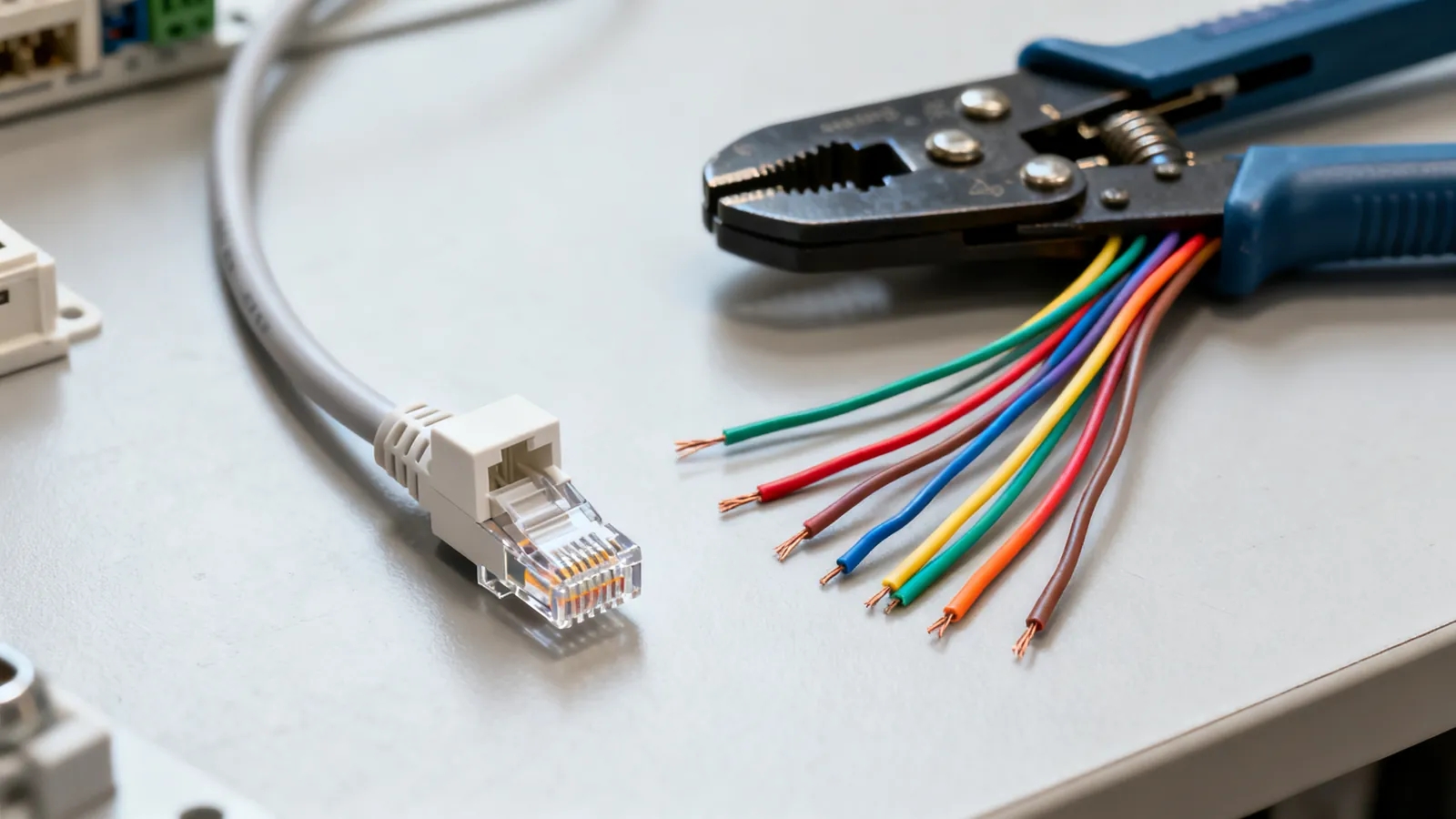
T568A and T568B differ only in the orange and green pairs. See both pinouts, which standard to use, and why mixing them makes a crossover cable.
Ethernet Cable Testers: What Each Kind Checks
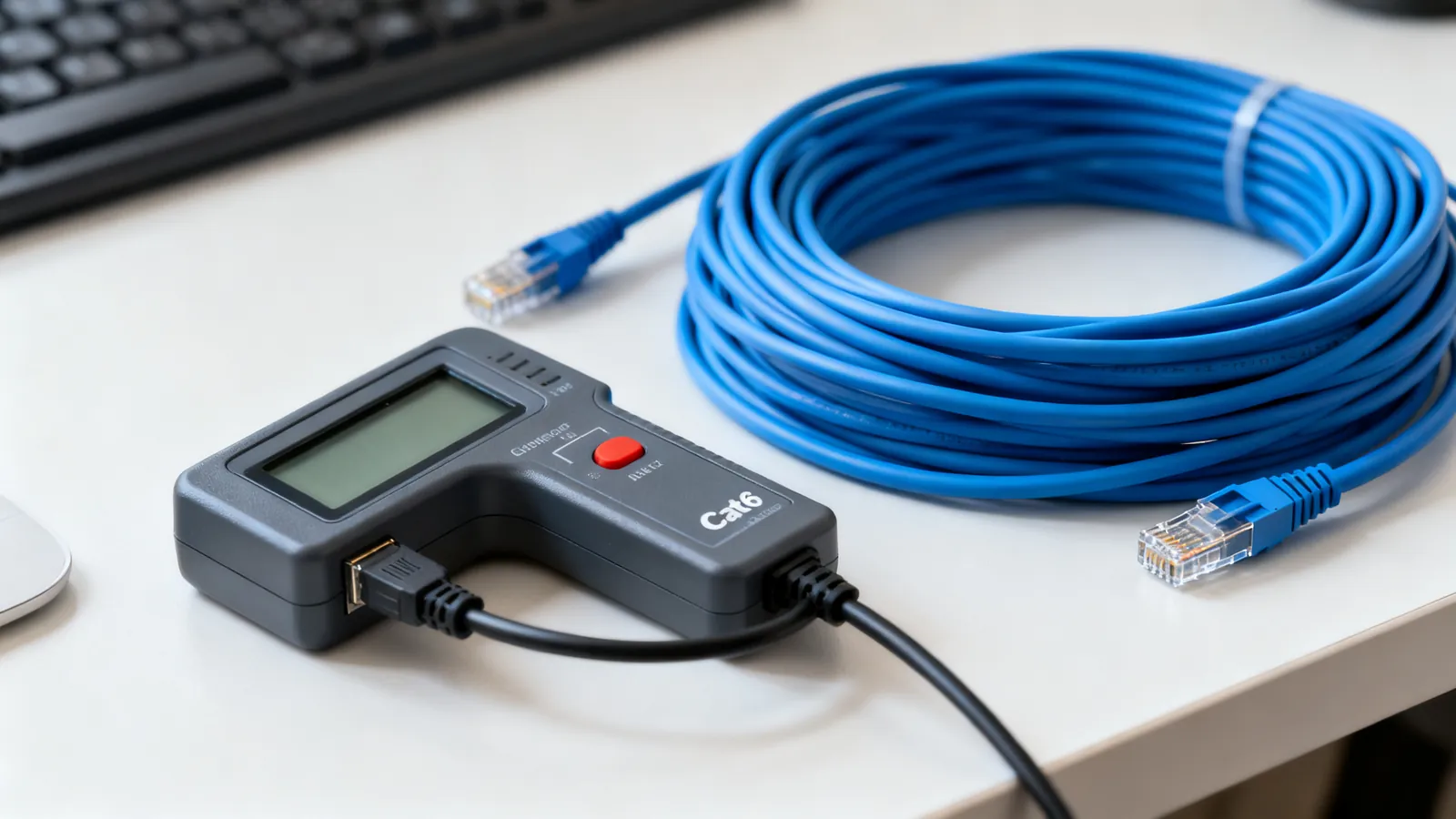
Continuity, qualification and certification testers compared: what each checks, why a cheap tester misses split pairs, and how to read the results.